

Contact Sender – vCard Share
seunghan kim Utilities iPhoneiPadiPod touch
Contact Sender – vCard Share is a free Utilities app for iPhone and iPad by seunghan kim. Requires iOS 16.0. Updated July 22, 2026.
- Price
- Free
- on the App Store
- Size
- 1 MB
- Age 4+
- Updated
- Jul 22
- 2026 · v1.12
Screenshots



About Contact Sender – vCard Share
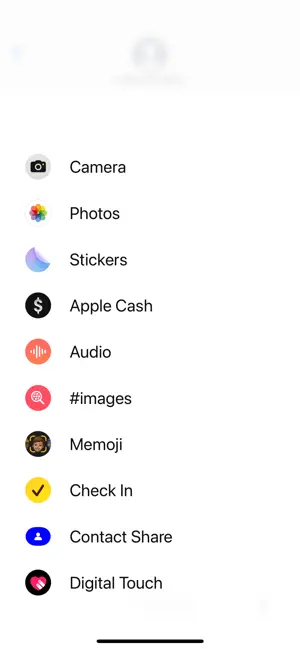
On Samsung Galaxy phones you can attach a contact right inside a text conversation. On iPhone you can't — until now. Search your contacts and send them as a vCard (.vcf) without ever leaving the Messages conversation. ■ Made for · Switchers from Galaxy who miss "send a contact" · Anyone who wants to share someone's number mid-conversation ■ Features · Launch from the '+' menu inside Messages, mid-conversation · Instant search by name or phone number (Korean initial-consonant search supported) · Sends a standard vCard (.vcf) — recipients save with one tap · No ads · Completely free ■ How to use 1. Open a conversation in Messages 2. Tap '+' in the app drawer above the keyboard and pick this app 3. Search and tap a contact — it attaches to the conversation automatically 4. Hit send Contact data is processed only on your device and is never uploaded or collected.
What’s new
Version 1.12 · Updated July 22, 2026
· Korean initial-consonant search (e.g. ㄱㅅㅎ → 김승한) · Wider iPhone device support · Stability improvements
App privacy
The developer, seunghan kim, reported these privacy practices to Apple.
Data Not Collected
The developer does not collect any data from this app.