

Mirror Screen to TV
DAMIRCHE CA LLC Photo & Video iPhoneiPad
Mirror Screen to TV is a free Photo & Video app for iPhone and iPad by DAMIRCHE CA LLC. Rated 5.0/5 from 9 ratings. Requires iOS 17.0.
- Rating
- 5.0
- 9 ratings
- Price
- Free
- on the App Store
- Size
- 38 MB
- Age 4+
- Updated
- Sep 5
- 2026 · v1.1
Screenshots

About Mirror Screen to TV
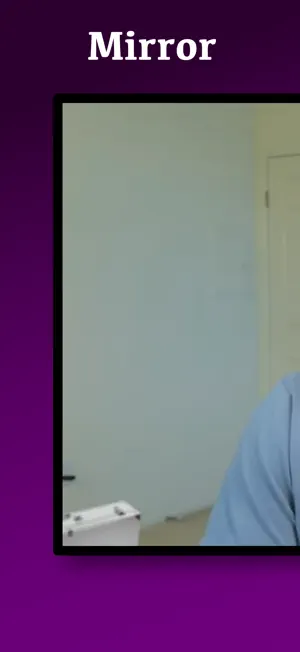
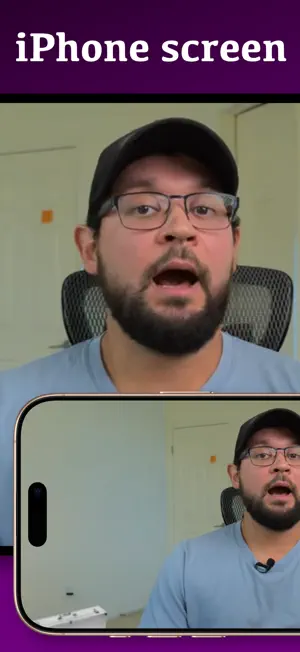
+ EASY & SIMPLE TO USE. I’m a tech-savvy guy, and my job is to simplify things for people as much as possible. I solve problems and make people happy. + GREAT QUALITY & LOW LATENCY. The tech is battle-tested in my other app, Screen Mirroring to iPad (94 five-star ratings in the US). + SOUND. Some other mirroring apps don’t support sound. That’s ridiculous and unacceptable. + GREAT SUPPORT. If you run into a problem I didn’t anticipate, I’ll work on it until you’re satisfied. Just check its ratings — many of the reviews mention the support. WHAT IT MIRRORS TO Any device with a modern web browser: a PC, a Mac, a laptop, a Chromebook, a smart TV. There is nothing to install on the other end — you open a web page and scan a code. Windows has no AirPlay, so a PC normally cannot receive an iPhone screen at all. This is how you do it. HOW DOES IT WORK? 1. Open the website tvvv.tv in any browser — on your PC, Mac, laptop, TV or iPad. You’ll see a QR code. 2. Launch the app on your iPhone (or iPad) and scan the QR code. 3. It just works. * If you want to screen mirror paid streaming services like Netflix, Amazon Prime Video, Disney+, etc., do NOT download the app — no mirroring app will work for that. These streaming services intentionally block screen mirroring using a technology called DRM. * If you run into any issues, please contact me. I’m friendly, I promise. Join the Discord channel, message on Reddit, or email me. --- This app is not affiliated with any of the trademarks mentioned above.
Ratings & reviews
5.0
9 ratings
What’s new
Version 1.1 · Updated September 5, 2026
Bug fixes.
App privacy
The developer, DAMIRCHE CA LLC, reported these privacy practices to Apple.
Data Used to Track You
The following data may be used to track you across apps and websites owned by other companies:
- Identifiers: Device ID
- Usage Data: Product Interaction, Advertising Data
Data Linked to You
The following data, which may be collected and linked to your identity, may be used for the following purposes:
- Identifiers: Device ID
- Usage Data: Advertising Data
Used for: Third-Party Advertising, Developer’s Advertising or Marketing, Analytics, App Functionality
Data Not Linked to You
The following data, which may be collected but is not linked to your identity, may be used for the following purposes:
- Usage Data: Product Interaction
- Diagnostics: Crash Data, Performance Data, Other Diagnostic Data
Used for: Third-Party Advertising, Developer’s Advertising or Marketing, Analytics, App Functionality
Alternatives to Mirror Screen to TV
Looking for apps like Mirror Screen to TV? Here are 6 similar apps on the App Store. The highest rated is ChronoSnap (5.0/5), and all 6 are free to download.
-
 Blur Cut
-
 Miracast - TV Screen Mirroring
4.4
Miracast - TV Screen Mirroring
4.4
-
 InCut-AI Video Editor & Maker
-
 ChronoSnap
5.0
ChronoSnap
5.0
-
 Background Remover & Editor
5.0
Background Remover & Editor
5.0
-
 Timestamp Camera: GPS, Photo
4.9
Timestamp Camera: GPS, Photo
4.9
| App | Rating | Price | Last updated | Compare |
|---|---|---|---|---|
| Mirror Screen to TV | 5.0 / 5 (9 ratings) | Free | September 5, 2026 | |
| Blur Cut | – | Free | Jul 10, 2025 | Compare |
| Miracast - TV Screen Mirroring | 4.4 / 5 (31) | Free | Dec 28, 2024 | Compare |
| InCut-AI Video Editor & Maker | – | Free | Jun 29, 2026 | Compare |
| ChronoSnap | 5.0 / 5 (1) | Free | Oct 10, 2026 | Compare |
| Background Remover & Editor | 5.0 / 5 (3) | Free | Aug 18, 2026 | Compare |
| Timestamp Camera: GPS, Photo | 4.9 / 5 (27) | Free | Sep 15, 2026 | Compare |