

Smart Printer App – Air Print
Muhammad Waqar Younis Productivity iPhoneiPadiPod touch
Smart Printer App – Air Print is a free Productivity app for iPhone and iPad by Muhammad Waqar Younis. Rated 4.5/5 from 2 ratings. Requires iOS 15.6.
- Rating
- 4.5
- 2 ratings
- Price
- Free
- on the App Store
- Size
- 75 MB
- Age 4+
- Updated
- Oct 20
- 2026 · v1.19
Screenshots
About Smart Printer App – Air Print
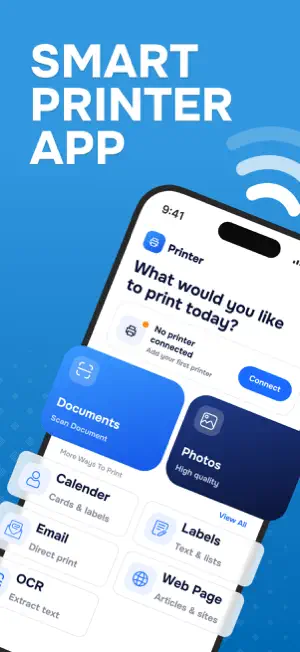
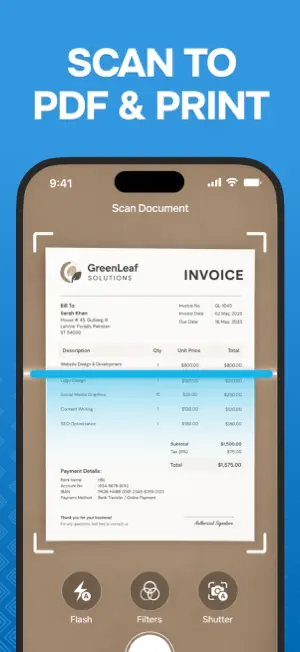
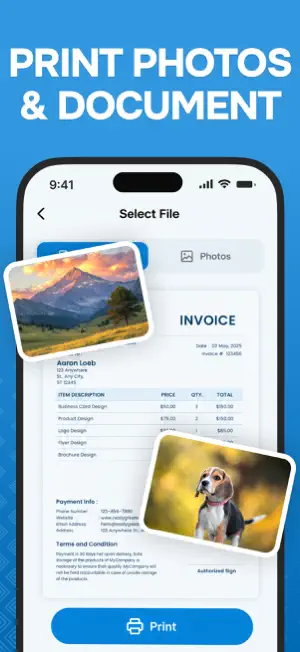
Print wirelessly from your iPhone or iPad in seconds. No computer, no complicated setup. Smart Printer & PDF Tools lets you print PDFs and photos, scan paper documents, and sign forms, all from your phone. Printing shouldn't be this hard. A form that needs a signature, a photo that won't fit the page, or a paper document you have to send today can turn a quick task into a real headache. Now you can open your file, tap print, and get it done. ► PRINT ANYTHING - PDFs: print your PDF files with sharp, accurate results - Photos: JPG, PNG and HEIC, sized to fit the page - Scan & Print (NEW): scan a paper document to PDF, then print it right away - Web pages: save any page as a PDF and print it - Emails: save an email as a PDF and print it - Labels: create and print custom labels - Calendars: create and print clean, ready-to-use calendars - OCR & Print: read text from your PDF files ► SIGN, FILL & EDIT - eSign & Fill (NEW): sign, fill in and complete documents with no pen and no scanner - Add text anywhere on your document - Highlight and draw to mark up what matters - Insert shapes - View multi-page documents with easy page navigation - Undo, redo and zoom for precise control, then tap Done to save ► PDF TOOLS - Merge PDFs: combine several PDFs into one file - Delete PDF Pages: remove the pages you don't need - Image to PDF: turn your images into a PDF - Photo Editor: enhance your photos with Tune, Filter and Blur ► HISTORY Find your saved and printed files in one place. Filter by All, Documents or Images, see the name, size and date at a glance, and use the menu for more actions. ► PRIVATE BY DESIGN We don't upload your documents to our servers or store them permanently. Your data stays yours. ► MADE FOR EVERYONE - Students: assignments, notes and study material - Professionals: reports, contracts and invoices - Small business owners: labels, receipts and forms - Teachers: worksheets, handouts and exam papers - Parents: photos, tickets, calendars and school forms - Travelers: boarding passes and booking confirmations Dark Mode and a searchable language picker make it comfortable to use, day or night, in your own language. If you print, scan or sign documents even once in a while, this app will save you time. Download Smart Printer & PDF Tools today and get your printing done fast. Disclaimer: A compatible printer is required for printing. Smart Printer & PDF Tools is an independent app and is not affiliated with or endorsed by any printer manufacturer. All brand names and trademarks belong to their respective owners. Privacy Policy: https://sites.google.com/view/blendatom- privacypolicy/home Terms of Use: https://sites.google.com/view/blendatom-terms-of- use/home
What’s new
Version 1.19 · Updated October 20, 2026
- Print your PDFs and photos in a few taps. - Scan paper documents and print them right away. (NEW) - Sign and fill forms on your phone with no pen or scanner. (NEW) - Save web pages and emails as PDF, then print them. - Create and print labels and calendars in minutes. - Read text from your PDF files without retyping. - Merge PDFs and delete pages you don't need. - Turn your images into a single PDF. - Add text, highlight, draw and insert shapes. - Enhance your photos with Tune, Filter and Blur. - Find all your files in History. - Bug fixes and improvements
App privacy
The developer, Muhammad Waqar Younis, reported these privacy practices to Apple.
Data Used to Track You
The following data may be used to track you across apps and websites owned by other companies:
- Usage Data: Advertising Data
Data Not Linked to You
The following data, which may be collected but is not linked to your identity, may be used for the following purposes:
- Usage Data: Advertising Data, Other Usage Data
- Identifiers: User ID, Device ID
- Diagnostics: Performance Data, Crash Data
Used for: Developer’s Advertising or Marketing, Analytics, App Functionality, Other Purposes