

eSign Fill & Sign PDF Document
Zintex OU Utilities iPhoneiPadiPod touch
eSign Fill & Sign PDF Document is a free Utilities app for iPhone and iPad by Zintex OU. Rated 4.4/5 from 133 ratings. Requires iOS 16.0.
- Rating
- 4.4
- 133 ratings
- Price
- Free
- on the App Store
- Size
- 73 MB
- Age 4+
- Updated
- Oct 7
- 2026 · v1.1
Screenshots
About eSign Fill & Sign PDF Document
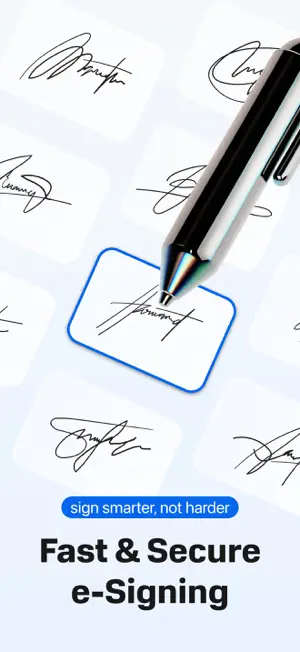
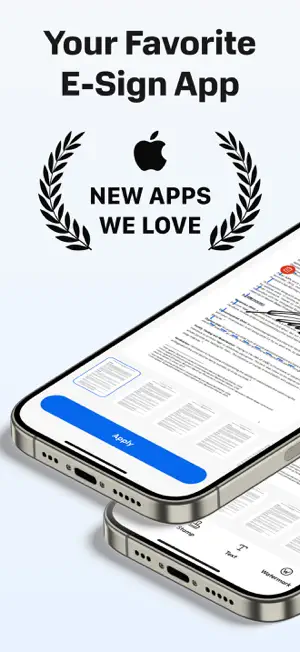
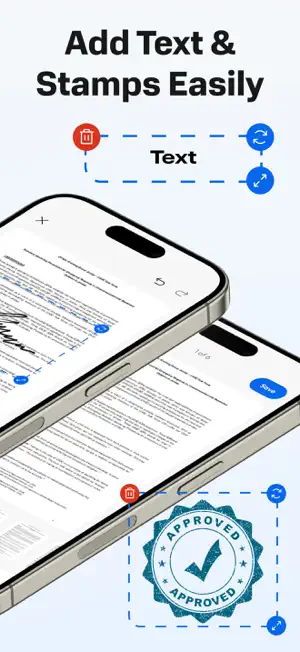
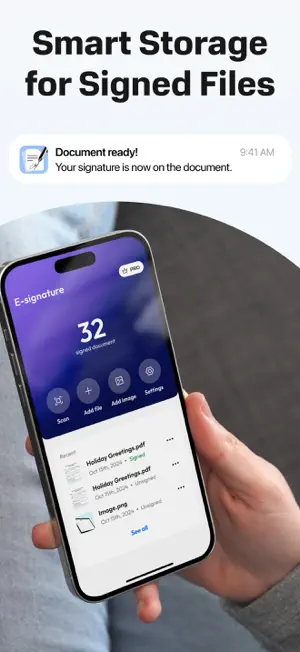
eSign PDF: Fill & Sign Documents Sign documents, fill out forms, and create professional electronic signatures in seconds. Whether you need to sign a PDF, a contract, or a lease agreement, our powerful eSignature tool turns your phone into a complete digital office. Stop printing, scanning, and mailing. Join thousands of professionals who trust eSign for legally binding signatures on the go. Key Features for Professionals: Professional Signature Maker: Draw your signature with your finger or type your initials. Create a reusable e-signature for any document type. PDF Editor & Form Filler: Easily fill out PDF forms, add text to documents, and complete applications without a printer. Effortless Import & Scan: Import files directly from email, iCloud, Google Drive, or Dropbox. Use your camera to scan physical papers into digital PDFs. Legally Binding & Secure: Manage your contracts, NDAs, and waivers with confidence. Perfect for real estate, legal, and business use. Fast Sharing: Send signed documents via email, WhatsApp, or Slack instantly. Why Choose eSign? Works with all document formats: PDF, Word, Images, and more. Secure cloud storage for all your signed files. No more expensive desktop software - everything you need is in your pocket. Privacy Policy: https://telegra.ph/Privacy-Policy-04-08-77 Terms Of Use: https://telegra.ph/Terms-of-Use-04-08-2
Ratings & reviews
4.4
133 ratings
What’s new
Version 1.1 · Updated October 7, 2026
• Request signature: send a document as a link — the other person signs in any browser, no app needed, and the signed PDF comes back to you. • iCloud sync: your saved signatures, stamps and watermarks now follow you to your other devices. • Now in Japanese, Korean, Chinese (Simplified), Turkish, Dutch, Portuguese (Brazil) and Spanish (Mexico). • Restore purchases right from Settings. • Bug fixes and improvements.
App privacy
The developer, Zintex OU, reported these privacy practices to Apple.
Data Linked to You
The following data, which may be collected and linked to your identity, may be used for the following purposes:
- User Content: Other User Content
- Identifiers: User ID
Used for: App Functionality
Data Not Linked to You
The following data, which may be collected but is not linked to your identity, may be used for the following purposes:
- Usage Data: Product Interaction
- Diagnostics: Crash Data
Used for: Analytics
Alternatives to eSign Fill & Sign PDF Document
Looking for apps like eSign Fill & Sign PDF Document? Here are 6 similar apps on the App Store. The highest rated is PDF Editor: Converter & Scan (4.9/5), and all 6 are free to download.
-
 File & PDF Converter - Editor
4.8
File & PDF Converter - Editor
4.8
-
 PDF Converter: Editor, Scanner
4.4
PDF Converter: Editor, Scanner
4.4
-
 Spy Camera Detector : GR8
4.5
Spy Camera Detector : GR8
4.5
-
 AI Helper Homework Answer Help
4.6
AI Helper Homework Answer Help
4.6
-
 PDF Editor: Converter & Scan
4.9
PDF Editor: Converter & Scan
4.9
-
 Eye Security: Detector Hidden
4.6
Eye Security: Detector Hidden
4.6
| App | Rating | Price | Last updated | Compare |
|---|---|---|---|---|
| eSign Fill & Sign PDF Document | 4.4 / 5 (133 ratings) | Free | October 7, 2026 | |
| File & PDF Converter - Editor | 4.8 / 5 (44) | Free | Apr 3, 2025 | Compare |
| PDF Converter: Editor, Scanner | 4.4 / 5 (33) | Free | Apr 27, 2025 | Compare |
| Spy Camera Detector : GR8 | 4.5 / 5 (109) | Free | Apr 17, 2025 | Compare |
| AI Helper Homework Answer Help | 4.6 / 5 (71) | Free | May 8, 2025 | Compare |
| PDF Editor: Converter & Scan | 4.9 / 5 (16) | Free | May 8, 2025 | Compare |
| Eye Security: Detector Hidden | 4.6 / 5 (49) | Free | Feb 13, 2025 | Compare |