

Toybox: SwiftUI & Metal Lab
Takehito Koshimizu Graphics & Design iPhoneiPadiPod touch
Toybox: SwiftUI & Metal Lab is a free Graphics & Design app for iPhone and iPad by Takehito Koshimizu. Requires iOS 18.2. Updated October 30, 2026.
- Price
- Free
- on the App Store
- Size
- 13 MB
- Age 4+
- Updated
- Oct 30
- 2026 · v1.3.0
Screenshots
About Toybox: SwiftUI & Metal Lab
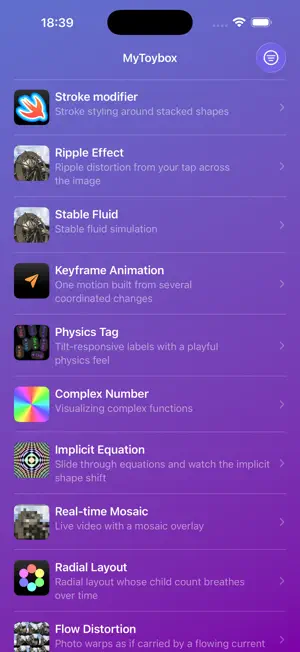
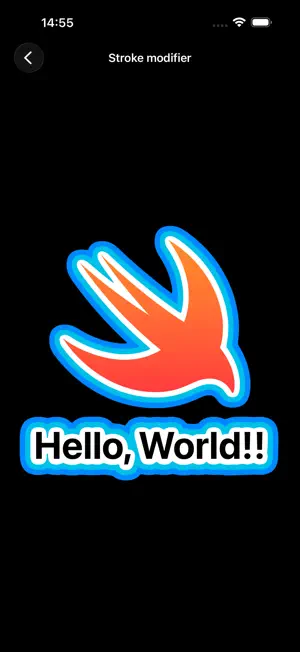
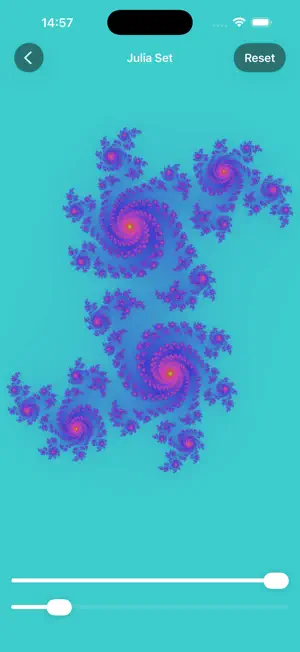
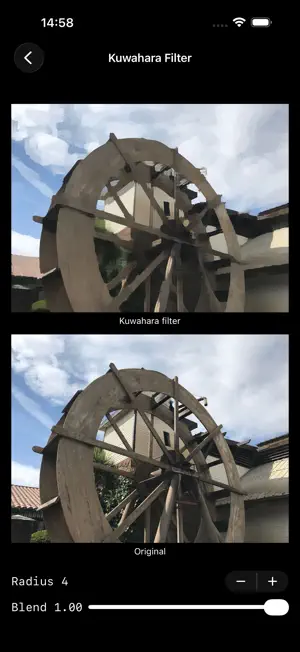
Toybox is a hand-crafted showcase of SwiftUI animations and Metal shader experiments — a small sandbox where each screen is an interactive visual idea you can open, run, and play with. Open the app and you're greeted with a list of screens. Tap one and a self-contained piece comes to life: cellular automata, generative patterns, particle waves, mosaics, badge animations, the Apple logo reimagined, and many more. Every screen is a single, focused experiment built with modern SwiftUI and, where it makes sense, custom Metal shaders. What's inside • Dozens of bite-sized visual experiments • SwiftUI animations built on the latest APIs • GPU-driven effects written in Metal Shading Language • Adaptive layout that feels at home on iPhone, iPad, and Mac • Tag-based filtering to find effects by category Who it's for Designers looking for a moodboard of motion and graphics ideas. Developers studying how a particular SwiftUI or Metal technique is put together. Anyone who simply enjoys playing with visual toys. Built with • SwiftUI and the @Observable model • Metal shaders compiled by a Swift Package Manager build plugin • A modular, package-driven architecture Try it before you install — App Clip Not ready to commit to a download? Open Toybox as an App Clip straight from a Safari Smart App Banner or a shared link. No App Store visit, no waiting — a curated selection of Metal shader effects runs immediately. If you like what you see, the full gallery is one tap away. Toybox is open-source and growing — new screens are added regularly. If you're curious about what modern Apple platforms can do visually, open it up and start tapping.
What’s new
Version 1.3.0 · Updated October 30, 2026
Version 1.3.0 New screen • Game Boy Mosaic: Turns the image into a circular-dot mosaic using the original Game Boy's green palette. Adjust the cell size and the number of colors. Better on foldable iPhone and iPad • Folding or unfolding the device now keeps the current screen and its state. • Canvas and controls switch between stacked and side-by-side layouts based on the available space, so they fit narrow split views and landscape. • The selected item in the sidebar is now easier to see. Other improvements • A refreshed app icon. • Fixed layout glitches when rotating or resizing, and a crash on some screens.
App privacy
The developer, Takehito Koshimizu, reported these privacy practices to Apple.
Data Not Collected
The developer does not collect any data from this app.
Alternatives to Toybox: SwiftUI & Metal Lab
Looking for apps like Toybox: SwiftUI & Metal Lab? Here are 6 similar apps on the App Store. The highest rated is SHADR: Creative Visual Tools (5.0/5), and 5 of the 6 are free to download.
-
 Goblin Node - Texture Lab
4.7
-
 Wandfunke
-
 Pixel Art Canvas
-
 Graphica - Words to Shaders
-
 SHADR: Creative Visual Tools
5.0
-
 LiquidThemes
| App | Rating | Price | Last updated | Compare |
|---|---|---|---|---|
| Toybox: SwiftUI & Metal Lab | – | Free | October 30, 2026 | |
| Goblin Node - Texture Lab | 4.7 / 5 (3) | Free | Nov 1, 2026 | Compare |
| Wandfunke | – | Free | Sep 24, 2026 | Compare |
| Pixel Art Canvas | – | 2.99 USD | Jan 15, 2025 | Compare |
| Graphica - Words to Shaders | – | Free | Oct 22, 2026 | Compare |
| SHADR: Creative Visual Tools | 5.0 / 5 (1) | Free | Oct 12, 2026 | Compare |
| LiquidThemes | – | Free | Feb 26, 2026 | Compare |