

BigPlan - Planner for Focus
Jesse Spencer Productivity iPhoneiPadiPod touch
BigPlan - Planner for Focus is a free Productivity app for iPhone and iPad by Jesse Spencer. Rated 5.0/5 from 4 ratings. Requires iOS 18.5.
- Rating
- 5.0
- 4 ratings
- Price
- Free
- on the App Store
- Size
- 45 MB
- Age 12+
- Updated
- Oct 10
- 2026 · v1.5.5
Screenshots
About BigPlan - Planner for Focus
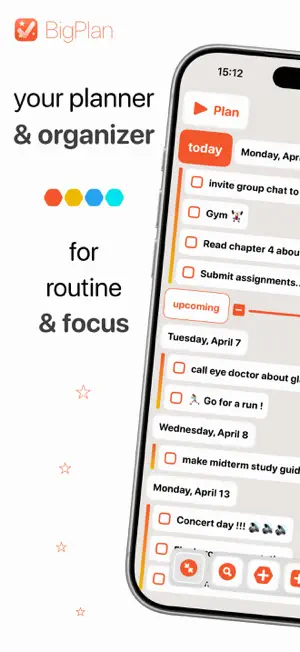
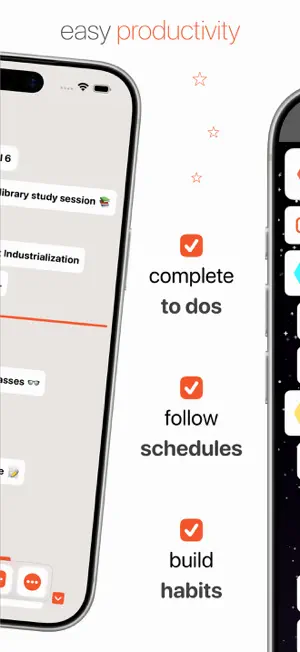
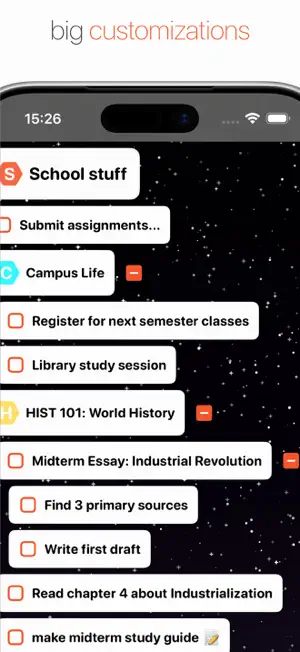
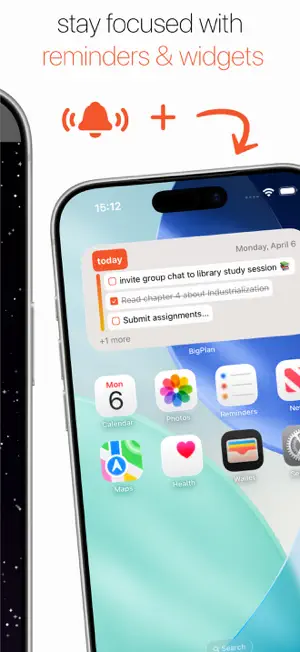
An intuitive visual planner that helps you focus every day on what you want to do, organize your time, and follow good habits. Find calm and focus in your day. Make plans and see all your tasks, habits, and schedule come together on a single timeline. Struggling to focus, juggling all the important stuff, or just keeping your head clear? Reclaim your headspace from all the distraction. – Simplify Your Day – Designed to bring you focus and clarity at a glance: - See Your Schedule Beautifully: Map out your entire day on an intuitive timeline that combines your to-dos, habits, and events. - Build Lasting Habits: Create and track repeatable tasks to build momentum and visualize your progress over time. - Never Miss a Thing: Stay on top of deadlines, meetings, and birthdays with custom reminders. – A Planner Just For You – Make your planning space a place you love: - Custom Colors: Personalize with a color palette that fits your style. - Big Themes: See the entire app transform with special color palettes that magically adapt to your chosen theme. - Serene Backdrops: Set your productive scene with beautiful backgrounds. – Easy Organization – From grocery lists to big projects, have the tools to handle it easily: - Tackle Projects: Break down big things into smaller, manageable steps with nested tasks and lists. - Gain Powerful Perspectives: Use Labels to categorize and quickly filter everything from work assignments to personal errands. - Capture Every Detail: Add notes quickly to your tasks so important information is always right where you need it. – Built For Your iPhone and iPad – - Widgets: See plans at a glance and seamlessly complete your to dos. - iCloud Sync: Your data is always saved and syncs automatically and securely across all your Apple devices. - Drag & Drop: Fluidly plan your day and reorganize with interactive drag-and-drop. - Quick Search: Swiftly find what you need - any task, note, or project. - Multi-Edit: Save time by editing multiple lists and tasks at once. - Dark mode Ready to focus? Get BigPlan now and start easily.
What’s new
Version 1.5.5 · Updated October 10, 2026
Change a goal’s date directly from its editor with quick shortcuts for today, tomorrow, next week, and more. You can now rate BigPlan from the app menu. This update also includes reliability improvements.