

Password Manager (2FAS Pass)
Two Factor Authentication Service Inc. Productivity iPhoneiPadiPod touch
Password Manager (2FAS Pass) is a free Productivity app for iPhone and iPad by Two Factor Authentication Service Inc. Rated 4.5/5 from 25 ratings.
- Rating
- 4.5
- 25 ratings
- Price
- Free
- on the App Store
- Size
- 61 MB
- Age 4+
- Updated
- Oct 15
- 2026 · v1.10.2
Screenshots


About Password Manager (2FAS Pass)
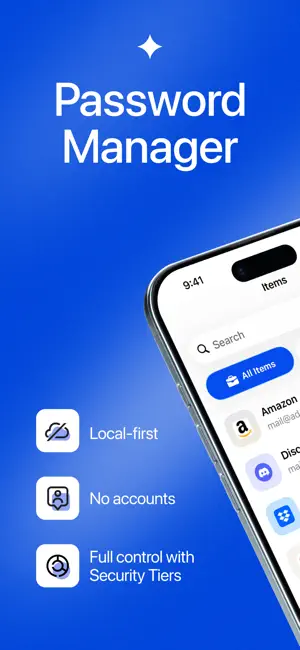
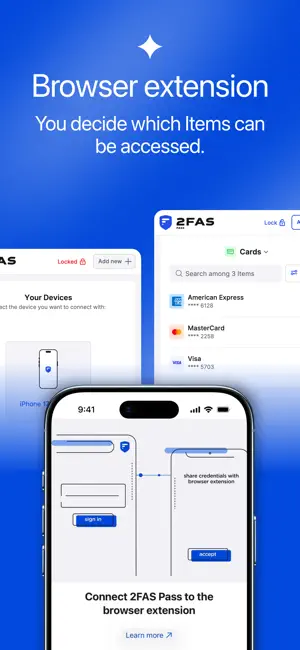
2FAS Pass is a Local-first Password Manager built for people who want full control over their data. No accounts. Your passwords stay with you. Store and manage your passwords securely on your device and access them when you need them. Everything is protected with world-class end-to-end encryption and works fully offline. Easily connect the mobile app with a desktop browser extension to securely access your passwords while browsing the Internet. Fast, seamless and encrypted. You decide how your data is synchronized and backed up. Choose the method you trust and keep full control over your passwords. Local-first password manager: • No accounts required • End-to-end encryption (E2EE) • Works offline • Secure connection with Browser Extension • Optional iCloud synchronization (E2EE) • Custom WebDAV synchronization • Security Tiers for extra protection • Open-source code available on GitHub Take password security and privacy to the next level without giving up control. If you have any questions, talk with us on our Discord server: https://2fas.com/discord/ Learn more about 2FAS: • GitHub: https://github.com/twofas • Website: https://2fas.com • YouTube: https://www.youtube.com/@2FAS
Ratings & reviews
4.5
25 ratings
What’s new
Version 1.10.2 · Updated October 15, 2026
- Browser extension notification improvements
App privacy
The developer, Two Factor Authentication Service Inc., reported these privacy practices to Apple.
Data Not Linked to You
The following data, which may be collected but is not linked to your identity, may be used for the following purposes:
- Purchases: Purchase History
- Diagnostics: Crash Data
Used for: Analytics, App Functionality