

Google Authenticator
Google Utilities iPhoneiPadiPod touch
Google Authenticator is a free Utilities app for iPhone and iPad by Google. Rated 4.9/5 from 1,212,625 ratings. Requires iOS 17.0. Updated October 14, 2026.
- Rating
- 4.9
- 1.2M ratings
- Price
- Free
- on the App Store
- Size
- 38 MB
- Age 4+
- Updated
- Oct 14
- 2026 · v5.1.0
Screenshots
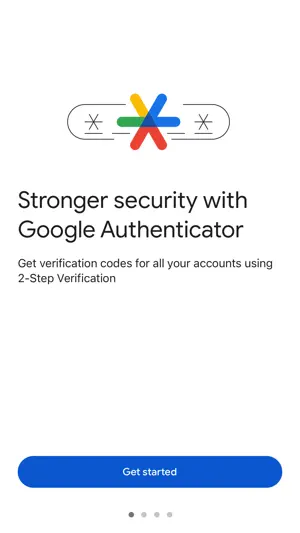
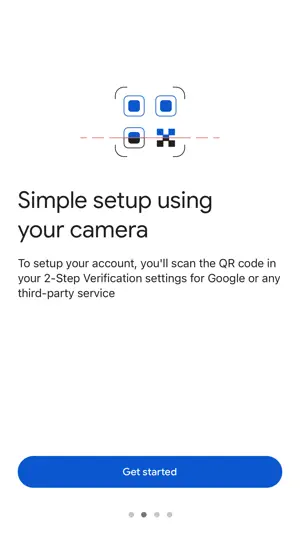
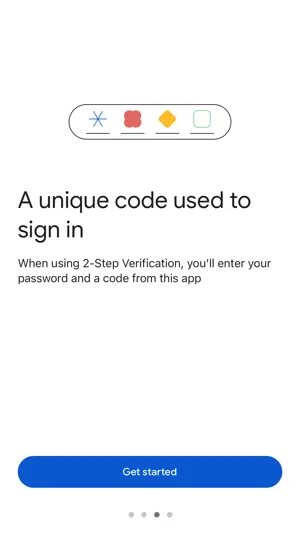
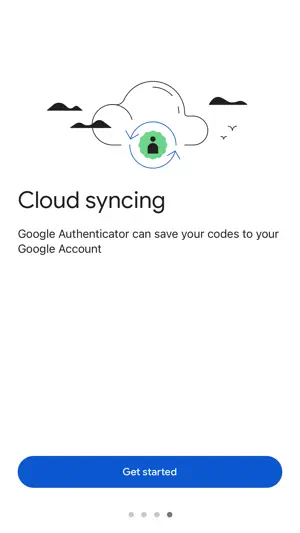
About Google Authenticator
Google Authenticator adds an extra layer of security to your online accounts by adding a second step of verification when you sign in. This means that in addition to your password, you'll also need to enter a code that is generated by the Google Authenticator app on your phone. The verification code can be generated by the Google Authenticator app on your phone, even if you don't have a network or cellular connection. • Sync your Authenticator codes to your Google Account and across your devices. This way, you can always access them even if you lose your phone. • Set up your Authenticator accounts automatically with a QR code. This is quick and easy, and it helps to ensure that your codes are set up correctly. • Support for multiple accounts. You can use the Authenticator app to manage multiple accounts, so you don't have to switch between apps every time you need to sign in. • Support for time-based and counter-based code generation. You can choose the type of code generation that best suits your needs. • Transfer accounts between devices with a QR code. This is a convenient way to move your accounts to a new device. To use Google Authenticator with Google, you need to enable 2-Step Verification on your Google Account. To get started visit http://www.google.com/2step
Ratings & reviews
4.9
1.2M ratings
What’s new
Version 5.1.0 · Updated October 14, 2026
• Bug fixes and improvements.
App privacy
The developer, Google, reported these privacy practices to Apple.
Data Linked to You
The following data, which may be collected and linked to your identity, may be used for the following purposes:
- Location: Coarse Location
- Contact Info: Email Address, Physical Address, Name, Phone Number
- User Content: Customer Support, Photos or Videos, Other User Content
- Identifiers: User ID, Device ID
- Usage Data: Product Interaction
- Diagnostics: Performance Data, Other Diagnostic Data
- Other Data: Other Data Types
- Contacts: Contacts
Used for: Analytics, Product Personalization, App Functionality
Data Not Linked to You
The following data, which may be collected but is not linked to your identity, may be used for the following purposes:
- Diagnostics: Crash Data
Used for: Analytics, App Functionality
Alternatives to Google Authenticator
Looking for apps like Google Authenticator? Here are 6 similar apps on the App Store. The highest rated is Authenticator App - Authkey (4.7/5), and all 6 are free to download.
-
 FreeOTP Authenticator
3.2
FreeOTP Authenticator
3.2
-
 Authenticator ·
4.6
Authenticator ·
4.6
-
 Authenticator App - Authkey
4.7
Authenticator App - Authkey
4.7
-
 Twilio Authy
4.7
Twilio Authy
4.7
-
 Authenticator App ™
4.4
Authenticator App ™
4.4
-
 Authenticator ℠ App
4.3
Authenticator ℠ App
4.3
| App | Rating | Price | Last updated | Compare |
|---|---|---|---|---|
| Google Authenticator | 4.9 / 5 (1,212,625 ratings) | Free | October 14, 2026 | |
| FreeOTP Authenticator | 3.2 / 5 (172) | Free | Nov 19, 2025 | Compare |
| Authenticator · | 4.6 / 5 (26,403) | Free | Oct 21, 2026 | Compare |
| Authenticator App - Authkey | 4.7 / 5 (3,411) | Free | Oct 8, 2026 | Compare |
| Twilio Authy | 4.7 / 5 (53,510) | Free | Oct 21, 2026 | Compare |
| Authenticator App ™ | 4.4 / 5 (24,882) | Free | May 17, 2024 | Compare |
| Authenticator ℠ App | 4.3 / 5 (6,409) | Free | Sep 23, 2026 | Compare |