Bengali Speech to Text - Voice Typing
To create Bengali text, you don’t have to type, just speak in Bengali.
About Bengali Speech to Text - Voice Typing
Features:
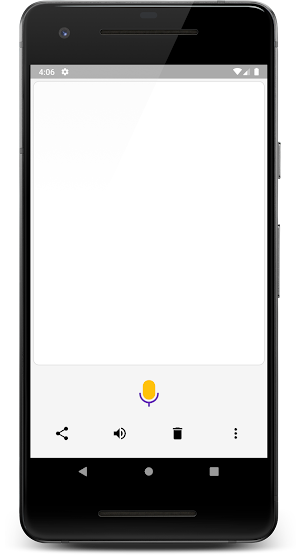
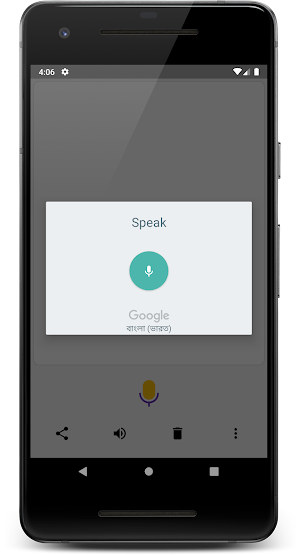
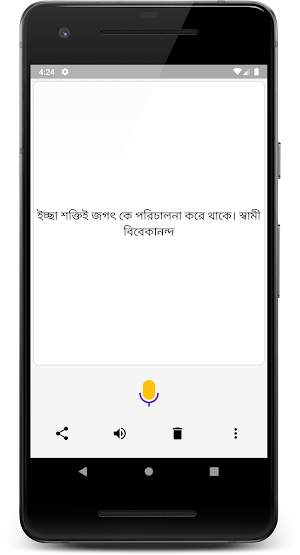
* Click on the Mic button to speak in Bengali. It will give you the Bengali text immediately.
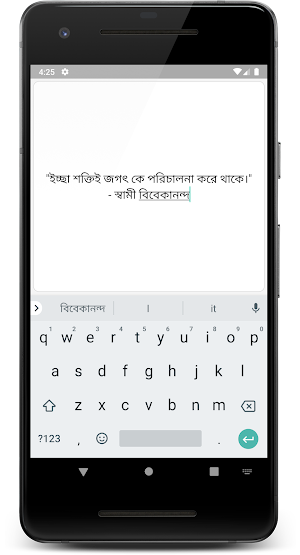
* You can edit the text with keyboard
* We save the last text so you don't lose your work by mistake.
* Click on the Speaker button to convert text to speech (The latest Google Text-to-Speech app is needed for this feature. Please install / update the app.)
* You can easily speak long paragraphs and avoid the tedious task of typing long pieces of text.
* You can easily share the text on WhatsApp or any other application.
* Single screen app. No nesting of screens. Get your work done fast.
Similar Apps

Telugu Voice Typing
Features: * Click on the Mic button to speak...

Hindi Voice Typing
Features: * Click on the Mic button to speak...

Gujarati Voice Typing
Features:* Click on the Mic button to speak in Gujarati. It will...

Marathi Voice Typing
Features:- Click on the Mic button to speak in Marathi. It will...

Malayalam Voice Typing
Features:* Click on the Mic button to speak in Malayalam. It will...

Tamil Voice Typing
Features:* Click on the Mic button to speak in Tamil. It will...