Thermify: Recipe Converter
Any recipe for your Thermomix® - from a photo, link, text or PDF.
About Thermify: Recipe Converter
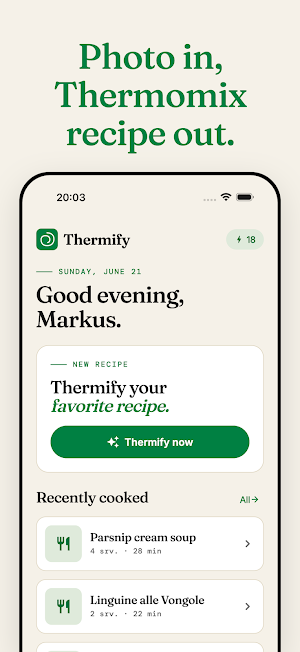
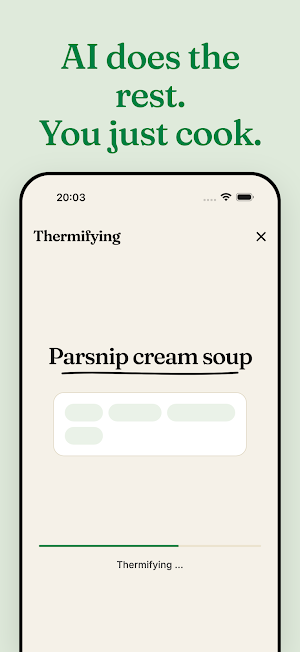
Thermify turns any recipe into a ready-to-cook guide for your Thermomix® - in seconds.
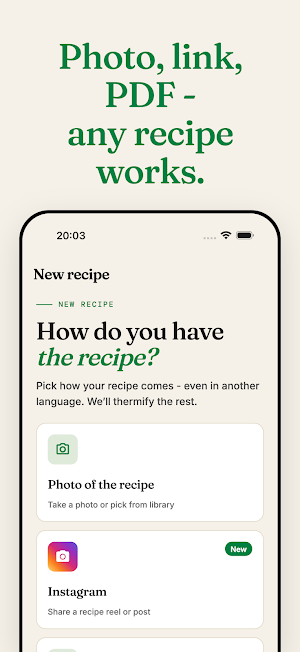
Got a favourite recipe from a cookbook, a food blog, or your grandmother's handwriting? Snap a photo, paste a link, type it out, or upload a PDF. Thermify reads the ingredients, amounts and method, then rebuilds it as a clean set of steps with real settings: speed, time, temperature, reverse blade, Varoma - matched to your model and your accessories.
What Thermify does:
• Scan a recipe from a photo - one shot of a cookbook page is enough, or several pages at once.
• Import from a link - blogs, magazines and food sites.
• Paste plain text - from notes, chats or the clipboard.
• Upload a PDF - saved recipes and scans.
• Share straight in - send a recipe to Thermify from Safari, Chrome or Instagram via the share sheet.
• Steps with real settings - structured, not guessed, with sensible times and speeds.
• Create variants - the same recipe vegetarian, scaled up, or without one ingredient.
• Adjust by chat - just say what you want changed and Thermify rebuilds it.
• Nutrition per portion - calories, protein, fat, carbohydrates and more.
• Sort into cookbooks - your collection, your order.
• Send to Cookidoo® - ready to cook on the machine.
• Multilingual - English, German and Italian, and it understands recipes in many more.
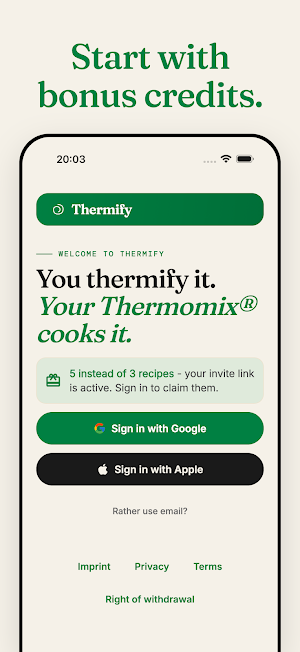
You start with free recipes, so you can try Thermify straight away.
Thermomix® and Cookidoo® are registered trademarks of Vorwerk International & Co. KmG. Thermify is an independent product, is not published by Vorwerk, and is not affiliated with Vorwerk. The trademarks are named only to describe compatibility.
