
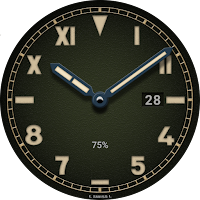
ULTRA-4
PER:SLOT Personalization
High-quality watchfaces for Wear OS 3.0 of higher
- Downloads
- 100+
- on Google Play
- Price
- Free
- No in-app purchases
- Updated
- Jul 27
- 2024 · v1.1.0
Screenshots
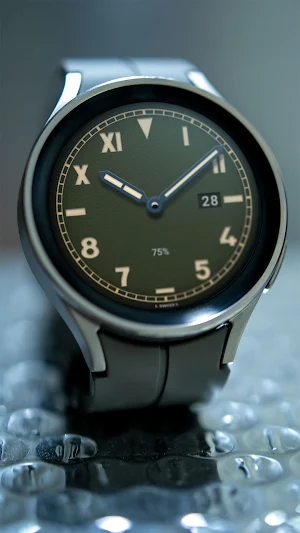
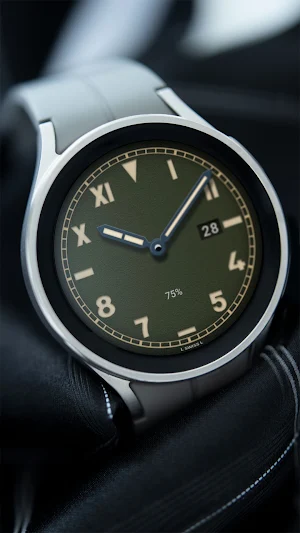
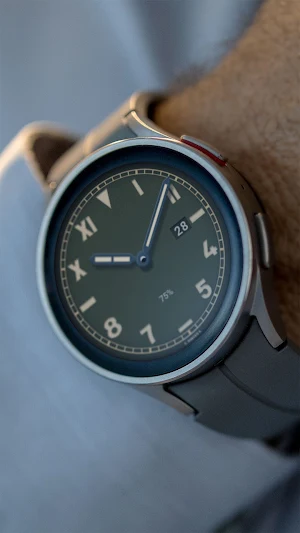
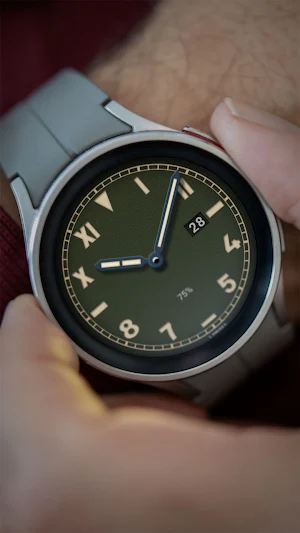


About ULTRA-4
This watch face supports all Wear OS devices with API level 30 or higher, such as Samsung Galaxy Watch 4, 5, 6, 7, Pixel Watch, etc.
+++++++++++++++++++++++++++++++++++++++++++++++
[How to install]
Before pressing the payment button, make sure your watch is selected.
Select your watch by pressing the small triangle next to the payment button.
Select the menu at the top right of the Play Store app (three dots) > Share > Chrome browser > Install on other devices > Clock and proceed.
After installation, select it from the download list, register it as a favorite, and use it. You can view the download list by clicking 'Add Watch Screen' on the far right of the favorites list that appears when you press the watch screen.
+++++++++++++++++++++++++++++++++++++++++++++++
[function]
- AOD screen
- Day info
- Battery % info
+++++++++++++++++++++++++++++++++++++++++++++++
For inquiries, please contact the email below.
[email protected]
+++++++++++++++++++++++++++++++++++++++++++++++
[How to install]
Before pressing the payment button, make sure your watch is selected.
Select your watch by pressing the small triangle next to the payment button.
Select the menu at the top right of the Play Store app (three dots) > Share > Chrome browser > Install on other devices > Clock and proceed.
After installation, select it from the download list, register it as a favorite, and use it. You can view the download list by clicking 'Add Watch Screen' on the far right of the favorites list that appears when you press the watch screen.
+++++++++++++++++++++++++++++++++++++++++++++++
[function]
- AOD screen
- Day info
- Battery % info
+++++++++++++++++++++++++++++++++++++++++++++++
For inquiries, please contact the email below.
[email protected]
What’s new
Version 1.1.0 · Updated July 27, 2024
v1.1 update - Support Android Target SDK 33
Alternatives to ULTRA-4
Looking for apps like ULTRA-4? Here are 6 similar Android apps on Google Play. All of them are free to download.
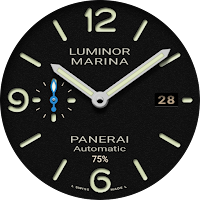
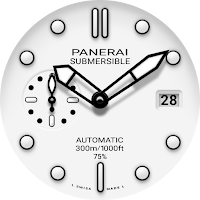
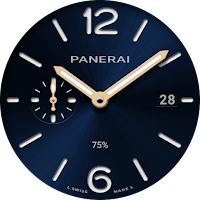
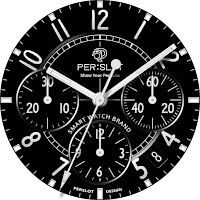
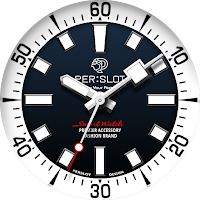
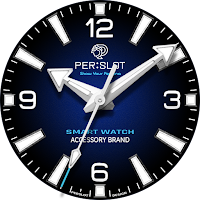
| App | Rating | Price | Installs | Last updated | Compare |
|---|---|---|---|---|---|
| ULTRA-4 | – | Free | 100+ | Jul 27, 2024 | |
| ULTRA-1 | – | Free | 100+ | Jul 27, 2024 | Compare |
| ULTRA-2 | – | Free | 100+ | Jul 27, 2024 | Compare |
| ULTRA-3 | – | Free | 50+ | Jul 18, 2024 | Compare |
| PERSLOT 04 | – | Free | 50+ | Oct 13, 2023 | Compare |
| PERSLOT 03 | – | Free | 100+ | Jul 27, 2024 | Compare |
| PERSLOT 02 | – | Free | 100+ | Oct 13, 2023 | Compare |
Compare ULTRA-4 with the top alternatives: ratings, updates, ASO score and keyword gaps →