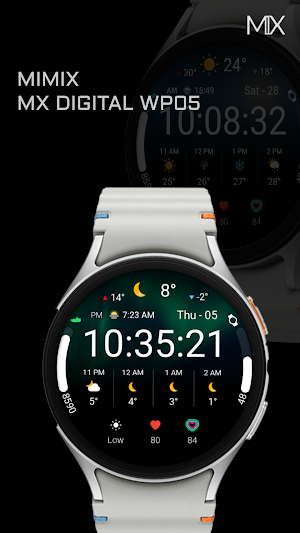
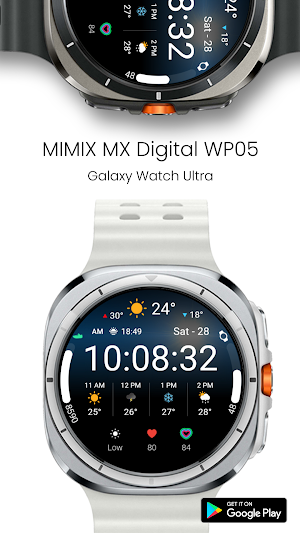
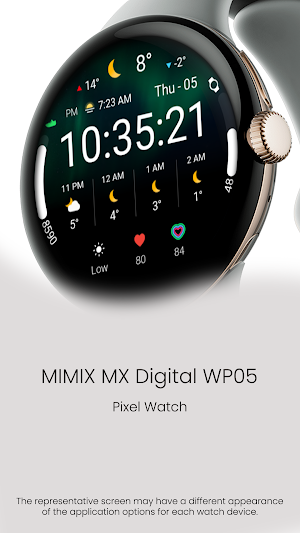
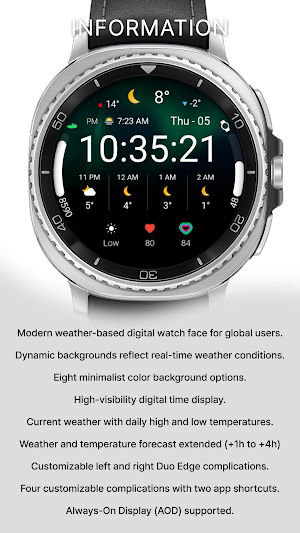
About MIMIX Digital WP05 Watchface
*How to install
Payment and installation of the Play Store app on the smartphone (touch the right arrow and install the smart watch)
**Caution ** Need to check the connection between watch device and mobile phone
Find installed watchfaces
Press and hold the watch face > 2. Click the Decorate button > 3. Click ‘Add watch face’ on the last right > Confirm the purchased watch face
Installing as a Web browser
Copy the play store address of the watch face (click the three dots next to the magnifying glass in the upper right corner of the play store > share)
Go to the Samsung Internet on your PC or mobile phone and click 'Install on another device' (select a watch device)
How to set up Customize
Press and hold the watch face > 2. Click the Decorate button > 3. Tap each complication area to set the corresponding information > 4. Click OK
* In order to use all functions, consent to use the sensor is required.
*If the Play Store app is shown as incompatible, please install it using a web web browser on your PC/laptop in addition to the app on your phone.
*Supports Wear OS devices.
For new watch face news, please visit the link below
https://play.google.com/store/apps/dev?id=5105465284863988309
For inquiries about the app, please contact us at the email below.
[email protected]
Similar Apps
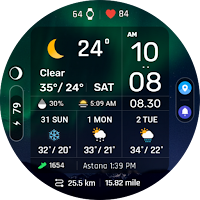
ACRO Digital Weather info2 WF
Watch Face with Wear os 5.0 and later support
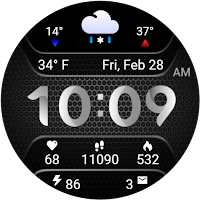
Weather Carbon
Detailed weather and health information, big digital clock, 30 color themes
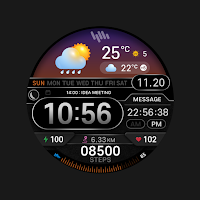
SamWatch Digital Weather
Meet SamWatch’s WatchFace, which can give you convenience in your lifestyle.
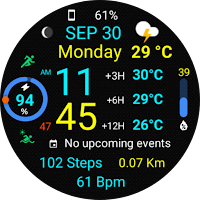
Informative WearOS 5 NTV576
This watch face is only compatible with devices running Wear OS 5.0 API 34+
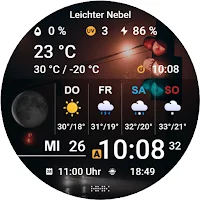
HMK WD159
Comfortable and clear digital watch face.
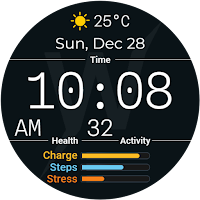
Brut Ledger Watch Face
Bold digital brutalist face for Galaxy Watch, Pixel Watch & Wear OS