AWD Eclipse Weather Watchface
Cute handwritten font with dynamic weather icons & essential fitness tracking.
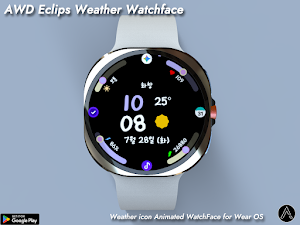
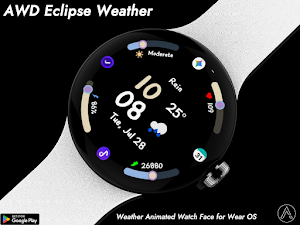
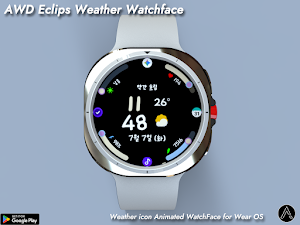
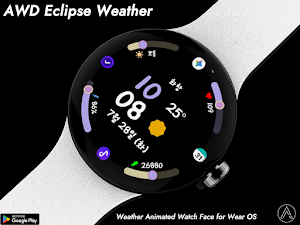
About AWD Eclipse Weather Watchface
Bring warmth and clarity to your wrist with this cute, handwritten-style watch face!
Featuring a cozy, handcrafted font and dynamic weather illustrations, this watch face perfectly balances emotional design with powerful functionality. Keep track of your daily routine and environmental changes at a glance through the intuitive circular progress bars.
[Key Features]
Charming Handwritten Font: Clean, legible, and adorable digital clock display.
Dynamic Weather Icons: Beautifully changing illustrations based on current weather conditions (Sunny, Cloudy, Rainy, Snowy, Foggy, and more!).
All-in-One Circle Progress Bars:
Health Tracking: Real-time Heart Rate (BPM) and Daily Step Goal progress.
Environment & Utility: Battery status, Live Weather Temperature, and UV Index (Moderate, High, Extreme, etc.).
Multi-language Support: Automatically switches text language (e.g., English, Korean) based on your smartphone system settings.
Always-On Display (AOD) Supported: Keeps time and essential data visible with minimal battery consumption.
Express your unique style while staying informed every single day!
Features
• Weather condition icon (Animated)
• UV Index & Risk Level Alerts
• Heart Rate
• Real-time Step Counter
• Battery %
• Digital Time (12H/24H) & Full Date
Customizing
• 27 Color style
• 3 Font style
• 4 App shortcut
- Support wear OS
- Square screen watch mode is not supported.
***Installation Guide***
The mobile app guides you through the watch face installation process.
You can delete the mobile app once the watch face installation is complete.
1. Your watch and phone must be connected via Bluetooth.
2. Tap the "Install" button in the mobile guide app.
3. Follow the instructions to install the watch face. It will take only a few minutes.
You can also search for and install watch faces directly from the Google app on your watch.
You can also search for and install watch faces from a mobile web browser.
Send feedback : [email protected]
Similar Apps
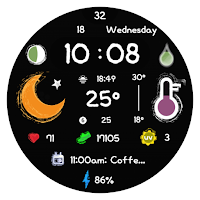
AWD Digital C2
Weather Digital watchface
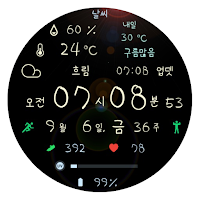
AIwatch Weather s1
AIwatch 의 날씨 워치페이스
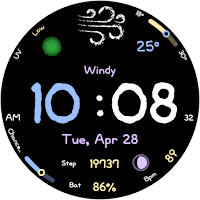
AWD Cloud Candy Gif Watchface
Watch face with weather animation
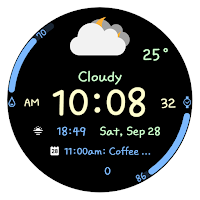
AIwatch Weather S2
Day and night weather icons Watchface
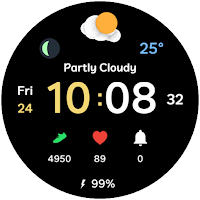
Weather Cupid 3D Gif
3D Animation Weather Icon
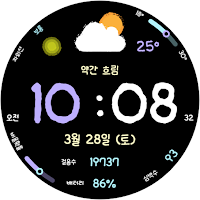
AWD Cloud Candy watchface
Clear digital watch face with intuitive weather icons.
