About TM NaviGATE
This app is a service launcher and management hub designed for businesses and organizations.
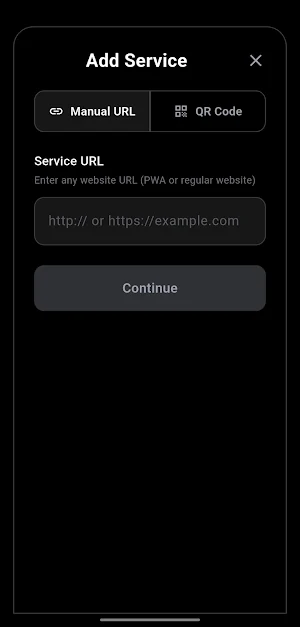
Users add corporate services via QR code scanning or direct URL entry.
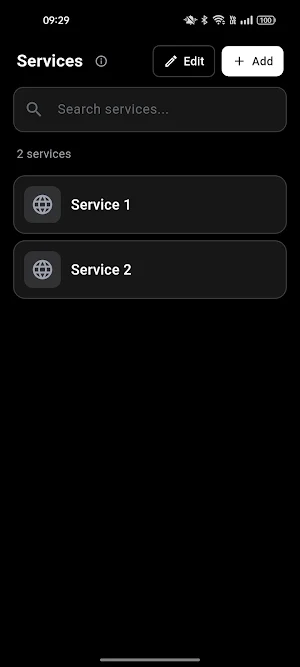
Each service is saved and displayed as an organized card with its icon and description.
KEY FEATURES:
- Add services via QR code or URL
- Drag-and-drop to reorder services
- Set a default service to launch automatically
- Full-screen immersive viewing experience
- 3-finger gesture to switch between open services
- Maximum 5 services open simultaneously for memory efficiency
- Rename services to distinguish between multiple links
- Search bar to filter services by name
HOW TO USE:
1. Open the app
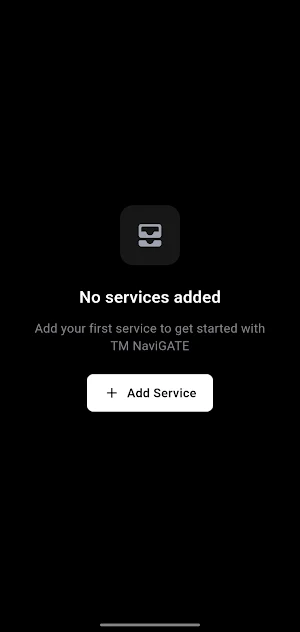
2. Tap the "+" button to add a service
3. Scan a QR code or enter the service URL
4. The service appears as a card on the home screen
5. Tap the card to open it in full-screen mode
6. Use a 3-finger tap anywhere to access the service switcher
This app is designed as a corporate service portal.
Similar Apps
Monsow Alarm
Control,monitor and share access to your Monsow alarm system.

Raimax View
Camera monitoring.

Maxithermal
The application communicates and reads data from Data Logger

Card Scan: Sports Card Scanner
Sport Card Price Scanner Pro

Agre
deliver orders with ease

Beton App
Measure concrete strength with the CONDTROL Beton Pro over Bluetooth
