
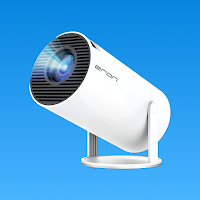
HY300 Projector App & Remote
Amaya Apps Studio Tools Contains ads
Manage and access features of compatible HY300 projectors.
- Rating
- 1.9
- 218 ratings
- Downloads
- 121K+
- on Google Play
- Price
- Free
- No in-app purchases
- Updated
- Mar 31
- 2026 · v1.0.0
Screenshots
Save to Pinterest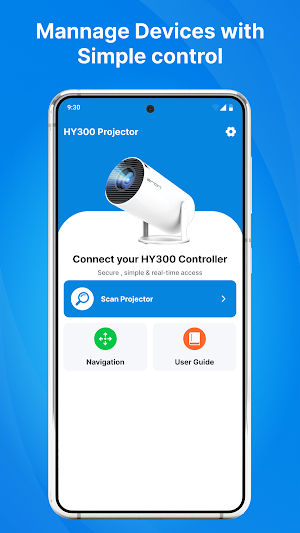
About HY300 Projector App & Remote
HY300 Projector App is a companion application designed to help users interact with compatible HY300 projector devices from their Android phone. The app provides a simple interface for managing projector functions, accessing media options, and viewing content on a larger screen environment.
With an easy setup process and a clean layout, the HY300 Projector App helps users explore supported projector features directly from their mobile device.
Whether you are watching movies, sharing photos, or presenting content, the app provides convenient tools designed for HY300 projector users.
Key Features
Remote Control Interface
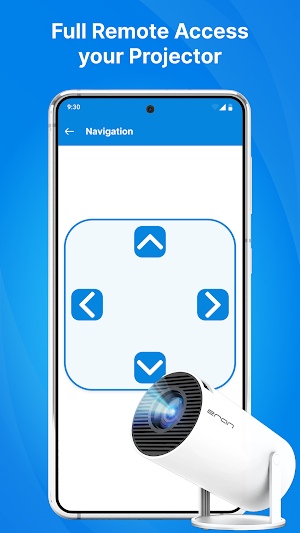
Use your phone as a convenient controller to navigate menus, adjust volume, and manage playback on supported HY300 projector devices.
Wireless Display Access
View compatible photos, videos, and media from your device on a larger projector screen when supported by your setup.
Media Sharing
Access and display media files stored on your phone through the projector interface.
Simple Connection Setup
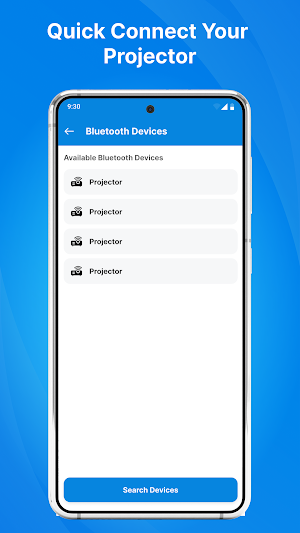
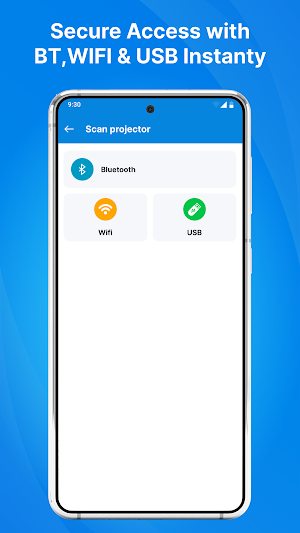
Follow the guided steps to connect your Android device to a compatible HY300 projector.
User-Friendly Interface
Clean layout with easy navigation designed for projector control and media access.
Why Use HY300 Projector App?
The HY300 projector is widely used for home entertainment, presentations, and media viewing. This app provides a structured way to interact with supported projector features using your Android device.
The interface is designed to be simple and accessible for everyday use.
Common uses include:
Home entertainment
Watch videos and view photos on a larger screen.
Presentations
Display slides or visual content during meetings or classes.
Media viewing
Share personal photos and videos from your phone.
Getting Started
Install the HY300 Projector App.
Connect your Android device to the same network as your projector if required.
Follow the in-app instructions to begin using supported features.
Important Notice
This app is an independent application designed for compatibility with HY300 projector devices.
It is not affiliated with or endorsed by any projector manufacturer.
Feature availability may vary depending on device compatibility and projector model.
Alternatives to HY300 Projector App & Remote
Looking for apps like HY300 Projector App & Remote? Here are 4 similar Android apps on Google Play. All of them are free to download.
-
sq11 Mini DV Camera AppAndroid
-
Aolon Smartwatch App
-
Wireless Carplay for Android
-
Airpods Max for Android
| App | Rating | Price | Installs | Last updated | Compare |
|---|---|---|---|---|---|
| HY300 Projector App & Remote | 1.9 / 5 | Free | 100,000+ | Mar 31, 2026 | |
| sq11 Mini DV Camera AppAndroid | – | Free | 1,000+ | Mar 28, 2026 | Compare |
| Aolon Smartwatch App | – | Free | 10,000+ | Mar 27, 2026 | Compare |
| Wireless Carplay for Android | – | Free | 1,000+ | Mar 27, 2026 | Compare |
| Airpods Max for Android | – | Free | 5,000+ | – | Compare |