
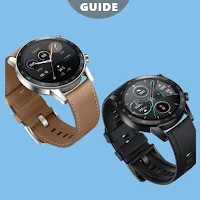
HONOR Magic Watch App Advice
Bali Partana App Productivity Contains ads
All the information about HONOR Magic Watch to helps you use the product
- Downloads
- 1K+
- on Google Play
- Price
- Free
- No in-app purchases
- Updated
- May 27
- 2023 · v3.1.0
Screenshots
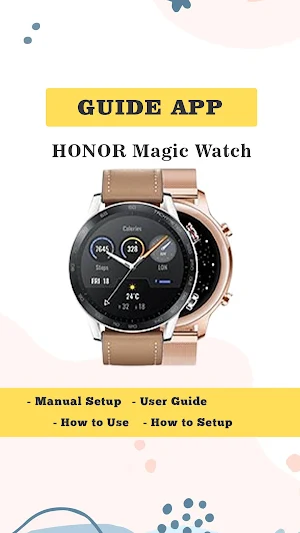
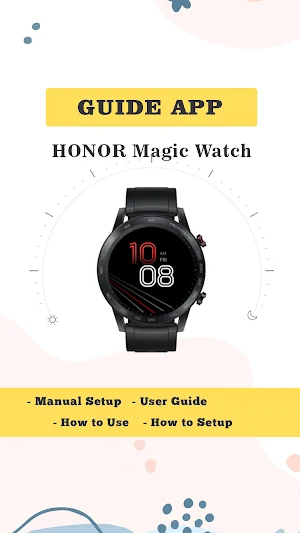
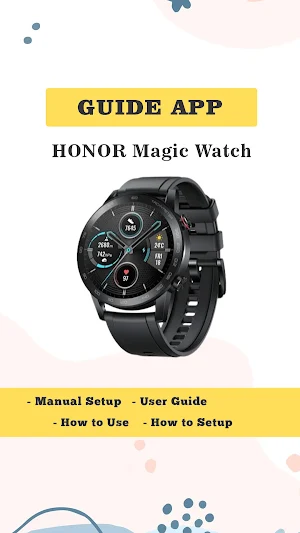
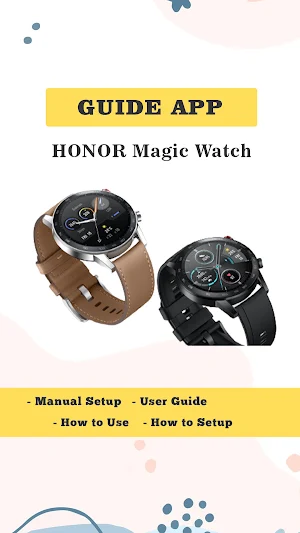


About HONOR Magic Watch App Advice
How Does HONOR Magic Watch guide App Work?
Get the correct use manual for HONOR Magic Watch now.
Running Courses with Real-time VoiceOver Guidance
Your hybrid smartwatch recognizes and monitors your various physical activities and the corresponding data. You can also develop your personal training program according to your wishes. During the process, your watch automatically records your data in real-time and provides timely advice.
Swimming Heart Rate Monitoring
With 5ATM water resistance and TruseenTM 3.5, HONOR fitness trackers monitors swimming data such as heart rate, SWOLF, distance, calorie consumption, and speed even underwater. Water resistance for shallow water, including pools or swimming by the sea.
Continuous Heart Rate Monitoring
HONOR Smart watch can monitor your heart rate continuously throughout the day. If your watch detects an unusual heart rate (alarm value), it vibrates to warn you. Besides, your watch can also sync data on your phone and then transfer it from your phone to the APP Huawei Health.
SpO2 Monitor at Your Wrist
HONOR MagicWatch 2’s SpO2 Monitor measures oxygen saturation levels in the bloodstream so that you can assess how your body is adapting during workouts or at high altitudes
HONOR MagicWatch 2, Your Excellent Life Assistant
Stress Test and Breathing Exercises
The HONOR fitness watch monitors your stress for 24 hours. Your watch can tell you how to breathe better, and you can exercise to relax during busy work.
Stess Monitor is only available on Android smartphones.
Bluetooth Calling
You can stay in touch with the HONOR watch at any time. Answer the incoming call directly from your smartwatch, even if you are doing sports or are at home, checking e-mails, calendar events, social apps on your mobile phone.
Music Playback & Control
Use your watch to control music playback when your watch is connected to your phone via Bluetooth. You can also sync music from your phone to your watch and play it through the watch speaker or a connected Bluetooth headset so you can listen to music without having to take your phone with you.
Personalized Watch Faces
Beyond simply telling time, MagicWatch 2 can display your own personal touch with your photos. Because you can store multiple photos in it, each time you raise your wrist, a different photo will show up
Disclaimer on :
It is not an official HONOR Magic Watch app. It is just an education or guide app that helps you to better understand about how to use HONOR Magic Watch .
The information we provide is from various reliable sources and is available on many websites.
Get the correct use manual for HONOR Magic Watch now.
Running Courses with Real-time VoiceOver Guidance
Your hybrid smartwatch recognizes and monitors your various physical activities and the corresponding data. You can also develop your personal training program according to your wishes. During the process, your watch automatically records your data in real-time and provides timely advice.
Swimming Heart Rate Monitoring
With 5ATM water resistance and TruseenTM 3.5, HONOR fitness trackers monitors swimming data such as heart rate, SWOLF, distance, calorie consumption, and speed even underwater. Water resistance for shallow water, including pools or swimming by the sea.
Continuous Heart Rate Monitoring
HONOR Smart watch can monitor your heart rate continuously throughout the day. If your watch detects an unusual heart rate (alarm value), it vibrates to warn you. Besides, your watch can also sync data on your phone and then transfer it from your phone to the APP Huawei Health.
SpO2 Monitor at Your Wrist
HONOR MagicWatch 2’s SpO2 Monitor measures oxygen saturation levels in the bloodstream so that you can assess how your body is adapting during workouts or at high altitudes
HONOR MagicWatch 2, Your Excellent Life Assistant
Stress Test and Breathing Exercises
The HONOR fitness watch monitors your stress for 24 hours. Your watch can tell you how to breathe better, and you can exercise to relax during busy work.
Stess Monitor is only available on Android smartphones.
Bluetooth Calling
You can stay in touch with the HONOR watch at any time. Answer the incoming call directly from your smartwatch, even if you are doing sports or are at home, checking e-mails, calendar events, social apps on your mobile phone.
Music Playback & Control
Use your watch to control music playback when your watch is connected to your phone via Bluetooth. You can also sync music from your phone to your watch and play it through the watch speaker or a connected Bluetooth headset so you can listen to music without having to take your phone with you.
Personalized Watch Faces
Beyond simply telling time, MagicWatch 2 can display your own personal touch with your photos. Because you can store multiple photos in it, each time you raise your wrist, a different photo will show up
Disclaimer on :
It is not an official HONOR Magic Watch app. It is just an education or guide app that helps you to better understand about how to use HONOR Magic Watch .
The information we provide is from various reliable sources and is available on many websites.
Alternatives to HONOR Magic Watch App Advice
Looking for apps like HONOR Magic Watch App Advice? Here are 6 similar Android apps on Google Play. All of them are free to download.
-
Canon Pixma Ts3522 instruction
-
HP DeskJet 2700 Series guide
-
HP Deskjet 2700e Series advice
-
Apple watch series 8 app guide
-
Samsung Gear 360 App Advice
-
Dji mini 2 Fly App instruction
| App | Rating | Price | Installs | Last updated | Compare |
|---|---|---|---|---|---|
| HONOR Magic Watch App Advice | – | Free | 1,000+ | May 27, 2023 | |
| Canon Pixma Ts3522 instruction | – | Free | 10,000+ | Sep 19, 2026 | Compare |
| HP DeskJet 2700 Series guide | – | Free | 50,000+ | Sep 17, 2026 | Compare |
| HP Deskjet 2700e Series advice | – | Free | 10,000+ | Sep 17, 2026 | Compare |
| Apple watch series 8 app guide | – | Free | 1,000+ | May 22, 2023 | Compare |
| Samsung Gear 360 App Advice | – | Free | 5,000+ | Sep 19, 2026 | Compare |
| Dji mini 2 Fly App instruction | – | Free | 10,000+ | Aug 6, 2026 | Compare |
Similar apps on Google Play
- Canon Pixma Ts3522 instruction
- HP DeskJet 2700 Series guide
- HP Deskjet 2700e Series advice
- Apple watch series 8 app guide
- Samsung Gear 360 App Advice
- Dji mini 2 Fly App instruction
- Epson XP-4200 Wireless advice
- M10 TWS earbuds guide
- i7s tws Earbuds instructions
- HP Envy 6000 Series guide
- Xiaomi M365 Pro Scooter Advice
- VStarcam WiFi IP Camera advice
- Xiaomi Mi Smart Band 7 Advice
- GOQii Smartwatch App Advice
- Xiaomi Mi Band 5 instructions
- Haylou GST Smart Watch Guide
- Galaxy Watch Active 2 Advice
- Fire Boltt Smart Watch Advice
- Galaxy watch 5 pro instruction
- DJI Mini 2 App instruction
- 70mai Smart Dash Cam 1S guide
- Deeper Chirp+ Sonar app guide
- Huawei band 7 App instruction
- GT3 Max Smartwatch instruction
- Gizmo Smartwatch instruction
- Xiaomi Mi Smart Band 4 advice
- Fire Boltt Legacy Instruction
- Redmi Smart Band 2 Instruction
- Samsung Galaxy Fit-e Advice
- Huawei Watch Fit 2 Instruction
- Redmi Buds 3 Pro instruction
- 70mai Dash Cam app instruction
- Huawei Band 4 app instruction
- Deeper Smart Sonar Pro+ advice
- hp deskjet 2775 instruction
- hp deskjet 3050 instruction
- Epson l3150 Series Wifi guide
- HP Smart Tank 515 guide
- M2 wear smartwatch guide
- Hp ink tank wireless 415 guide
- Yi IoT camera guide
- Plantronics voyager 5200 guide
- fitnus smartwatch guide