About TappyTag Demo
Use this app to test and evaluate the TappyTag handshake feature on the TappyUSB and TappyBLE external NFC reader products. The TappyTag is a handshake mechanism built into TappyUSB and TappyBLE readers. The minimum firmware version required on the TappyUSB/TappyBLE is v1.0.
To setup your TappyUSB or TappyBLE reader to initiate the TappyTag handshake, you use the Tappy Demo App listed at:
https://play.google.com/store/apps/details?id=com.taptrack.bletappyexample&hl=en_CA&gl=US
Once you connect your Tappy reader to the Tappy Demo app (USB or BLE as needed), you select "Send", then "Basic NFC" , and select "TappyTag Handshake". You will be presented with the option to enter data you want sent over NFC to the phone that is tapping the reader. If needed enter some test data, and clock SEND. This will initiate the TappyTag handshake on the reader and you will see the lights on the reader flash.
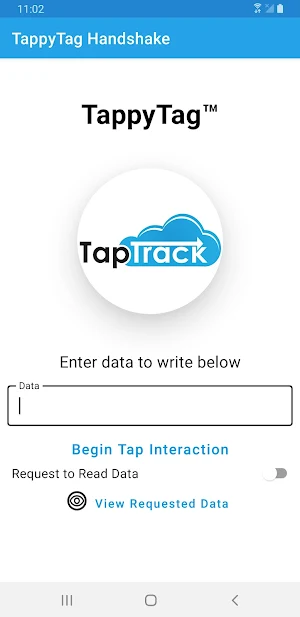
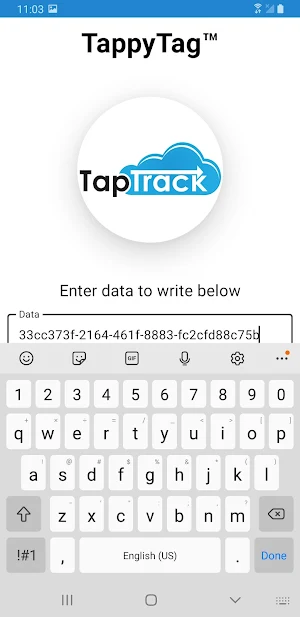
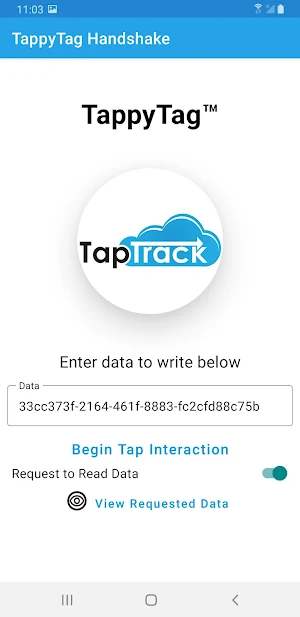
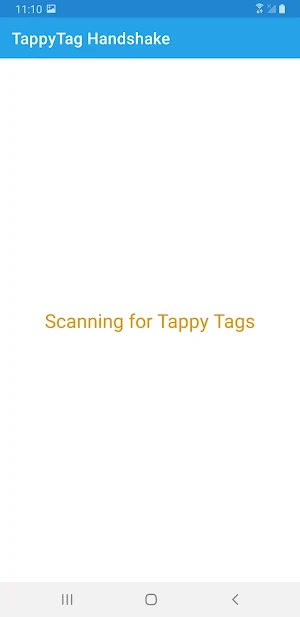
On this app (TappyTag Demo), you can optionally enter data to transmit from the phone to the reader, select "Begin Tap Interaction". Hold the NFC reading area of the phone to the TappyUSB/BLE tap area, and the data will be exchanged in the handshake. You are able to view the data that was received by the phone and the reader.
Similar Apps

Tappy & Built-In NFC Keyboard
This app allows you to enter data read from NFC tags as...
TappyBLE Heartbeat External NF
This is a modified version of the Tappy External NFC app, but...
Tappy NFC Keyboard Entry
This app allows you to enter data read from NFC tags as...

Tappy Listener
This application works with the Tappy External NFC app (https://play.google.com/store/apps/details?id=com.taptrack.roaring) to...
Tappy External NFC
If you need front-facing NFC reading capability on a device with a...

Cashless Payments Demo
This app provides a demonstration app for performing closed-loop cashless payments with...
