About BioStar X Mobile
BioStar X Mobile – Remote Access Control for BioStar X and BioStar 2
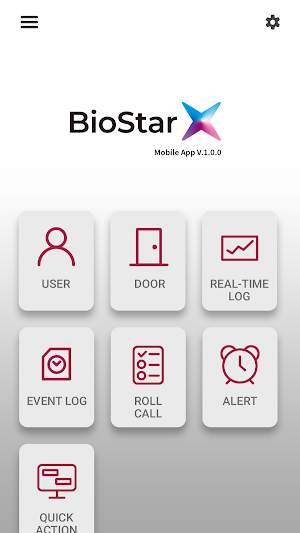
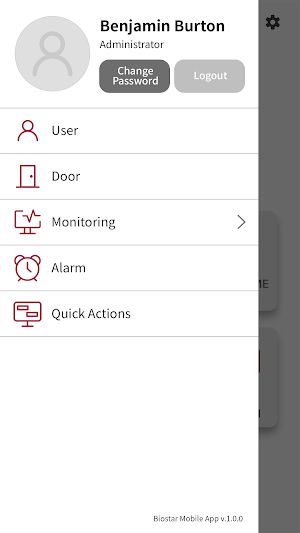
BioStar X Mobile empowers administrators to remotely manage BioStar X and BioStar 2 access control systems with enhanced flexibility. The app supports real-time monitoring, user and door management, and alert handling—anytime, anywhere.
Note:
- The app supports both BioStar X and BioStar 2. However, some features may only be available when connected to BioStar X.
- A functional BioStar X or BioStar 2 server with API access is required.
- This app cannot function independently and must be connected to a customer-operated BioStar X (or BioStar 2) server.
- BioStar X Mobile is intended for use by authorized administrators who are pre-registered in the BioStar X system.
- Suprema does not collect, store, or process any personal data through this app.
- Any user-related information (such as face images or credentials) is transmitted directly to the customer’s internal system and is never sent to Suprema’s servers.
[Key Features]
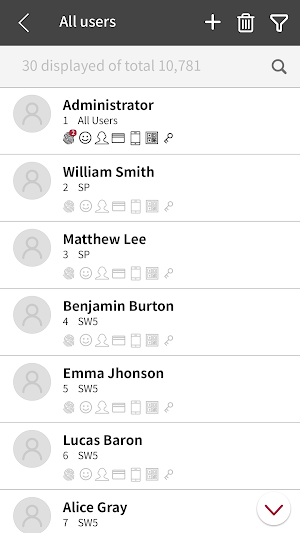
1) User Management
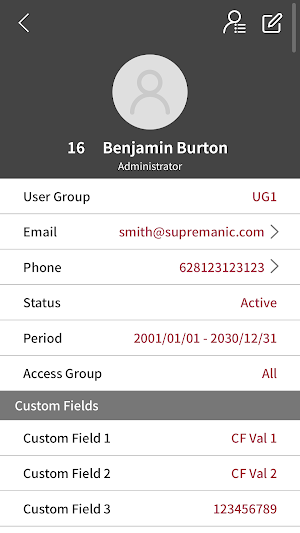
- Add, remove, and edit user information
- Manage credentials: cards, face, visual face, fingerprints
2) Door Control
- Lock, unlock, open, and release doors remotely
- Clear anti-passback (APB) and reset door alarms
3) Monitoring
- View real-time access event logs for continuous oversight
4) Alert Management
- Handle door, device, and advanced AC alerts
- Manage alerts efficiently with separate lists for new and acknowledged events
5) Permissions & Access
- Quick login with saved credentials
- Storage: Required to manage user images
- Camera: For visual face registration
- Biometrics: For secure biometric login
6) Seamless Mobile Access
Extend your access control capabilities on the go. BioStar X Mobile lets you manage users, monitor events, and respond to alerts efficiently—right from your mobile device.
- Door alerts: open requests, forced open, held open
- Device alerts: tampering, reboot, RS485 disconnection
- Zone alarms: APB, fire, etc.
[App Permissions]
This application requests the following permissions only at the time of feature use (not during initial installation):
- Storage (Optional): Required for managing and uploading user images (e.g., from gallery or device storage)
- Camera (Optional): Used for capturing facial images for registration and video recording
- Biometrics (Optional): For secure login using device fingerprint or facial recognition
Note:
All permissions are requested only when needed, and users can deny any optional permission without affecting the basic functionality of the app.
Similar Apps

BioStar Air
Zero on-prem. All-in on cloud.
Suprema Pass
Your Mobile Key for BioStar Air
Suprema Device Manager
Suprema device manager app enables rapid and easy device configuration.
BioStar 2 Mobile
Simplest way to manage BioStar 2, biometric security platform.
