About ProBrite
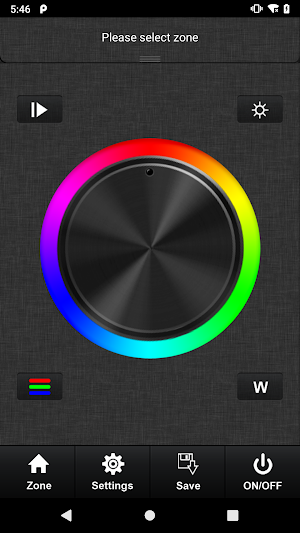
The App connects to the Controller via WiFi, the App can control the color, brightness, on/off, etc. of the WiFi and RF lightings.
- Pairing Steps
If the App is not paired with the lightings, the App cannot control the lightings.
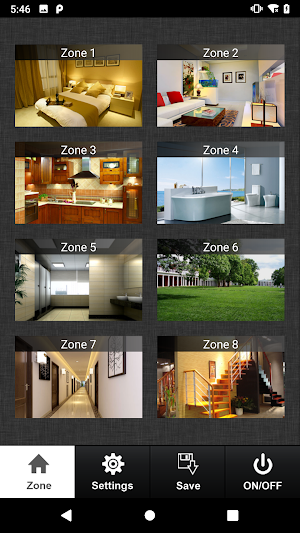
After the App successfully connects to the Controller, select only one `Zone` in the `Zone Page`, the press the pairing button on the lighting, and then use the App to continuously send commands to control the lighting until the lighting can be controlled by the App.
- Unpairing Steps
Press and hold the pairing button on the lighting until the lighting starts flashing briefly to cancel the pairing of the lighting with the App. After unpairing, the App can no longer control the lighting.
Similar Apps

All LED Control
The All LED Control is an applications via WIFI network to control...

Easy Connect - Smart Home
Easy Connect, Smart Connect, smart life.- Remotely control home appliances from anywhere-...

EasyLighting EasyLife
The EasyLighting is an applications via WIFI network to control and adjust...

Azoula Pixels
- Remotely control home devices from anywhere.- Add and control devices at...

Azoula Smart
Connect your Azoula gateway, and then control your Azoula devices.- Locally control...

SR NFC Tool
Set up your SR devices with NFC.Support devices:- DALI DIM- DALI CCT-...
