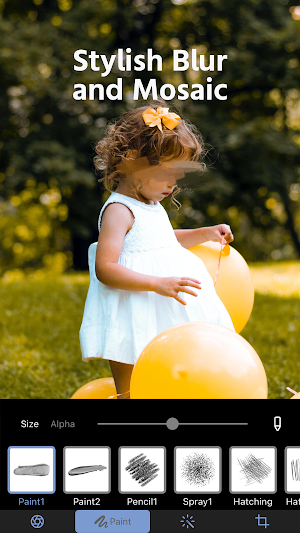
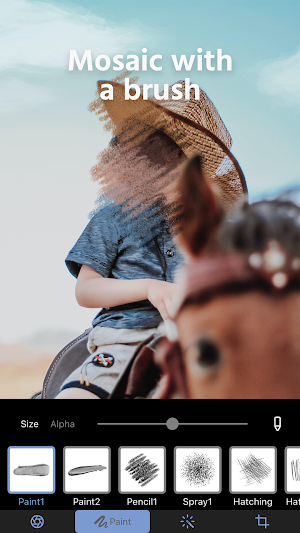
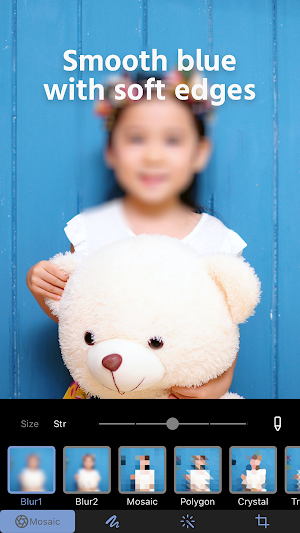
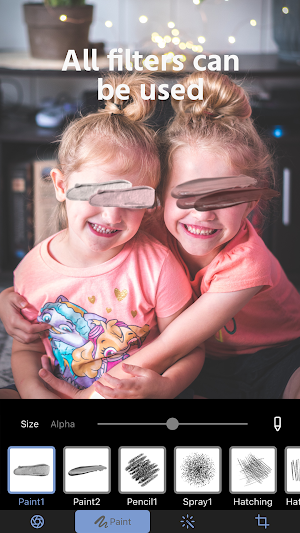
About Photo Blur & Mosaic Effects
Features of Mosaic+
Easily add mosaic, blur and pixelation effects to your photos!
Just trace over the area with your finger to make your photo look more polished.
A wide variety of mosaic and blur effects!
Choose from many mosaic, blur and pixelation effects.
Use this app for everything from modern blur to retro blur, and even layer mosaic effects.
Cropping is also supported!
Crop your edited photo or image to any size you like.
We recommend Mosaic+ for anyone who:
Wants to blur faces in a stylish way.
Often shares photos on social media.
Wants to protect their privacy.
Wants to blur the background for a DSLR-style look.
To everyone who enjoys Mosaic+
If you like Mosaic+, let us know on social media!
We'll do our best to keep updating the app with new features!
How to contact us
Open the app > Settings button > Contact us
If you have any questions, please feel free to contact us.
>Terms of Use
https://www.stellaxia.com/userpolicy
>Privacy Policy
https://www.stellaxia.com/privacypolicy
Twemoji
Copyright 2020 Twitter, Inc. and other contributors
Code licensed under the MIT License: http://opensource.org/licenses/MIT
Graphics licensed under CC-BY 4.0: https://creativecommons.org/licenses/by/4.0/
Similar Apps

Visionary: AI Maker
Turn text and photos into short videos with a simple, AI-assisted workflow.

Proshot - K-Style ID Photo
Create ID and passport photos with K-style beauty filters and print layouts.

FABE AI photo editor
AI photo editor for portraits & body edits: hairstyle, makeovers, reshape & more
Photoprompt: AI Photo & Video
AI Art & Prompt Hub — Create Photo Prompts & Generate Online Content

Image Resize Planner
Plan resize output, storage savings, and batch time.

Bangalore Pixel
Photo Selection, Share Event, Gallery and Event Booking.