NW125한글: DIgital watch face
This is a Korean-only NW125 digital watch face produced by Nine Watch.
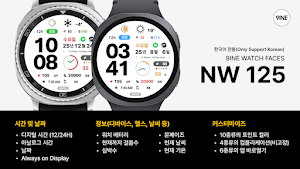
About NW125한글: DIgital watch face
This watch face only supports Korean.
[How to install a watch face]
1. Install via the Companion App
Open the Companion App installed on your smartphone > Tap the Download button > Install the watch face on your watch.
2. Install via the Play Store app
Access the Play Store app > Tap the '▼' button to the right of the price button > Select your watch > Purchase
Long-press the watch screen to check if the watch face is installed. If the watch face isn't installed after 10 minutes, install it directly from the Play Store website or from your watch.
3. Install via the Play Store web browser
Access the Play Store web browser > Tap the price button > Select your watch > Install and Purchase
4. Install directly from your watch
Access the Play Store > Search for "NW120" in Korean > Install and Purchase
-----------------------------------------------------------------------------------------------------------
This watch face only supports Korean.
#Information and Features
[Time and Date]
Digital Time (12/24H)
Analog Time
Date
Nth Week, Nth Day of the Year
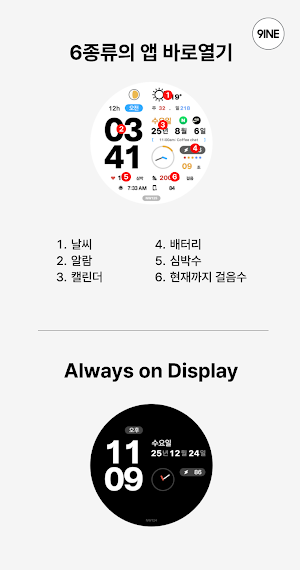
Always on Display
[Information (Device, Health, Weather, etc.)]
Watch Battery
Steps to Date
Heart Rate
Moon Phase
Current Weather
Current Temperature
[Customization]
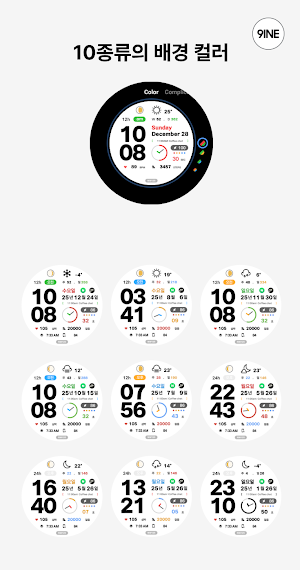
10 Accent Colors
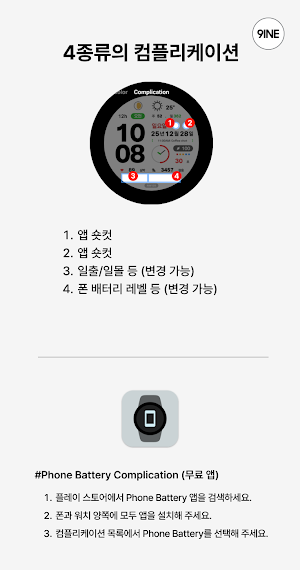
4 Complications (Non-Fixed)
6 App Shortcuts
*This watch face supports Wear OS devices.
Similar Apps
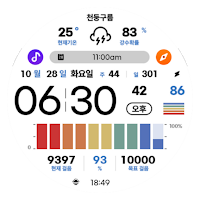
NW120한글: Digital watch face
This is a Korean-only NW120 digital watch face produced by Nine Watch.
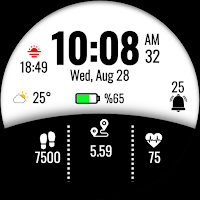
MAHO005 Wear OS Watch Face
MAHO005 is a watch face, designed for Wear OS watchs.
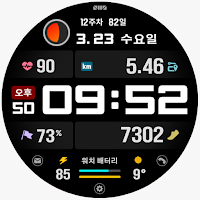
SMZ Chameleon 21Kr
(Korean) Digital Watchface for Wear OS
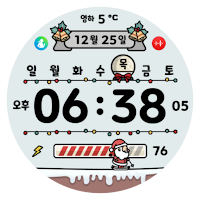
NW117한글: DIgital watch face
This is the NW117 Korean digital watch face exclusively for Korean made by Nine Watch.
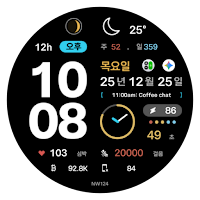
NW124한글: Digital watch face
This is a Korean-only NW124 digital watch face produced by Nine Watch.
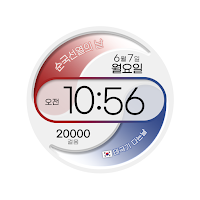
그 날, 태극으로 물들다 디지털
평소에는 기본적으로 일/요일/걸음수가 보이고, 해당하는 날에는 태극모양의 불이 켜지면서 해당일의 명칭, 태극기 다는 여부를 알려준다.
