About Lexmark Print
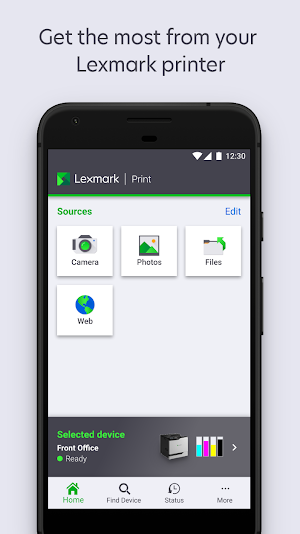
Get the most from your Lexmark printer using the improved Lexmark Print app.
With this, it's now easier for you to:
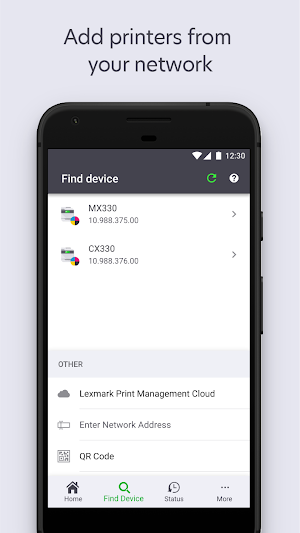
• Add printers from your network
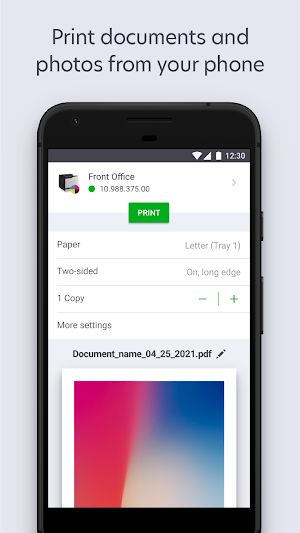
• Print documents and photos from your mobile device
• Configure print settings
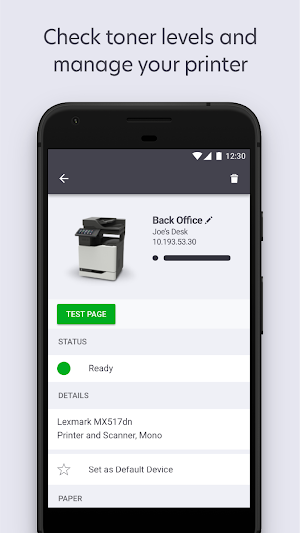
• Check toner levels and manage your printer
• Submit or release print jobs to and from a server
Supported file formats for printing:
• Document: PDF, DOCX*, XLSX*, PPTX*
• Image: JPG, GIF, BMP, PNG, TIFF
*Available only in some mobile devices and printers.
Supported printers:
https://www.lexmark.com/en_us/solutions/print-solutions/mobile-print-solutions/Mobile-Print-Device-Support.html
Note:
• Most Lexmark printers require a 2.4GHz Wi-Fi connection. Please check specific connection requirements on the Lexmark website.
• For MDM, Lexmark Print is configurable using AppConfig standards.
If you have any feedback, we'd love to hear from you directly at [email protected]
Similar Apps

Brother Pro Label Tool
[Description]Pro Label Tool is the successor to Mobile Cable Label Tool. This...
Duplicate Contact File Remover
Are there duplicate contacts in your phone? Want to get rid of...

Snapfax - Send Fax from Phone
*** Pay-as-you-go: buy fax pages and send faxes on demand. No subscription...

HP Print Service Plugin
The HP Print Service Plugin is the only print driver that you'll...
Frequently Asked Questions (FAQ)
What can I do with the Lexmark Print app?
What file formats are supported for printing?
Where can I find a list of supported printers for the Lexmark Print app?
What kind of Wi-Fi connection do most Lexmark printers require?
How can I configure Lexmark Print for MDM?
How can I provide feedback on the Lexmark Print app?