About Anonymous Faces
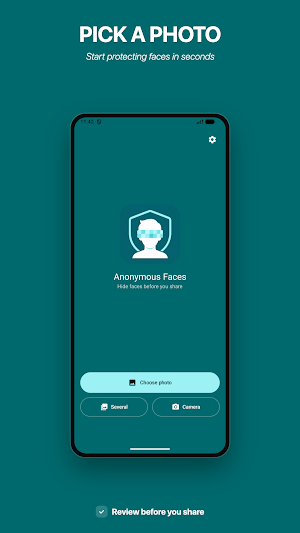
Anonymous Faces helps you hide faces in photos before you share them.
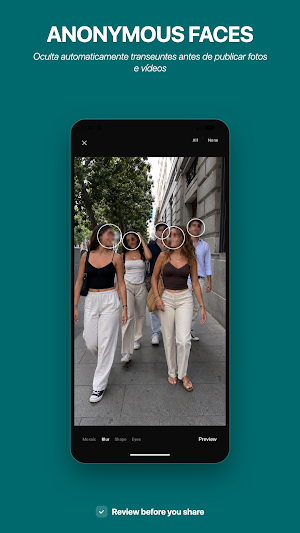
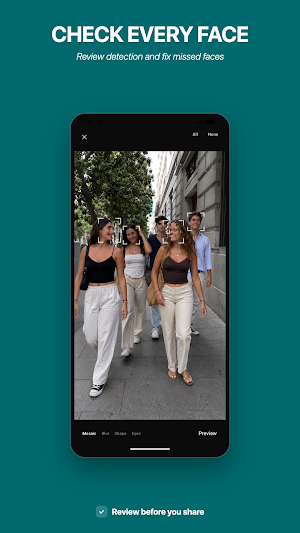
Choose a photo, let the app find visible faces on your device, then review the result yourself. You can exclude detections you do not want to hide, add a missing area manually, and adjust regions before saving.
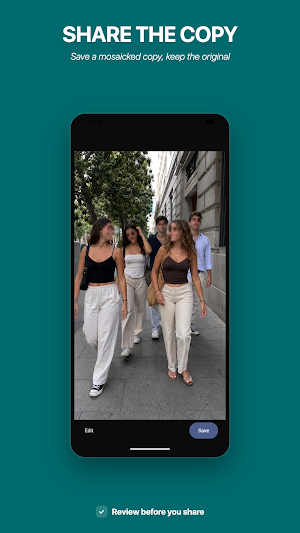
The final photo uses a mosaic effect over every active region and is saved as a new JPEG copy. Your original photo is never replaced.
Built for careful review
Automatic face detection can miss small, side-facing, partly covered, or difficult faces. Anonymous Faces does not claim perfect anonymization. The review screen is designed so you can inspect the photo, compare with the original, and add or adjust areas before exporting.
Simple photo workflow
Choose one photo from the system photo picker
Detect visible faces on your device
Review every region before saving
Add a region manually if a face was missed
Exclude regions you do not want to hide
Preview the real mosaic effect
Save a new JPEG copy
Share the saved copy with another app
Privacy by design
Photo analysis and face detection happen on your device. Your photo is not uploaded for face detection or image processing.
Exported copies do not preserve the original EXIF, GPS, or other source metadata.
The app contains advertising and uses an internet connection to load ads. Photos are not sent through the advertising connection.
Contains ads.
Privacy Policy:
https://kilt-design.com/apps/rostos-anonimos/privacy.html
Important limits
Anonymous Faces currently processes one static photo at a time. It does not process video, identify people, recognize identities, or guarantee that every face will be detected.
Always review the image before publishing or sharing it.
