About Mobile Ros
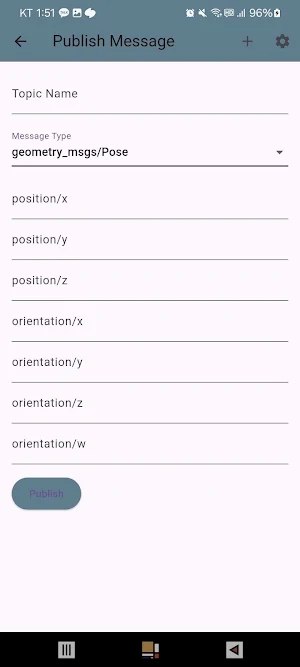
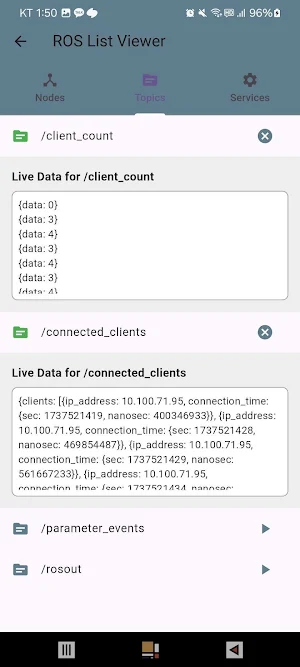
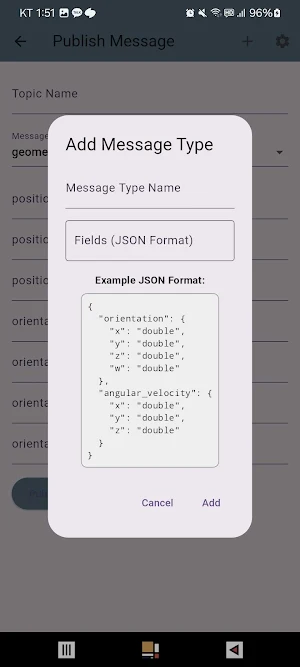
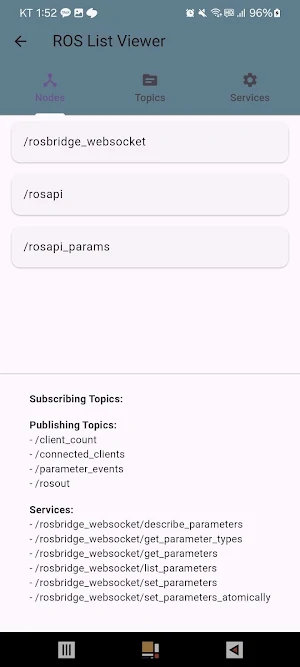
You can control the robot and perform tasks such as checking topics, nodes, and service lists, publishing topics, subscribing to topics, checking sensor data, and checking map.
✅ How to Use
Install rosbridge_server on ROS
Run rosbridge_server
Connect the robot and phone to the same network
Enter the ROS IP & port in the app
Control the robot and view the camera feed
✅ Install & Run rosbridge_server
🔹 ROS1
sudo apt update
sudo apt install ros-noetic-rosbridge-server
roscore &
roslaunch rosbridge_server rosbridge_websocket.launch
(Default port: 9090)
🔹 ROS2
sudo apt update
sudo apt install ros-humble-rosbridge-server
source /opt/ros/humble/setup.bash
ros2 launch rosbridge_server rosbridge_websocket_launch.xml
(Default port: 9090)
✅ Network Setup
Ensure both the robot and phone are connected to the same network (Wi-Fi or hotspot). Enter the ROS IP & port in the app to start controlling your robot. 🚀
Similar Apps

쇼윙 - showings
새를 테마로 하는 여행! 흔하지 않은 여행 경험을 원한다면 모두 다 같이...
Yeah Buddy Timer : 운동 타이머
💪 운동할 때 이런 고민, 해보셨나요?✅ 세트 수를 자꾸 까먹는다!✅ 휴식 시간마다...

모여
심심할 때, 누군가 만나고 싶거나 모임이 필요할 때랜덤으로 매칭 된 사람들과 간편하게...
