

USM Library On The Go
PPKT USM Education
Library users to connect with library services and facilities at your fingertips
- Downloads
- 3.2K+
- on Google Play
- Price
- Free
- No in-app purchases
- Updated
- Jul 13
- 2023 · v1.0.1
Screenshots


About USM Library On The Go
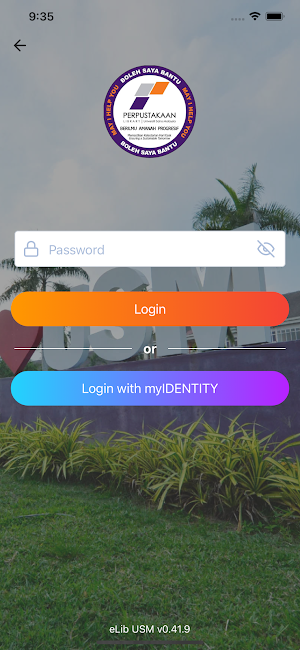
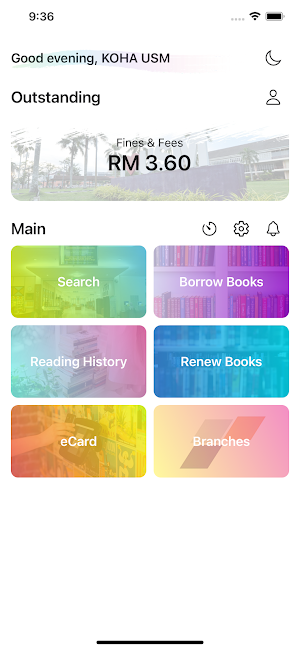
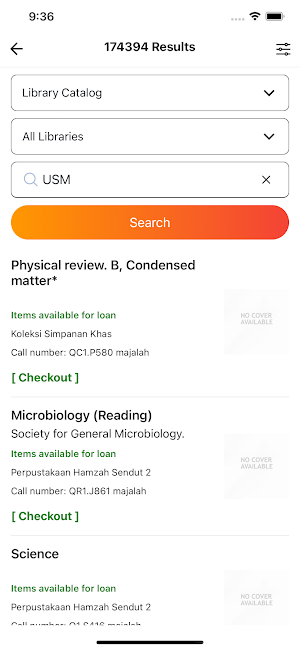
USM Library On The GO is an application that portrays the identity of USM library staff and student for internal dan external use. It is developed for active USM library users. The interface of the application consists of Profile, Online Public Access Catalog (OPAC), Borrowing Books, fine amount, Reading History, Renewing Books, eCard, and Library Branches Information.
Features:
Enable library users to:
1. Display library users information.
2. Search for library collection using Online Public Access Catalog (OPAC).
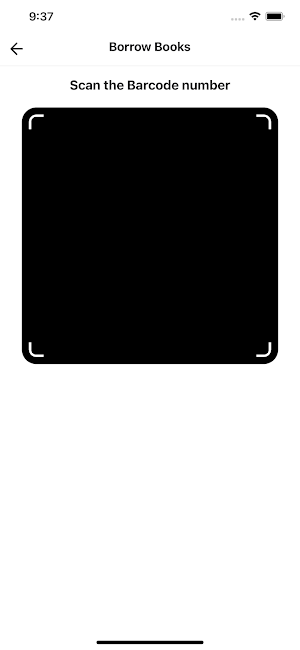
3. Self Borrowing/ library book using mobile QR Code.
4. Check Loan Information (due date, fines, etc.)
5. Reading history
6. Renewing loan via app.
7. Library Branches Information (contact information, location etc.)
Features:
Enable library users to:
1. Display library users information.
2. Search for library collection using Online Public Access Catalog (OPAC).
3. Self Borrowing/ library book using mobile QR Code.
4. Check Loan Information (due date, fines, etc.)
5. Reading history
6. Renewing loan via app.
7. Library Branches Information (contact information, location etc.)
What’s new
Version 1.0.1 · Updated July 13, 2023
USM Library On The Go app allow library users to connect with library services and facilities at your fingertips. Users can borrow for library collections just by using the app at the shelf without having to go to the circulation counter.
User reviews

Easy to use.friendly interface
Frequently asked questions
What is USM Library On The GO?
USM Library On The GO is an application developed for active USM library users to access various features such as displaying library user information, searching for library collection using Online Public Access Catalog (OPAC), self-borrowing/library books using mobile QR Code, checking loan information, reading history, renewing loans, and accessing library branches information.
What are the features of USM Library On The GO?
The features of USM Library On The GO include displaying library user information, searching for library collection using Online Public Access Catalog (OPAC), self-borrowing/library books using mobile QR Code, checking loan information (due date, fines, etc.), reading history, renewing loans via the app, and accessing library branches information (contact information, location, etc.).
Alternatives to USM Library On The Go
Looking for apps like USM Library On The Go? Here are 3 similar Android apps on Google Play. All of them are free to download.


| App | Rating | Price | Installs | Last updated | Compare |
|---|---|---|---|---|---|
| USM Library On The Go | – | Free | 1,000+ | Jul 13, 2023 | |
| indie@USM BookCase | – | Free | 50+ | Sep 14, 2022 | Compare |
| Hebat@USM | – | Free | 1,000+ | – | Compare |
| PASSPORT USM | – | Free | 10,000+ | – | Compare |