About AutoDeck
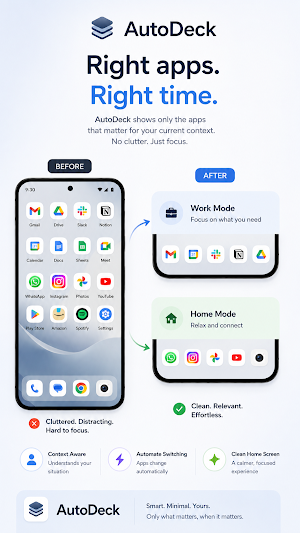
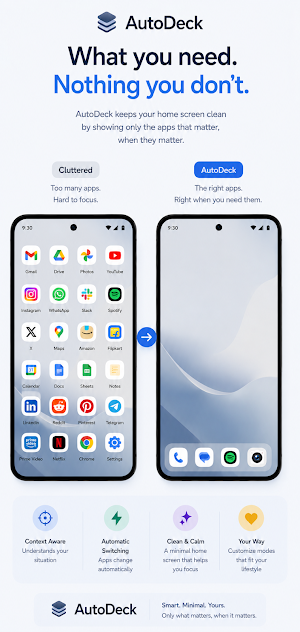
Your phone does different things at different times — your home screen should too.
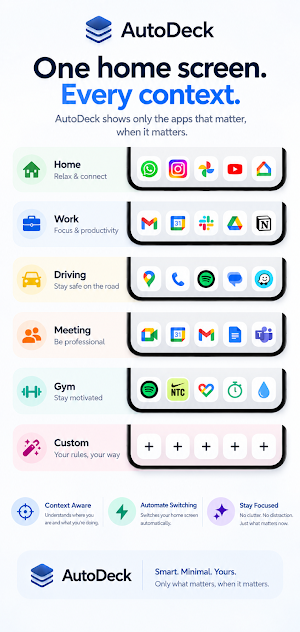
AutoDeck lets you create app collections called "profiles" and automatically switch between them based on what you're doing. Driving to work? Your nav, music, and messaging apps appear. At the gym? Fitness apps take over. Back home? Everything resets.
**CREATE DRAWERS**
Group your apps into named collections — Work, Commute, Gym, Home, Weekend — whatever fits your life. Pin favorites that stay visible across every drawer.
**AUTOMATE WITH RULES**
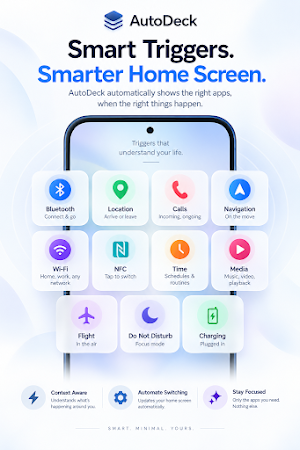
Set triggers that switch drawers automatically:
• Bluetooth — connect to your car stereo or headphones
• WiFi — join your office or home network
• Location — arrive at or leave a place
• Schedule — time and day of week
• NFC — tap a physical tag
• Phone call — incoming calls, including WhatsApp, Teams & Google Meet
• Navigation — start or end turn-by-turn directions
• Media — music or video starts or stops
• Flight mode — turned on or off
• Charging — plugged in or unplugged
• Do Not Disturb — turned on or off
• Wired audio — headphones or aux connected or disconnected
Combine multiple triggers with AND/OR logic for precise control. Rules auto-restore your previous drawer when the trigger ends.
**DYNAMIC HOME SCREEN WIDGET**
A widget that updates itself. It always shows apps from your active drawer — no manual switching. Customize grid size, icon size, labels, background opacity, and layout to match your home screen.
**QUICK SWITCH**
Tap the Quick Switch dot to temporarily bring another profile's apps onto your widget — without changing your active profile or interrupting a running rule. Style the dot to match your widget: circle, ring, square, bar, or your drawer's icon.
**MATCH YOUR ICON PACK**
Set an icon pack once for every drawer, or let any drawer override it with its own — keep Work buttoned-up and Gym playful.
**WORKS WITH SAMSUNG MODES & ROUTINES**
Each drawer generates a shortcut you can use directly inside Samsung Routines. Also supports Tasker, MacroDroid, and any app that can send a broadcast intent or open a URL.
**PIN STATIC WIDGETS**
Lock a widget to one specific profile — it stays put regardless of which drawer is active. Great for a permanent favorites panel.
**KEY FEATURES**
✓ 12 trigger types with restore-on-exit
✓ Multi-condition rules (Pro)
✓ 2 free automation rules, unlimited with Pro
✓ Icon pack support with per-drawer override
✓ Quick Switch — layer in a second drawer without losing your active one
✓ Sticky favorite apps across all drawers
✓ Dynamic + static home screen widgets
✓ Samsung Routines, Tasker & intent support
✓ NFC tag writing built in
✓ Drag-and-drop reordering
✓ Fully customizable widget appearance
✓ Available in 18 languages
Your home screen, on autopilot.
Similar Apps
One Key: password manager
Completely offline, Ad free, Fingerprint and Backup capable password manager

TAP Kiln Control Mobile
Remote Kiln Control: edit schedules, modify settings, review logs, and more.

PDK Access by ProdataKey
Mobile access, trusted security—unlock doors with your phone.

Sentry Pro for Tesla
Tesla Sentry Mode notifications and automatic threat deterrence actions.

HiNotes by HiDock
HiNotes: The AI note-taking app built for your HiDock device.

Coast: Native Work Order CMMS
Work orders, PM scheduling, assets & team chat — one simple maintenance app