ARS GT Sporty
Digital watchface for Wear OS with sleek design, sharp digits, and premium feel

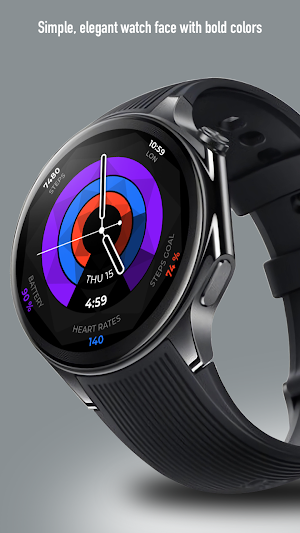
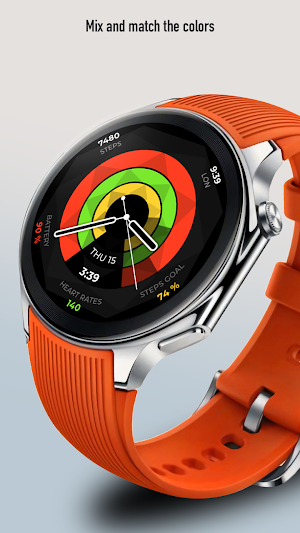
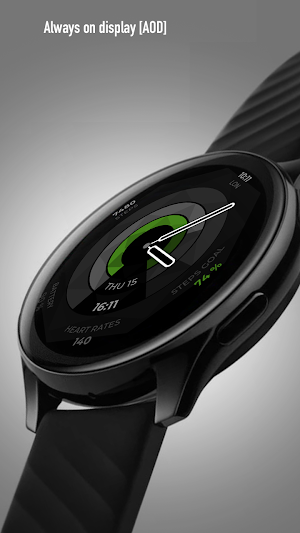
About ARS GT Sporty
Elevate your wristwear experience with the ARS Digital GT Sporty watchface. Designed with sophistication and precision, this custom watchface combines style and functionality in one elegant package.
Features a sleek, minimalist design that balances elegance and innovation. With sharp, easy-to-read digits and a striking black dial, perfect for those who appreciate understated luxury. The premium finish of the watchface makes it suitable for both formal and casual settings.
ARS Digital GT Sporty for Your Watch. Supports Galaxy Watch 7 Series and Wear OS watches with API 30+.
On the "Available on more devices" section, tap the button beside your watch on the list to install this watch face.
Features :
- Change Color Styles
- Three Complications
- 12/24 Hours Support
- Always on Display
After the watch face is installed, activate the watch face by these steps :
1. Open watch face selections (tap and hold current watch face)
2. Scroll to the right and tap "add watch face"
3. Scroll down on downloaded section
4. Tap the new installed watch face
Similar Apps

GYA004: Artistic watchface
This is a unique artistic watch face that is not boring in color. Choose from 20 color combinations to match your weather, mood or fashion.
Digital Trost Watch Face
Watch face for Wear OS
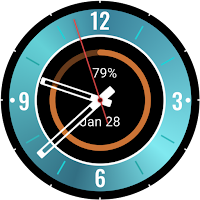
Blue Eclipse Watch Face
Cosmic analog face for Galaxy Watch, Pixel Watch & Wear OS
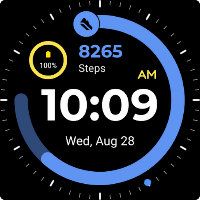
Sports-For Wear OS 5
It's a digital watch face for Wear OS 5 only!
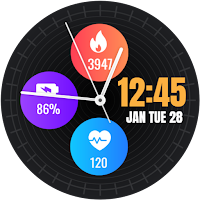
Analog Watch Face-WF3
Stylish analog watch face with customizable health stats and date for Wear OS.
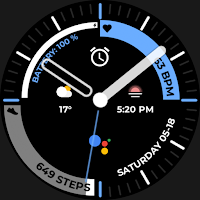
Night 65 - watch face
Editable Complication, Analog Clock, Date and Day, STP Counter, Battery Status
