RemotEasy - TV Service
Activates required TV services to assist "RemotEasy" mobile application.
About RemotEasy - TV Service
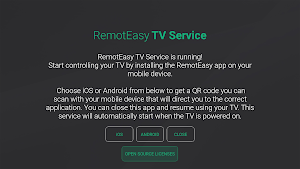
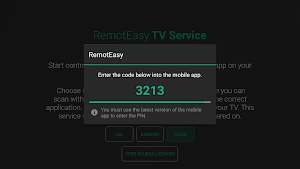
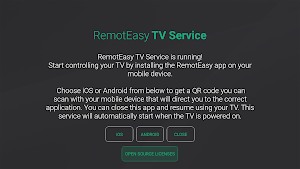
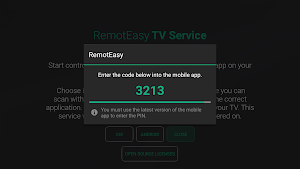
Arçelik, Beko, and Grundig Android/Google TVs can be controlled using the "RemotEasy" mobile application by running the "RemotEasy - TV Service" application on your TV. This application starts the necessary TV services in the background, allowing you to control your TV from your mobile device.
After installing the "RemotEasy - TV Service" application, you only need to run it once. When the services start successfully, a message will appear on the screen. After that, you can close the application; the services will continue running in the background and will automatically activate each time the TV is turned on.
Then, install the "RemotEasy" application on your mobile device and follow the instructions to control your TV.
Similar Apps
AI Chat
The AI Chat app allows you to chat with artificial intelligence on...
Oliz
Evini senin yerine düşünen, avantajlarla dolu Oliz senin için geldi! Tek yapman...
HomeWhiz
With HomeWhiz smart home application you can connect your smart appliances and...

DOMINO The Little One
ABOUT THIS GAMEAmidst the daunting specters of environmental destruction and climate change,...
Arçelik Akıllı Kumanda
Arçelik Akıllı Kumanda application allows you to control your Arçelik Smart TV...
HomeDirect
With HomeDirect smart home application you can connect your smart small domestic...
