
GameSick Zero
Apptelier Tools Contains ads
Reduce 3D mobile game motion sickness with a visual anchor overlay over any game
- Downloads
- 5+
- on Google Play
- Price
- Free
- No in-app purchases
- Updated
- Aug 7
- 2026 · v1.0.3
Screenshots
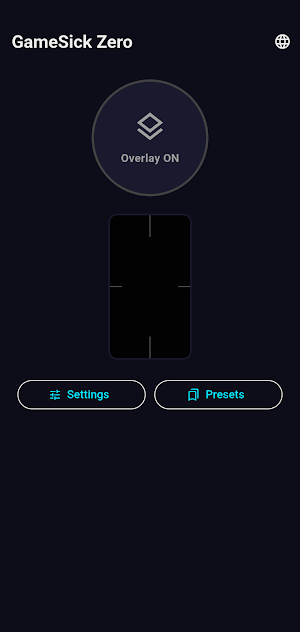


About GameSick Zero
Do you get dizzy or nauseous playing 3D mobile games?
GameSick Zero overlays thin visual anchor lines on your game screen, helping your brain recognize the screen boundary and reduce motion sickness.
■ Why does it work?
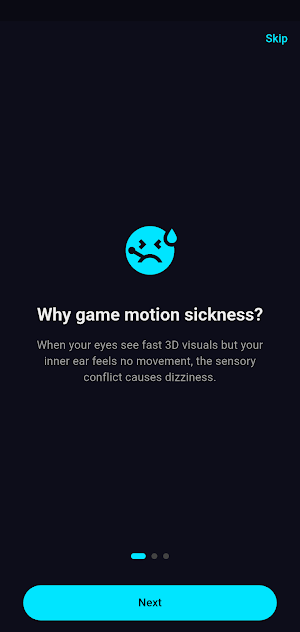
Gaming motion sickness occurs when your eyes see fast-moving 3D visuals while your vestibular system senses you're stationary. Fixed anchor lines at the screen edges help your brain distinguish "virtual camera movement" from real-world movement.
■ How to use
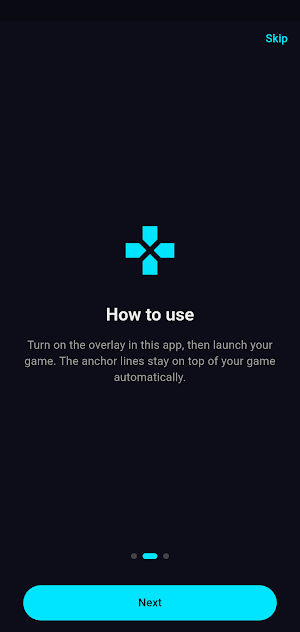
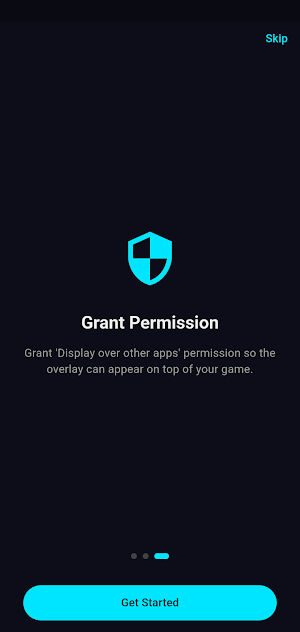
1. Launch app → Grant "Display over other apps" permission
2. Tap the Overlay ON button
3. Launch your game — done!
■ Key Features
✔ Static Mode — fixed anchor lines on all 4 screen edges
✔ Dynamic Mode — lines subtly respond to device tilt
✔ Customize color, thickness, opacity
✔ Save per-game presets
✔ Quick Settings tile for instant toggle
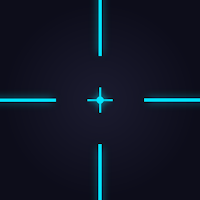
✔ Center crosshair option (FPS-focused)
GameSick Zero overlays thin visual anchor lines on your game screen, helping your brain recognize the screen boundary and reduce motion sickness.
■ Why does it work?
Gaming motion sickness occurs when your eyes see fast-moving 3D visuals while your vestibular system senses you're stationary. Fixed anchor lines at the screen edges help your brain distinguish "virtual camera movement" from real-world movement.
■ How to use
1. Launch app → Grant "Display over other apps" permission
2. Tap the Overlay ON button
3. Launch your game — done!
■ Key Features
✔ Static Mode — fixed anchor lines on all 4 screen edges
✔ Dynamic Mode — lines subtly respond to device tilt
✔ Customize color, thickness, opacity
✔ Save per-game presets
✔ Quick Settings tile for instant toggle
✔ Center crosshair option (FPS-focused)
What’s new
Version 1.0.3 · Updated August 7, 2026
Initial release of GameSick Zero! - 4-direction screen anchor overlay (Static Mode) - Device tilt-responsive overlay (Dynamic Mode) - Color, thickness, opacity customization - Built-in presets: FPS / Open World / Racing - Quick Settings tile support
Alternatives to GameSick Zero
Looking for apps like GameSick Zero? Here are 6 similar Android apps on Google Play. The highest rated is Marshall Bluetooth (4.7/5), and all 6 are free to download.
-
STNDRD Workout & Fitness Plans 3.2
-
Marshall Bluetooth 4.7
-
Fit2Flaunt 4.2
-
Frolomuse: MP3 Music Player 4.5
-
Pioneer Smart Sync 3.1
-
Narwal 2.6
| App | Rating | Price | Installs | Last updated | Compare |
|---|---|---|---|---|---|
| GameSick Zero | – | Free | 5+ | Aug 7, 2026 | |
| STNDRD Workout & Fitness Plans | 3.2 / 5 | Free | 100,000+ | Oct 2, 2026 | Compare |
| Marshall Bluetooth | 4.7 / 5 | Free | 5,000,000+ | – | Compare |
| Fit2Flaunt | 4.2 / 5 | Free | 50,000+ | Oct 2, 2026 | Compare |
| Frolomuse: MP3 Music Player | 4.5 / 5 | Free | 1,000,000+ | Jan 21, 2026 | Compare |
| Pioneer Smart Sync | 3.1 / 5 | Free | 1,000,000+ | Jun 22, 2026 | Compare |
| Narwal | 2.7 / 5 | Free | 100,000+ | Sep 18, 2026 | Compare |
Compare GameSick Zero with the top alternatives: ratings, updates, ASO score and keyword gaps →