ScreenShare: Mirroring to TV
Share your screen to TV by casting and mirroring your phone to any Smart TV
About ScreenShare: Mirroring to TV
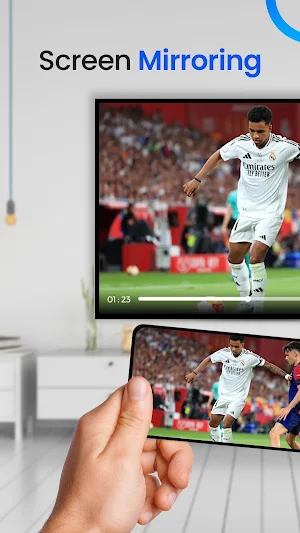
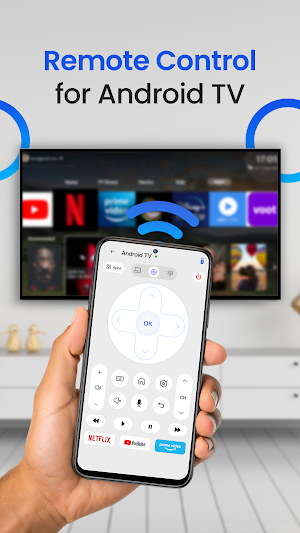
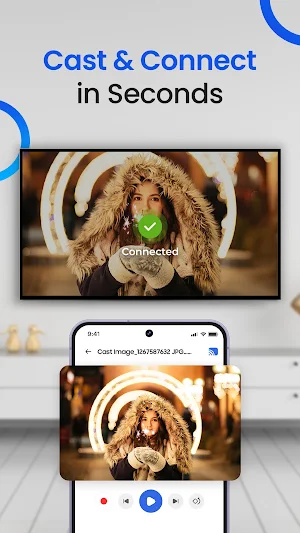
Bring your mobile screen on your smart TV with the easy-to-use screen mirroring and casting app.
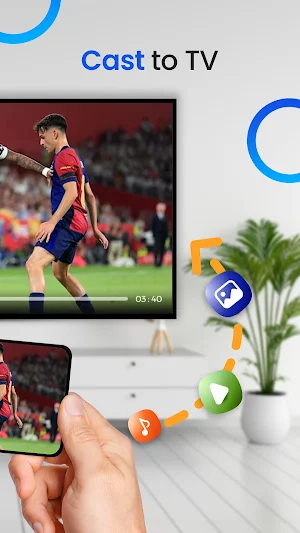
Easily connect your phone or tablet to your TV with this screen mirroring and casting app. Share your smart phone videos, photos, and audios directly on the bigger screen. Whether you're streaming movies, giving presentations, or showing off your latest vacation photos, this app makes it simple and easy.
Key Features:
Easily share videos, films, and audios to big screen.
Mirror your phone screen for a bigger, better view.
Easy setup with most Smart TVs and casting devices.
Enjoy high-quality video and sound with minimal delay.
Perfect for home entertainment, work, or school, this app lets you enjoy content on a bigger screen in just a few taps.
Similar Apps
RICOH Smart Device Connector
Control Ricoh MFP and projector functions from an Android–based smart device.

Focus Launcher
Minimalist launcher: clock + search. Hide apps, favorites, gestures. Focus mode
ZUMIMALL
ZUMIMALL works on Home Security System, providing a series of security products.

Smart Connect
Bring your devices together

Nedis SmartLife
The easiest way to your smart home

Yatse: Kodi remote and cast
Original Kodi remote with easy remote control, streaming & more since 2011!

