About DRM+ SDR Mode E
If It’s less than 48 hours since you bought an app, you can request a refund through Google Play.
A refund is not possible 48 hours after purchasing an app, due to company policy.
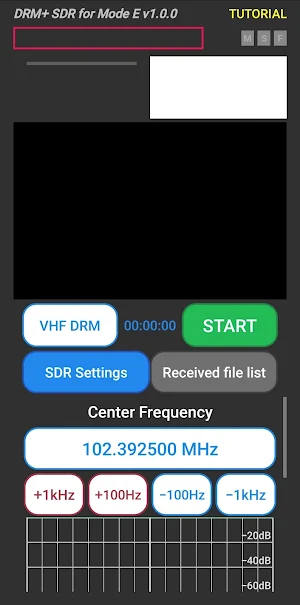
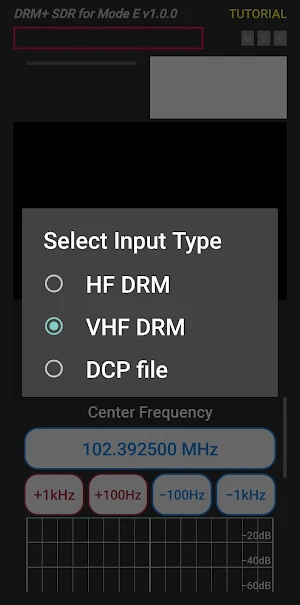
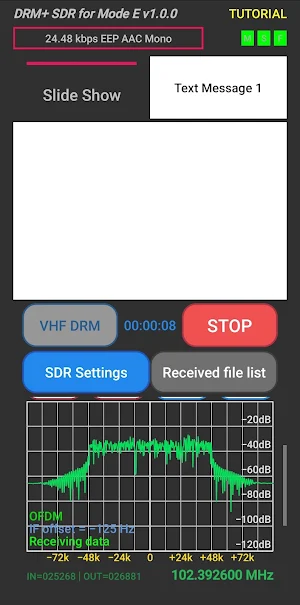
The DRM+ SDR for Mode E app decodes DRM+ (Digital Radio Mondiale plus) signals coming in through RTL-SDR (Software Defined Radio) V3 Dongle via a USB OTG cable.
Driver support exists for RTL-SDR. Before using this app you need to install an ANDROID SDR dongle driver.
This app has been tested using a Generic RTL2832U RTL-SDR dongle.
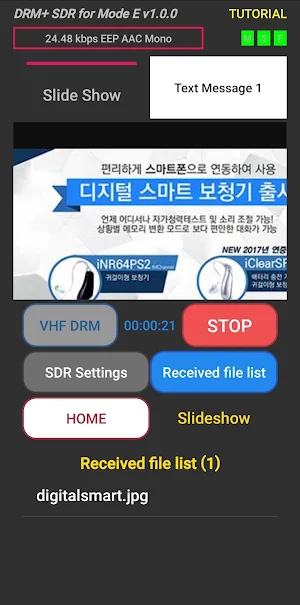
The DRM+ SDR app is for DRM+ (Mode E) decoding with HE-AAC, OPUS and xHE-AAC. The paid DRM+ SDR for Mode E app decodes sound, metadata, slideshow, web browsers.
In order to run DRM+ SDR for Mode E, you will first need to plug your SDR receiver into a ANDROID device using a USB OTG cable.
We will not collect your information. Please note that you should not duplicate the app program on other people's mobile phones, and we will do our best to upgrade to more advanced app features.
Similar Apps

Mobile Link for Generators
Mobile Link allows customers to check generator status from smart devices.
Aceable Drivers Ed & Test Prep
Driving School & DMV Permit Test
Chargeway
Find EV charging stations and plan trips with Chargeway®
KCTCS
The Official app of Kentucky Community & Technical College System.

Rite Aid Pharmacy
Manage prescriptions and Rite Aid Rewards. Find product savings and coupons.
FLYFUEL
Your new fav healthy spot for breakfast, lunch, and dinner on the fly!
