

KYDO
Eutima AG Business
Digitize physical documents and store everything securely in one place
- Downloads
- 42+
- on Google Play
- Price
- Free
- No in-app purchases
- Updated
- Oct 7
- 2026 · v2.0.4
Screenshots


About KYDO
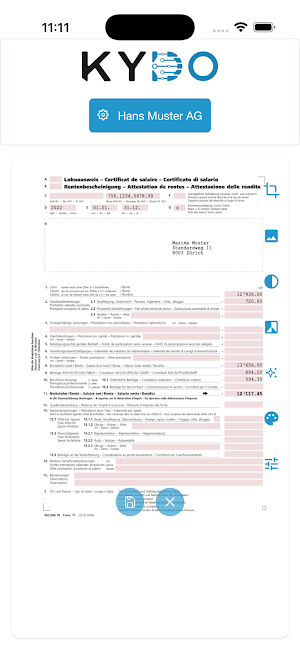
KYDO Scan is the mobile extension to KYDO. Paper documents can be quickly and easily scanned, digitized, and securely stored in a centralized location.
The following features are included in the KYDO Scan App:
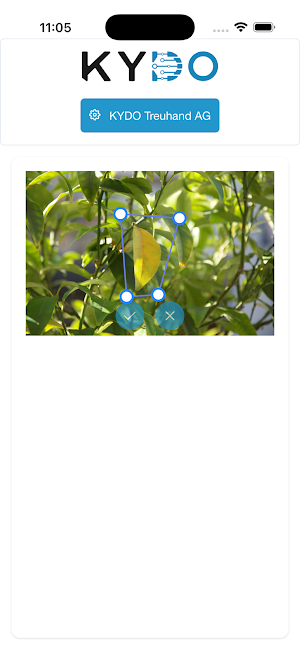
- Automatic document recognition
- Multi-page PDF
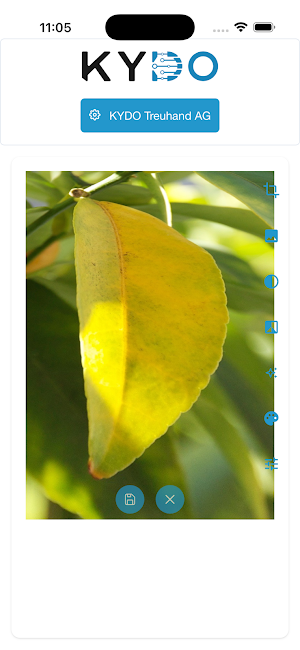
- OCR optimized image quality
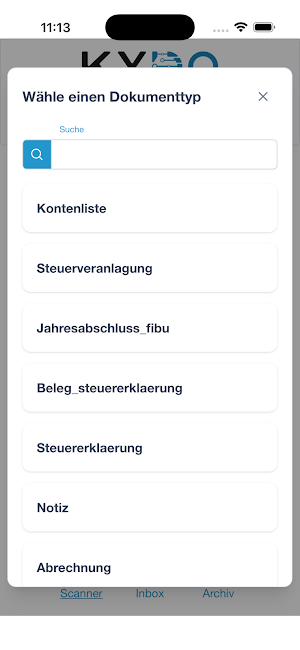
- Direct assignment of the document to an existing document type
- Two-factor authentication
With your existing KYDO account, you can manage your documents within the web application.
Please note that you need a KYDO account to use this app. Discover KYDO here: https://kydo.ch
The following features are included in the KYDO Scan App:
- Automatic document recognition
- Multi-page PDF
- OCR optimized image quality
- Direct assignment of the document to an existing document type
- Two-factor authentication
With your existing KYDO account, you can manage your documents within the web application.
Please note that you need a KYDO account to use this app. Discover KYDO here: https://kydo.ch
What’s new
Version 2.0.4 · Updated October 7, 2026
User experience improvements
Alternatives to KYDO
Looking for apps like KYDO? Here are 6 similar Android apps on Google Play. The highest rated is Genius Scan - PDF Scanner (4.9/5), and all 6 are free to download.
-
Intent Tree: Identity Planner
-
Shelog: AI Food Scanner, Diary 4.5
-
yescan - PDF OCR Scanner 4.3
-
UPDF - AI-Powered PDF Editor 3.7
-
Genius Scan - PDF Scanner 4.9
-
Foxit PDF Editor 4.1
| App | Rating | Price | Installs | Last updated | Compare |
|---|---|---|---|---|---|
| KYDO | – | Free | 10+ | Oct 7, 2026 | |
| Intent Tree: Identity Planner | – | Free | 500+ | Jul 22, 2026 | Compare |
| Shelog: AI Food Scanner, Diary | 4.5 / 5 | Free | 1,000+ | Sep 20, 2026 | Compare |
| yescan - PDF OCR Scanner | 4.3 / 5 | Free | 50,000+ | – | Compare |
| UPDF - AI-Powered PDF Editor | 3.7 / 5 | Free | 1,000,000+ | Feb 6, 2026 | Compare |
| Genius Scan - PDF Scanner | 4.9 / 5 | Free | 10,000,000+ | Oct 19, 2026 | Compare |
| Foxit PDF Editor | 4.1 / 5 | Free | 10,000,000+ | Oct 26, 2026 | Compare |
Compare KYDO with the top alternatives: ratings, updates, ASO score and keyword gaps →
Similar apps on Google Play
- Intent Tree: Identity Planner
- Shelog: AI Food Scanner, Diary
- yescan - PDF OCR Scanner
- UPDF - AI-Powered PDF Editor
- Genius Scan - PDF Scanner
- Foxit PDF Editor
- Regula Document Reader
- PDFelement-PDF Editor & Reader
- PDF Reader(KDAN PDF): Edit PDF
- SynkedUP
- PDF E-Sign
- PDF Scanner Plus - Doc Scanner
- Farm Girls Fancy Frills
- Smallpdf: Scanner & PDF Editor
- pdfFiller Edit, fill, sign PDF
- AI Resume Builder & CV Maker
- QmetaRam AI: Quantum Assistant
- Document Reader, PDF Converter