My Book Library
Scan barcodes to catalog your books, track your reading, organize shelves.
About My Book Library
My Book Library is a personal virtual library for the books you own. To add a book, just scan the barcode on its back cover — the cover image, author, publisher and page count fill in automatically.
WHAT YOU CAN DO
Add books by barcode
Scan a book's ISBN barcode with your camera and watch the details appear in seconds. Books without a barcode can be added manually, and you can photograph your own cover.
Track your reading
Mark every book as to read, reading or read. Slide to record the page you're on, set start and finish dates, rate the book out of five stars and write your own review.
Organize your bookcases
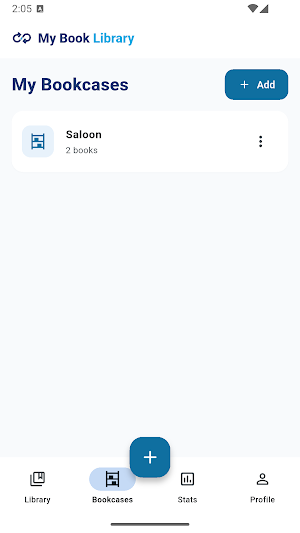
Recreate the real bookcases in your home and assign your books to them. See at a glance which book lives where.
Keep track of loans
Record who borrowed which book and which books you borrowed, with dates. Never wonder "who has that book?" again.
Statistics
Set a yearly reading goal and watch your progress. A monthly chart of finished books, a breakdown by genre and your most-read authors, all on one screen.
Tags, series and notes
Group books with your own tags, follow series and volume numbers, and jot down whatever you want to remember.
Search and sort
Search by title, author or ISBN. Sort by recently added, title, author, rating, page count or recently finished.
Backup and export
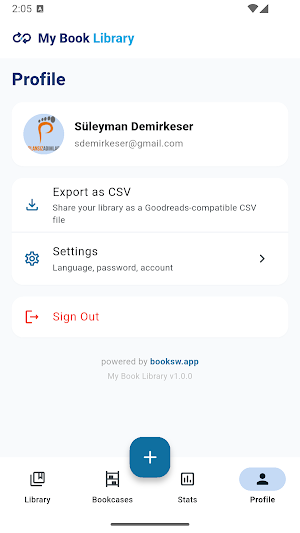
Export your library as a Goodreads-compatible CSV file to keep or share wherever you like.
Nine languages
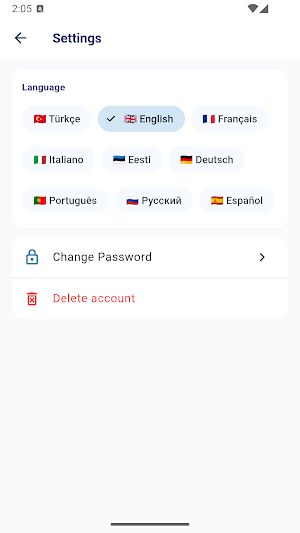
Turkish, English, French, Italian, Estonian, German, Portuguese, Russian and Spanish.
YOUR ACCOUNT
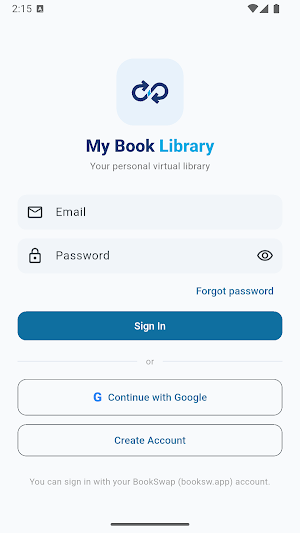
My Book Library runs on the booksw.app platform. Sign in with your existing BookSwap account, or start in seconds with Google. Books you add here are private — they are never listed for swapping or shown to other users.
powered by booksw.app
