GenAI: AI Video Generator
AI Video Generator & AI Video Maker : Text to Video & Image to Video instantly
About GenAI: AI Video Generator
GenAI is an AI video generator and AI video maker that turns prompts, photos, and ideas into studio-quality videos. Create text to video, image to video, and photo to video content for reels, ads, explainers, trailers, social clips, and product promos in minutes—fast, simple, and with no editing skills required.
Create videos your way with powerful AI tools:
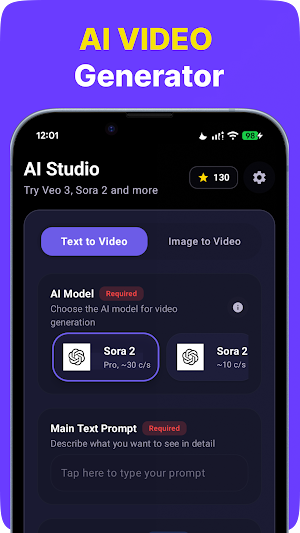
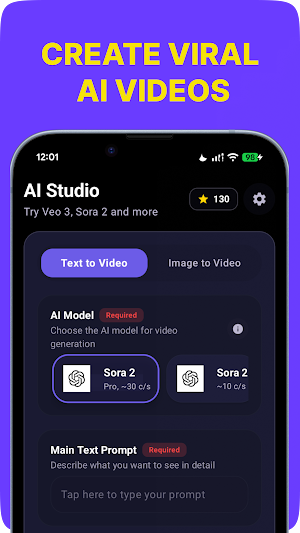
• Text to Video: Turn a prompt into animated scenes, cinematic shots, anime videos, realistic clips, fantasy visuals, 3D videos, and motion graphics.
• Image to Video: Animate a single image, illustration, artwork, or reference frame with image to video and photo to video tools.
• Storyboard mode: Bring characters, concepts, and visual ideas to life with motion.
• Social video formats: Export vertical, square, and landscape videos for reels, short-form videos, and social media content.
• Audio tools: Add music, voice-over, or your own sound to create polished videos ready to share.
Why creators choose GenAI:
• Multiple styles: cinematic, anime, realistic, fantasy, cyberpunk, claymation, 3D, and more.
• Powerful controls: duration, seed, motion strength, guidance, negative prompts, reference images, and first/last frame control.
• Quality options: Export HD and up to 4K, depending on the selected model.
• Fast generation: Iterate quickly with fast and turbo AI models.
• Easy workflow: Generate professional videos without complex editing.
Who it’s for:
• Creators and influencers making reels, story visuals, lyric videos, memes, and short-form videos.
• Marketers and brands producing ads, product promo videos, UGC-style content, and launch teasers.
• Educators and teams building explainers, lesson visuals, prototypes, and pitch ideas.
• Anyone exploring AI video creation, video generation, and creative storytelling.
How it works:
1. Choose text to video or image to video.
2. Enter a prompt or upload an image.
3. Select an AI model.
4. Adjust style, motion, format, and controls.
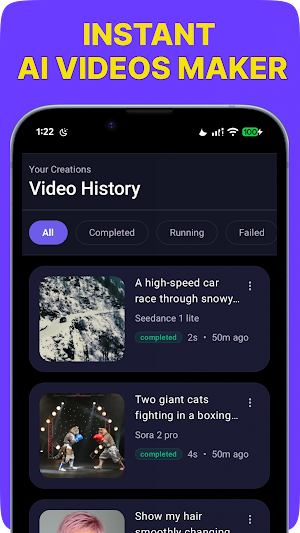
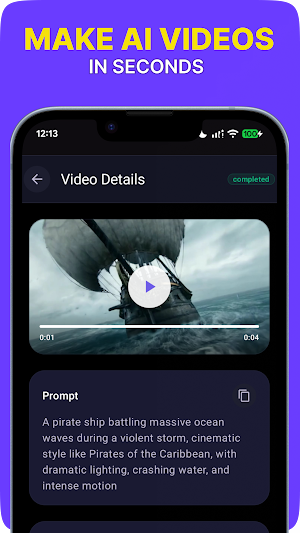
5. Generate, preview, and export your video.
Supported AI models include Sora, Veo, PixVerse, Kling, WAN, Motion, Hailuo, LTX, Seedance, Ray, OVI, and more. Model names and trademarks belong to their respective owners. This app is independent and is not affiliated with any model provider.
Tips for better results:
• Be specific about subject, camera, motion, lighting, and style.
• Use a reference image to guide composition.
• Add negative prompts like “no text,” “no watermark,” and “no distortion.”
• Try different AI models for different looks, speeds, and textures.
Turn your ideas into videos instantly with GenAI, the AI video generator and AI video maker for text to video, image to video, photo to video, reels, ads, and cinematic content.
Similar Apps

PexelArt
Discover stunning photos, videos & GIFs from the world's best creators.
Creator
Creative content studio for today
Albania wear OS
Digital watch face wear OS
Photo Editor Viewer
Edit and view images with layers, filters, and pro tools. Open PSD, SVG & more.
Mosaic Studio: Photo Mosaic
Turn any photo into a real, printable photo mosaic. 100% offline.
Interlake Wave Artists Tour
WAVE Interlake Artists' Studio Tour gives you a self-guided art experience.