About Outdoor Minutes
Outdoor Minutes is a simple activity tracking tool designed to help you record, review, and manage the time you spend outdoors in your daily routine.
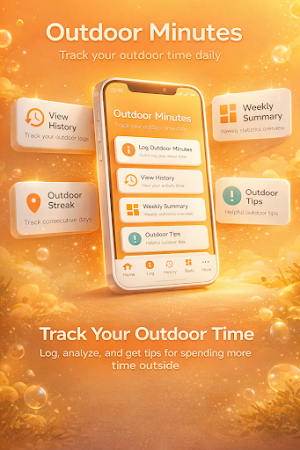
The app provides a structured way to log outdoor sessions, view activity history, and monitor your progress over time through clear summaries and statistics.
🔹 Key Features
• Activity Logging
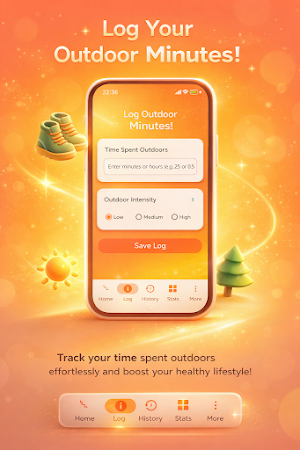
Record your outdoor time using flexible inputs and optional intensity levels to better reflect your activity.
• History Tracking
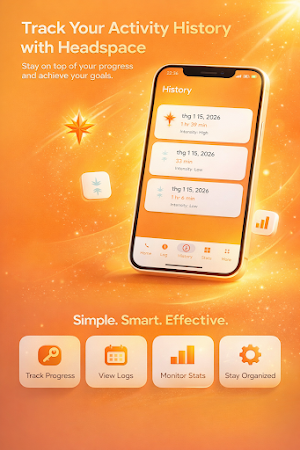
Access a detailed log of past outdoor sessions, including duration and recorded activity levels.
• Progress Overview
View summarized data such as total time, daily averages, and activity patterns over selected periods.
• Weekly Summary
Understand your recent activity with automatically calculated weekly statistics.
• Streak Tracking
Monitor consistency by tracking consecutive days with recorded outdoor activity.
• Helpful Tips Section
Explore general outdoor-related tips presented within the app interface.
• Simple Navigation
Organized sections such as Home, Log, History, Stats, and More allow easy access to features.
🔹 Use Cases
Outdoor Minutes can be used as a personal logging tool for individuals who want to:
Keep track of time spent outdoors
Maintain a consistent daily routine
Review activity history in one place
Monitor simple progress metrics over time
🔹 Notes
This app focuses on manual activity tracking and does not require external integrations.
All entries are managed locally within the app interface.
The app does not provide medical, fitness, or health-related advice.
Similar Apps

HubFit
#1 Coaching App

TrekSpots | Tent camping map
Find 300k campsites, wild camping & huts. Import GPX routes for hiking & biking!

Fit2Flaunt
Let's get Fit 2 Flaunt

VoiceMap: Audio Tours & Guides
Walks and drives in 600 cities inc. London, NYC, Paris, Rome, Amsterdam, Prague
Map My Walk: Walking Tracker
Map My Walk: A walking tracker app that tracks steps, route, distance, and pace.
Footpath Route Planner
Running, Hiking, Bike Map - Draw routes with your finger and navigate with GPS
