5G LTE: FORCE MODE Only
Force 5G/4G LTE mode, test internet speed, check signal & network details.
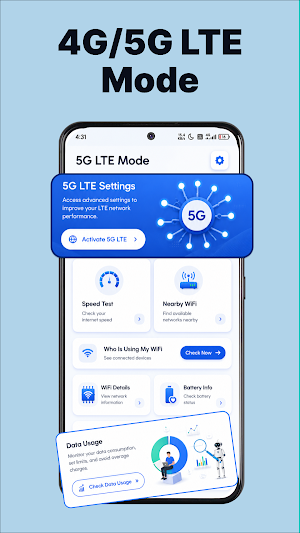
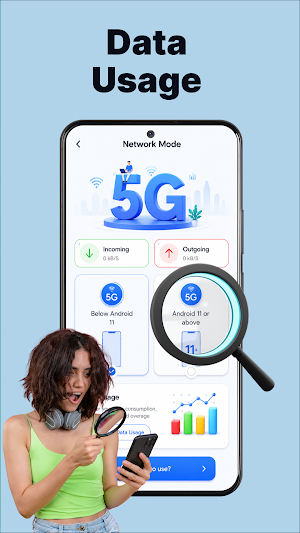
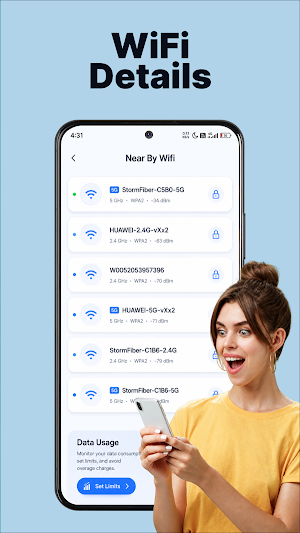
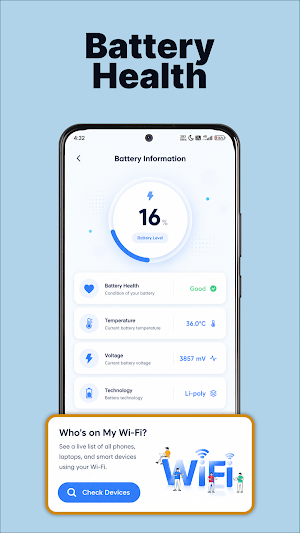
About 5G LTE: FORCE MODE Only
Force 5G & 4G LTE Mode with Fast Internet Speed Test
Take control of your mobile network with 5G 4G LTE: Force Mode Only. Quickly check your internet speed, monitor network information, view signal strength, and access useful network tools from one simple app.
Whether you're connected to 5G, 4G LTE, 3G, or Wi-Fi, the app helps you analyze your connection and monitor network performance in real time.
Key Features
📶 5G & 4G LTE Network Mode
* Quick access to network mode settings (supported devices only)
* Easily switch between available network preferences
* Check your current mobile network type
⚡ Internet Speed Test
* Measure download speed
* Measure upload speed
* Check latency (Ping)
* View real-time speed graphs
📡 Signal Strength Monitor
* Monitor mobile signal strength
* View network quality
* Track connection stability
📱 Network Information
* Current network technology
* Mobile operator details
* SIM information
* Wi-Fi information
* IP address information
🌐 Wi-Fi Information
* Connected Wi-Fi details
* Link speed
* Signal quality
* Frequency information
📊 Connection Analytics
* Monitor network performance
* View connection statistics
* Track internet quality over time
Why Choose 5G 4G LTE: Force Mode Only?
* Fast and accurate internet speed testing
* Clean and easy-to-use interface
* Lightweight and battery friendly
* Detailed mobile network information
* Real-time signal monitoring
* Useful tools for everyday network diagnostics
Important Information
Some network mode features depend on your Android version, device manufacturer, carrier restrictions, and hardware capabilities. Certain options may not be available on all devices. This app cannot unlock network technologies that your phone or mobile carrier does not support.
Download 5G 4G LTE: Force Mode Only today to test your internet speed, monitor signal strength, and manage your mobile network with confidence.
Similar Apps

Speedify: Bond Satellite + 5G
Bond 4G, 5G, Wi-Fi, & Satellite internet into one unbreakable secure connection

ScreenStream
Secure one‑tap screen & audio share via WebRTC/MJPEG/RTSP to browsers/players

My Data Manager: Data Usage
Manage your mobile data by tracking your data usage to avoid extra charges

mSecure - Password Manager
Password manager with passkeys, 2FA codes, autofill, and secure sharing.

GlassWire Data Usage Monitor
Protection from data usage overages, bandwidth wasting apps, and more!
NetSpeed Indicator
Shows network speed in the status bar to easily monitor your internet connection
