Muxvox Remote
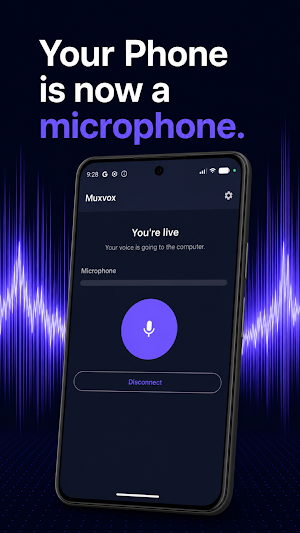
Turn your phone into a wireless meeting microphone. One participant, no howl.
About Muxvox Remote
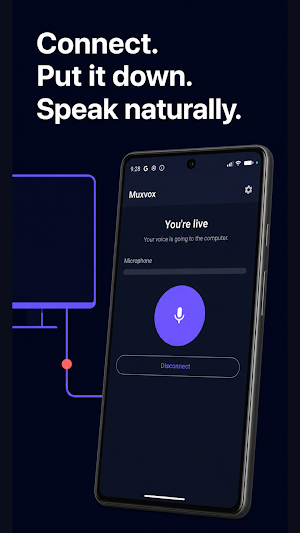
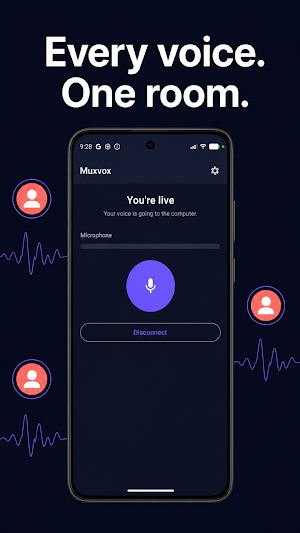
Muxvox turns your iPhone into a wireless microphone and earpiece for the computer that's in the meeting. Everyone sits where they sit, keeps their phone in front of them, and is heard clearly — while the meeting app sees the whole room as one participant. No extra tiles, no extra identities.
Muxvox works together with Muxvox Desktop, the companion app on the Mac (Windows is in Beta) that joins the call. Download it at muxvox.io — you need both.
HOW IT WORKS
1. Muxvox Desktop installs a virtual audio device on your desktop: one click, no separate drivers.
2. Open Muxvox on the phones. They find the desktop on your Wi-Fi by its session name; no accounts, no pairing codes.
3. Approve each phone on the desktop. Approvals persist, so regulars reconnect without asking.
4. Pick Muxvox as microphone and speaker in Google Meet, Zoom, Microsoft Teams — or any app that lets you choose an audio device.
BUILT FOR REAL ROOMS
• One participant, many microphones. Every phone is mixed into a single virtual audio device, balanced by an automatic mixer.
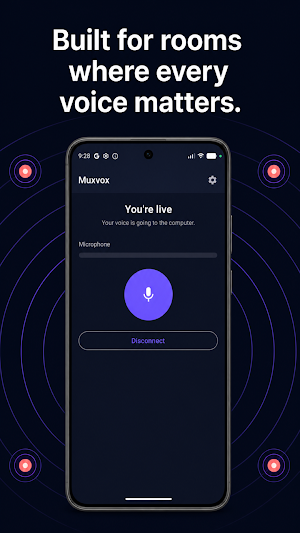
• Rooms, without the howling. Phones marked as sharing a room are kept out of each other's mix, so several phones near one loudspeaker don't feed back.
• A room speaker. The desktop can play the far end out of the conference screen or the Mac's own speakers, so the room listens together.
• Check the room. One chirp from the room speaker, and a report of which phones heard it, catch a muted or out-of-range phone before the meeting, not during it.
• Microphone-only mode, for phones that should listen to the room but not play the far end.
PRIVATE BY CONSTRUCTION
Your audio travels directly between the phones and the desktop over your own Wi-Fi, encrypted with DTLS. There is no Muxvox cloud in the audio path, no account to create, and the app sends no telemetry. Privacy policy: muxvox.io/privacy
GOOD TO KNOW
• Muxvox is in early access and free while it matures.
• Requires Muxvox Desktop on macOS 13 or later, on the same Wi-Fi network.
Questions? muxvox.io/faq
Similar Apps
Fuelon - Fuel Tracker
Fuelon: Fuel Mileage, Expense & Fuel log

AML Workforce-360
Smart workforce app for employee alerts, process tracking & quick actions.

Telefono Protetto
Smart protection against SMS, chat and suspicious notification scams
RecordFlow – Screen Recorder
High-quality screen recorder with professional audio and video capture tools.
KeepLink: Links kept quiet
For links you don't want saved in the open — but don't want to lose either.

BIA Analytical
Bia Analytical predicts authenticity of selected food commodities
