Hang Pictures Beta
Hang pictures right on the first try. Read description for instructions!
About Hang Pictures Beta
Download the beta version for free.
Easily hang multiple pictures on the first try - no math required!
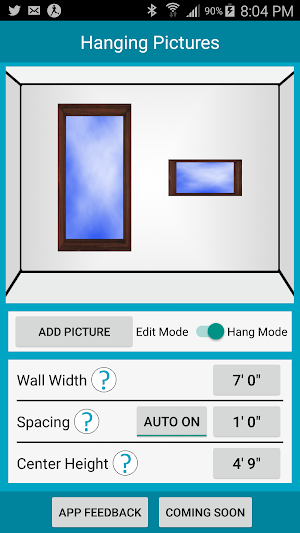
Step 1: Set wall width and photo spacing.
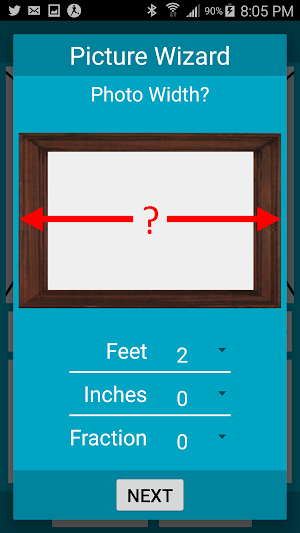
Step 2: Add photos to the wall
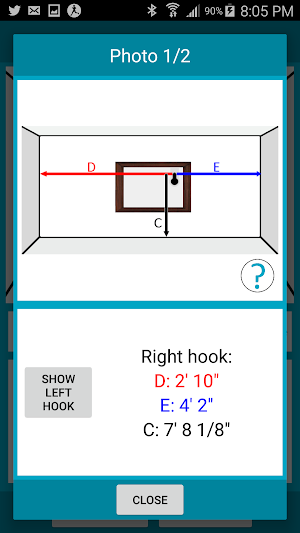
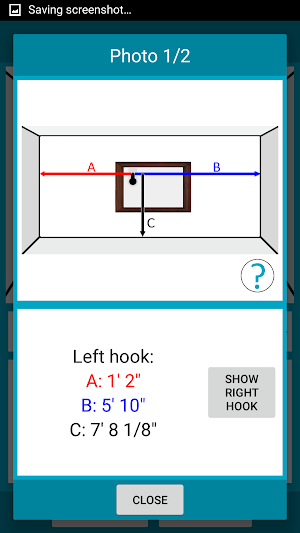
Step 3: With 'Hang Mode' selected, click on a picture to see where to place picture hooks.
Step 4: Hang your picture on the wall.
-----------------
Future Improvements:
Change picture order
Align pictures by top edge or bottom edge.
Add margins from edge of wall
Similar Apps

RESTOIC Performance Mindset
The Restoic App offers a library of engaging premium audio content to...

Scheduleify: Schedule Maker AI
Scheduleify is your personal and free smart schedule planner, day planner, timetable...

MEAZOR - Smart Measuring Tool
MEAZOR app is a multifunctional tool where you can draw, edit, and...

Houzz Pro
The #1 all-in-one business management solution, built for pros by pros.Today, over...

Employee Scheduling by BLEND
BLEND is a powerful employee scheduling and team management app. Use the...

Photo Measures Lite
Photo Measures is the best and easiest way to save measures on...