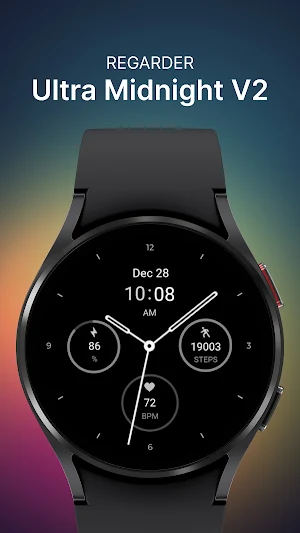

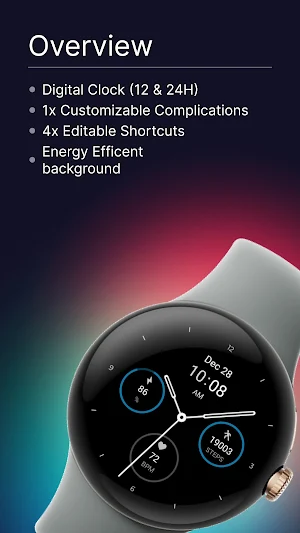
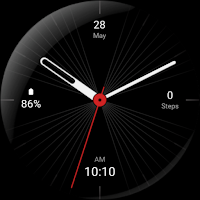
About Regarder Midnight V2 Watchface
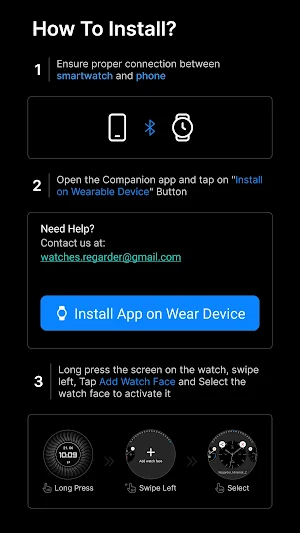
Installing Regarder Midnight V2 watch face is easy:
Just open the Mobile Companion app and follow the instructions there.
In case this does not work. You can use a PC and install it from there
If this option still does not work you can install the watch face from your wear os Device, here are the instructions:
1. On your Wear OS smartwatch, open the Google Play Store.
2. Search for "Regarder Minimal 2" and select the app from the search results.
3. Tap "Install" to begin the installation process.
4. Once the installation is complete, you can find the watch face in the "Watch Faces" section of your smartwatch's settings.
5. Select Regarder Minimal 2 as your active watch face.
Similar Apps
Minimal Black Watch Face
Installing Regarder Minimal Black watch face is easy:Just open the Mobile Companion...
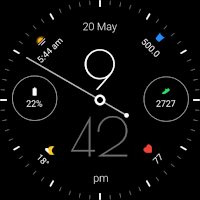
Regarder Twilight Watch Face
Installing Regarder Twilight watch face is easy:Just open the Mobile Companion app...
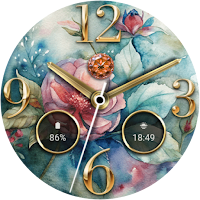
Spring Elegance Watch Face
Installation Guide: https://developer.samsung.com/sdp/blog/en/2022/11/15/install-watch-faces-for-galaxy-watch5-and-one-ui-watch-45Features:-Displays day and date-Analog Clock-Offers 10x background styles- Silver &...
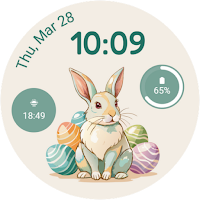
Easter Egg Bunny Watch Face
Installation Guide: https://developer.samsung.com/sdp/blog/en/2022/11/15/install-watch-faces-for-galaxy-watch5-and-one-ui-watch-45Features:-Displays day and date-Allows color customization-Supports 12/24h time formats-Offers three...
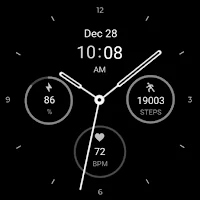
Regarder Midnight V2 Watchface
Installing Regarder Midnight V2 watch face is easy:Just open the Mobile Companion...
Ultra Minimal Watch Face
Installing Regarder Ultra Minimal Wath Face is easy:Just open the Mobile Companion...