

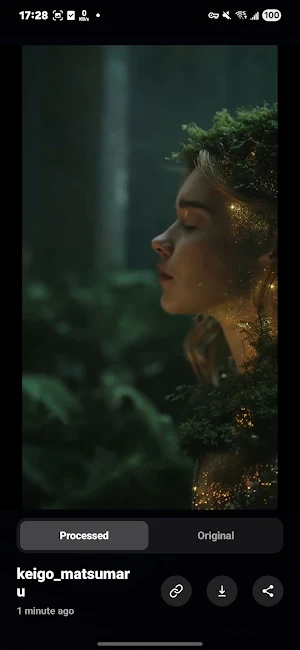

About SaveShorts - Remove Watermark
A super simple tool that lets you remove watermarks from Sora videos with one click, making them clearer and preserving their original quality.
You can use SaveShorts to save and organize your favorite Sora videos while removing all watermarks completely with no trace left behind.
Designed for video enthusiasts, creators, influencers, and small businesses, it helps you save Sora content more efficiently.
Easily collect trending or interesting Sora videos and store them all in one place. Browse your personal collection anytime, and choose to watch or delete them whenever you like.
Easily save Sora videos and remove their watermarks — just use the share sheet or paste the video link directly into the app.
How to save Sora videos and remove their watermarks:
1. Find the video you want to save in Sora
2. Tap the “…” button on the video
3. Select “Copy Link”
4. Open the SaveShorts app and confirm to paste from the clipboard (or paste manually)
5. The video will automatically download and have its watermark removed in seconds
Disclaimer
This app is not affiliated with or endorsed by Sora or OpenAI. Any unauthorized reposting of content without a watermark or that violates intellectual property rights is the user’s sole responsibility. Ensure you have permission from all copyright owners before posting any content.
Terms of Use
https://resources.vibepic.ai/sora/term.html
Privacy Policy
https://resources.vibepic.ai/sora/privacy.html
Similar Apps

Vozo AI Video Translator & Dub
AI video translator & dubbing with captions, avatars, and easy editing

Captions Lite
Subtitle and edit your videos with AI.

Clony: AI Voice & Face Cloning
Clone your voice in seconds. Turn any photo into a talking video. Let it Sing.

Jasper AI Copy Content Writer
Writing assistant, copilot, & generator for essay, paraphraser, paragraph, story

Zeemo: AI Video&Auto Captions
Zeemo: AI video&image generator and subtitle tool for creating viral videos.

Fliki - AI Video Editor
Transform your ideas into stunning videos.