About 120 FPS Turbo GFX Booster
🚀 Unlock Smoother Gaming with 120 FPS Turbo GFX Booster!
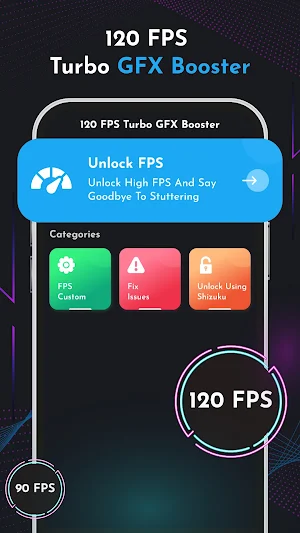
Level up your gaming experience with 120 FPS Turbo GFX Booster! Enjoy ultra-smooth graphics and faster gameplay on supported devices. This handy tool helps you choose higher frame rates so your games feel more responsive and look better than ever.
🔥 Key Features:
🎯 FPS Booster: Increase frame rates on compatible devices for smoother action.
⚡ Enjoy improved graphics with these modes:
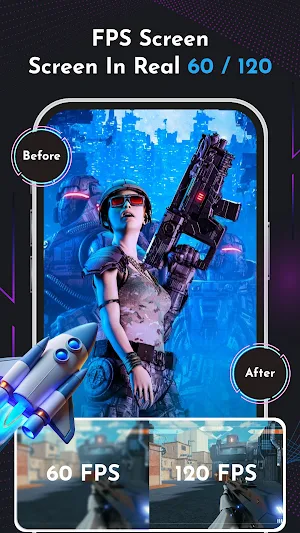
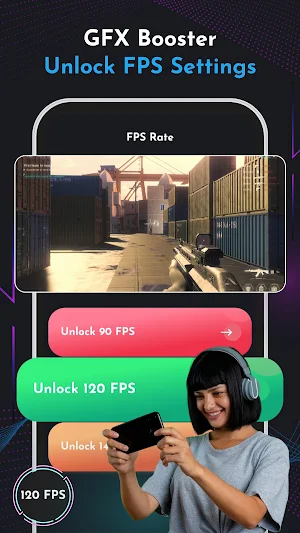
• 60 FPS – Smooth and reliable
• 90 FPS – Extra fluid gameplay
• 120 FPS – Ultra-responsive and sharp
• 140 FPS – Maximum sharpness and speed for elite gamers
🧠 Device Performance Check:
🧩 RAM Usage
⚙️ CPU Performance
🚀 Speed & Game Optimization
🕹️ How To Use:
1️⃣ Open 120 FPS Turbo GFX Booster.
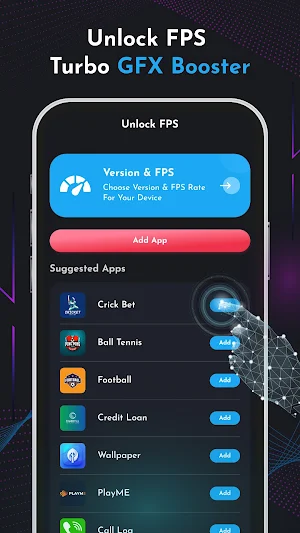
2️⃣ Choose the game you want to boost.
3️⃣ Select your preferred FPS level.
4️⃣ Apply the settings and start playing.
Download 120 FPS Turbo GFX Booster and see the difference in every game.
Disclaimer:
120 FPS Turbo GFX Booster is an independent optimization tool. It is not officially connected to or endorsed by any game developers or brands. Results may vary depending on your device's hardware and system resources.
Similar Apps

Razer Cortex Games: Rewards
Play games & earn real rewards

Black Diamonds New York
Unique Wedding Rings

LiteFinance mobile trading
Mobile app for online trading. Trade stocks, currency

GGDROP – Top CS2 Items!
Upgrade your CS2 inventory on GGDROP!

Stock Events Market Tracker
Track your dividends, portfolio, earnings and passive income in one app
Castro Premium - system info
Learn the vast amount of system information about device and monitor it's state
