Survey123 for ArcGIS
Survey123 allows everyday people to collect data quickly and efficiently.
About Survey123 for ArcGIS
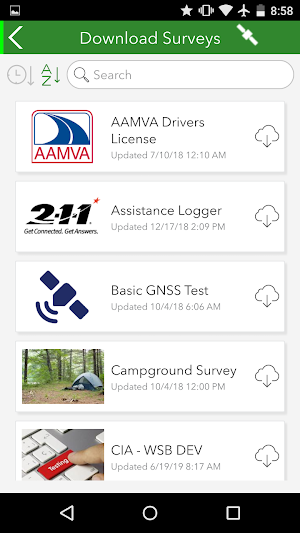
Survey123 for ArcGIS is a simple form-centric data collection GIS app. Using your ArcGIS organizational account you will be able to login into the app and download any forms that may have been shared with you. Once a form is downloaded, you will be able to start collecting data. If working offline, your completed forms will be saved locally. When connected, you can submit the data back to ArcGIS.
Features:
• Easy to use: The app has a simple workflow. Download your forms, fill them out, and submit. Not much to explain so you can get productive immediately.
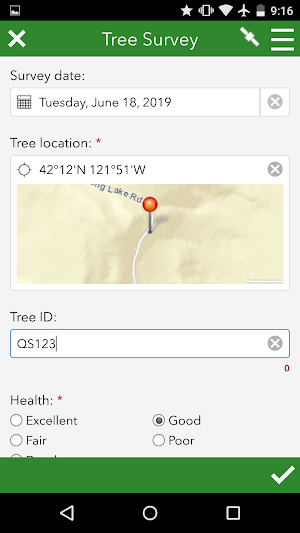
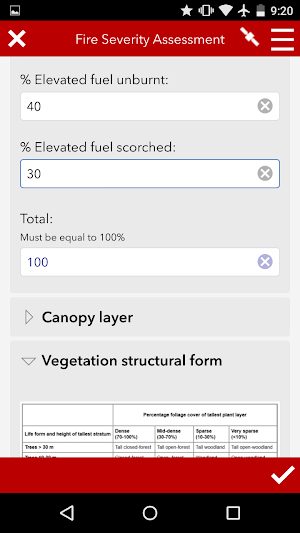
• Smart forms: Survey123 for ArcGIS supports sophisticated forms with advanced types, validation rules and skip logic. This makes it easier for you to collect data with it. Quicker, easier, faster.
• Built for ArcGIS: As you submit your data, we make it immediately available for analysis and visualization. No data translation or copies are necessary. Whatever you contribute from the field is instantly useful.
• ArcGIS identity: The identity you use when logged into the app gives you access to the just the forms that have been shared with you. Using your ArcGIS identity keeps transactions secure and even lets your organization track the work you do.
Similar Apps

ArcGIS Field Maps
ArcGIS Field Maps is Esri’s premier maps app on mobile devices. Use...

ArcGIS Survey123
Use Survey123 to capture reliable data from familiar devices while either online...

ArcGIS Earth
ArcGIS Earth is a native application available on iOS, Android, and Windows...

ArcGIS QuickCapture
ArcGIS QuickCapture is the simplest way to capture field observations. Record GIS...

ArcGIS Field Maps Beta
ArcGIS Field Maps is Esri’s premier maps app. Use Field Maps...

ArcGIS Workforce
ArcGIS Workforce enables a common view in the field and the office....
Frequently Asked Questions (FAQ)
What is Survey123 for ArcGIS?
How do I start collecting data with Survey123 for ArcGIS?
Can I work offline with Survey123 for ArcGIS?
What features does Survey123 for ArcGIS have?
How does using ArcGIS identity enhance security?