HEIC to JPG Converter
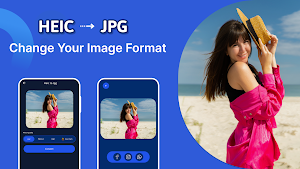
Easily change HEIC photos to JPG format with fast, high-quality image conversion
About HEIC to JPG Converter
In the rapidly evolving world of digital photography, managing your images across various devices and platforms can be challenging. With introduction of the High-Efficiency Image Format (HEIF), many users now find themselves with HEIC images that offer superior quality and smaller file sizes compared to traditional JPEGs. However, despite its advantages, the HEIC format is not universally compatible with all devices or software. That’s where Heic to Jpg Image Converter comes in—a must-have tool for photographers, social media enthusiasts, and anyone who wants to seamlessly convert their HEIC images into the widely supported JPG format.
Why use HEIC to JPG Converter?
HEIC images are designed using advanced compression algorithms, which allow for high-quality photos to be stored at reduced file sizes. This innovative approach is ideal for saving storage space while preserving image details. However, the compatibility issues with non-Apple devices and many editing tools mean that sharing or editing these images can sometimes be problematic. Converting HEIC to JPG bridges this gap by providing a universally accepted format that works flawlessly on almost every device, software, and social media platform. This ensures that your photos are accessible, editable, and shareable without any technical difficulties.
HEIC to JPG Converter Features:
- Simple & Easy to Use:
Our design ensures that converting your HEIC images is as effortless as a few taps. You don’t need any technical expertise—just select your image, adjust your settings, and convert.
- Rapid Conversion:
Enjoy lightning-fast conversion speeds that transform your images from HEIC to JPG in just a few seconds.
- Image Resolution Conversion & Compression:
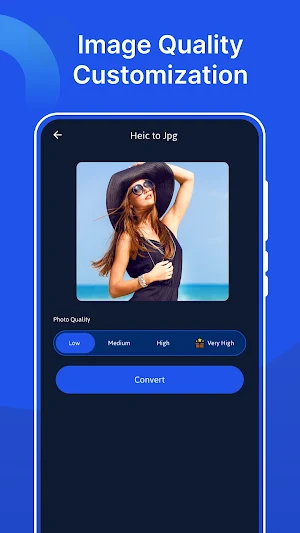
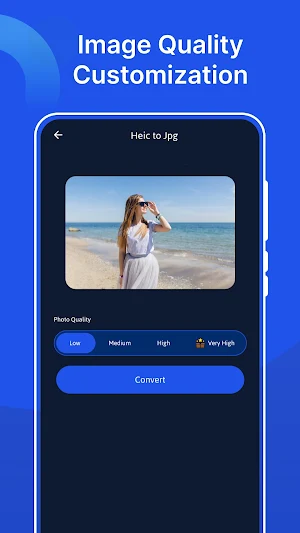
Not only does our app convert your images, but it also allows you to adjust resolution and compression settings. Tailor the output quality to your specific needs, whether you’re looking for high-resolution images for printing or optimized files for online sharing.
- User-Friendly Interface:
Designed with simplicity in mind, our app features a clean, modern interface that makes navigation a breeze. The streamlined layout ensures that every function is easily accessible, providing you with a smooth user experience.
- High-Quality Output:
Our advanced conversion engine preserves every detail of your original photos. The result is high-quality JPG images that retain the vibrancy and clarity of your original HEIC files.
How to Use HEIC to JPG Converter:
1. Launch HEIC to JPG Converter:
Open HEIC to JPG Converter and enjoy a user-friendly interface designed for simplicity and speed.
2. Select Your HEIC Images:
Browse your device’s gallery and choose the HEIC image you want to convert.
3. Customize Your Settings:
Choose the desired resolution and compression settings for your JPG output. This allows you to customize the quality of your images based on your specific requirements—whether you need high-definition prints or optimized web images.
4. Initiate the Conversion:
Tap the ‘Convert’ button to start the process. Our app quickly processes your selected image, converting them from HEIC to JPG within seconds.
5. Review and Share:
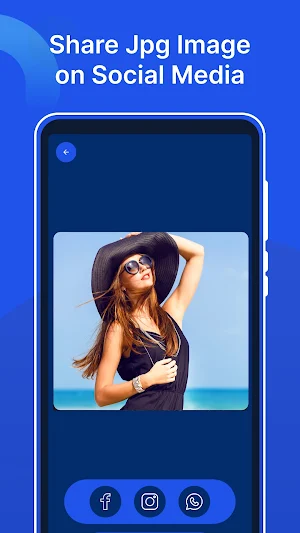
Once the conversion is complete, all your JPG images will be available in the ‘Converted Images’ section. You can review them at your leisure and easily share your photos via email, social media, or other platforms.
Enhanced Benefits for Everyday Use
👉 Universal Compatibility
👉 Optimized for Social Media
👉 Perfect for Printing and Archiving
👉 Ideal for Professionals and Casual Users
Download HEIC to JPG Converter today and discover a world of seamless image conversion—perfect for preserving your memories and sharing them with everyone you care about!
Similar Apps
Microphone Amplifier Live
Amplify your voice instantly with live mic and speaker output
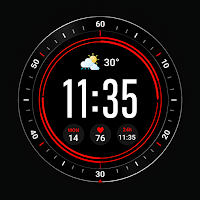
Red Black Watchface
Stylish red and black watchface with a bold modern design and smooth performance
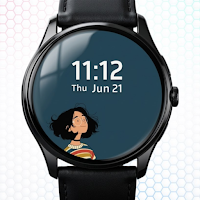
Daily Mood Watch Face
Track your daily mood with a stylish and interactive watch face.
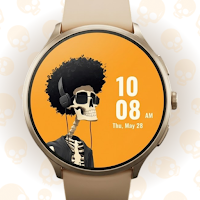
Skull Display Watchface
Bold skull-themed watch face with a sleek dark design
Midnight Orbit Watch Face
Futuristic space-inspired watch face with a sleek midnight theme and design
Calm Horizon Clock Watchface
Peaceful horizon-inspired watch face with a clean modern aesthetic design
