About Textanzeige
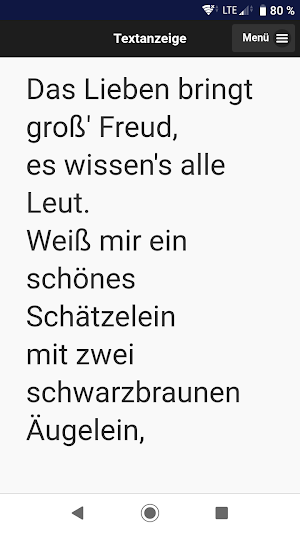
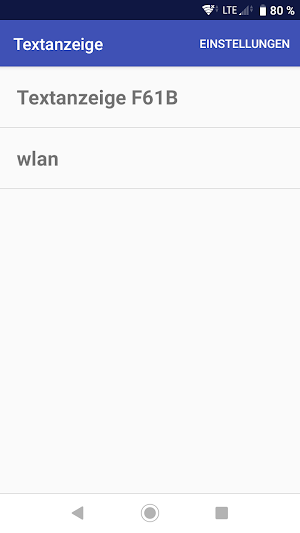
The app connects to the text display WiFi network and displays a local website with the song lyrics.
Hints:
If you have connection problems, first connect the WiFi network of the text display via the Android WiFi settings and then via the app. If asked that there is no Internet access, keep the connection.
If the song lyrics fail on Samsung devices, then disable the following setting.
Android Settings-> Connections-> WLAN/WiFi ->
Intelligent Wi-Fi -> Detect suspicious networks
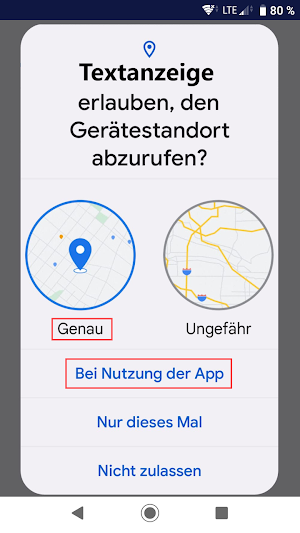
From Android 8 upwards the location have to be activated so that a WiFi connection can be managed via the app. Therefore, the authorization question for the device location (precisely when using the app) comes up during installation and you have to allow it. The location is not queried by the app and we do not collect any user data or statistics through the app.
Similar Apps

Yubii Home
Introducing the new Yubii Home app, combining the latest home automation trends...

Smart Home Collection
The SHC hub and App has been re-designed to embrace the architecture...
QR Scanner Pro
QR Scanner Pro is a fast, secure, and versatile QR code tool...

MyHealthMate: Active Lifestyle
Are you ready to improve your lifestyle?You can now easily plan your...
Smart TV Remote Control
Turn your Android phone into a Universal TV Remote Control and replace...

ecobee
Imagine what home can be. An ecobee home learns and adapts based...
