Gaming Console Remote Control
Gaming Console Remote Control: fast, easy universal remote for game consoles.
About Gaming Console Remote Control
Turn your phone into a powerful Gaming Console Remote Control with a fast, simple, and reliable universal remote experience.
Control supported devices using your phone’s IR capability with a clean interface built for quick access and smooth performance.
Supported Gaming Console Brands
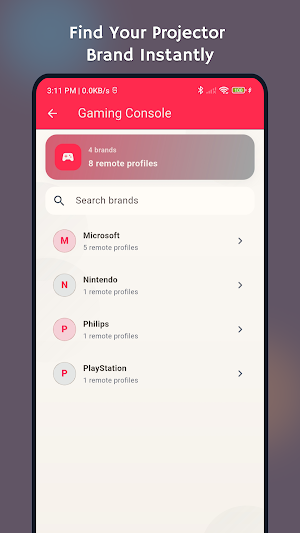
- Microsoft / Xbox
- PlayStation
- Nintendo
- Philips CD-i
Why users choose Gaming Console Remote Control
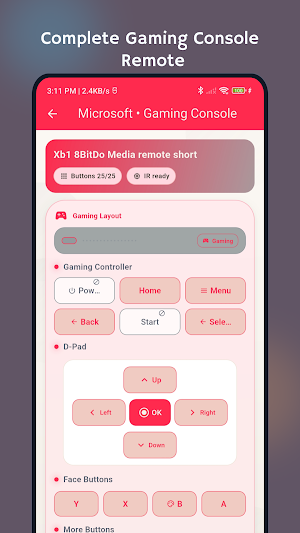
- Easy-to-use gaming console remote layout
- Fast response and smooth navigation
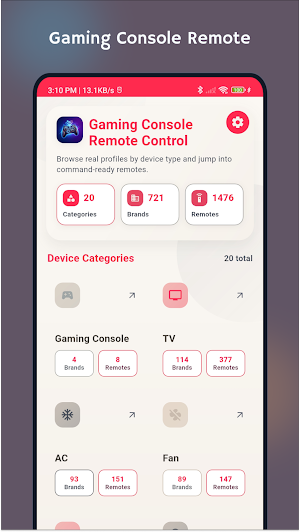
- Organized categories for quick device selection
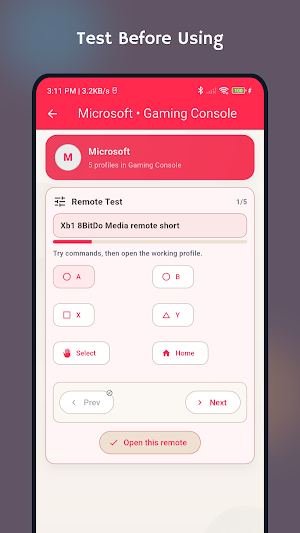
- Multiple remote profiles for supported brands
- Lightweight app with stable performance
Key Features
- Universal remote control for gaming console categories
- Brand and model-based remote profile selection
- One-tap access to essential control buttons
- Updated branding, launcher icon, and privacy policy
- Ongoing updates for quality and compatibility
How to use
1. Open the app
2. Choose Gaming Console category
3. Select your brand and remote profile
4. Start controlling your device
Important
- Your phone must support IR blaster hardware for direct IR control.
- Compatibility depends on your device model and available IR profiles.
If you’re looking for a reliable remote control for gaming console devices, Gaming Console Remote Control is built to make control fast and easy.
Similar Apps
Universal Fan Remote Control
Universal remote for fan control with real fan remote profiles & easy navigation

Bluray Remote Control
Universal Blu-ray Remote — control playback, menus, apps & settings easily.
Universal DVD Player Remote
Turn your phone into a universal DVD player remote.

Screen Mirroring for Roku
Screen mirroring to Roku TV. Cast videos, photos, music, web & use the remote.

IP Network Scanner - NetRadar
Scan your Wi-Fi, test speed, ping hosts, and check open ports — all in one app.

DNS Changer
Change DNS instantly. Block ads & trackers. Browse safely & private.
