StoryFont for IG Story
Add a touch of creativity to your story by using different fonts of Story Font.


About StoryFont for IG Story
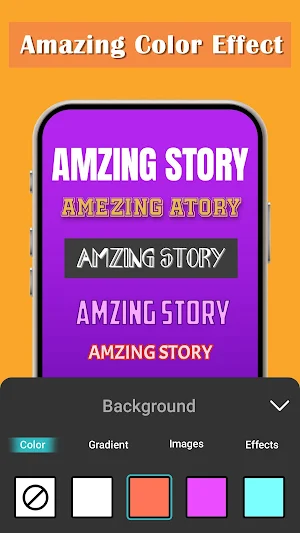
Story Font allows you to add stylish and unique fonts to your story. With Story Font, you can create your own images by entering your own text. It allows you to add background colors, gradients, and images to your text. In addition, you can apply effects such as shadow, radius, and opacity to your created images.
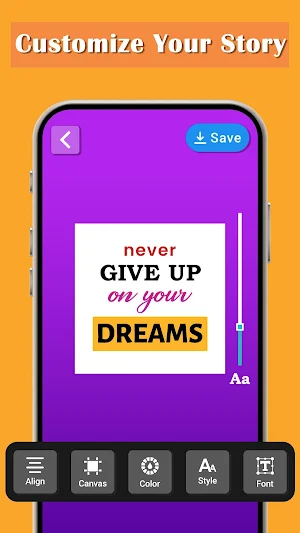
By using Story Font, you can enter your own text and customize it with a unique font style. It also enables you to align your text as it provides letter spacing and line spacing features.
Story Font for IG Story is an application that is easy to use and allows you to customize the size and placement of your text. Once you've created images by adding your own text, tap the save button to save the images to your camera roll. To make your love story font more creative, simply select them from a camera roll and add them to your story.
Key Features:-
➤Enables you to create your own images by adding your own text
➤Allows you to modify text colors, gradients, and images
➤Ability to change the font style
➤Enables you to apply effects to your created images
➤It is available for free download
➤User-friendly application to enhance your story
Story Font is an application that makes your words look awesome. Download Story Font for Instagram now and bring your words to life – where every font tells a story!
Similar Apps
iOS Emojis For Android
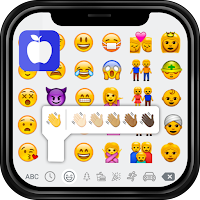
Replace your default emojis with iPhone emoji using iOS Emojis for Android App.
iOS Emojis For Story
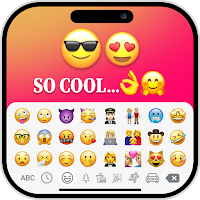
The iOS Emoji's for Story app allows you to create images with iOS Emoji.
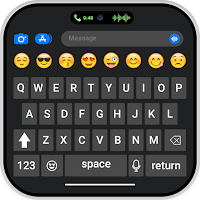
iPhone Keyboard iOS Emojis
Switch to iPhone emoji keyboard and enjoy the wide range of IOS emojis.

iPhone Emoji Highlight Cover
Create stylish highlight covers using our iPhone Emoji Highlight Cover Maker.

Nokia Launcher - Nokia 1280
Memories of the past with the Nokia 105 launcher, Nokia 1280 launcher app.

StandBy iOS Always On Display
Want to have a display clock like iphone then use standby mode always on display
