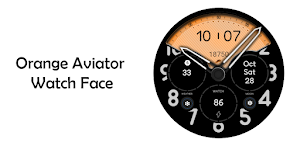
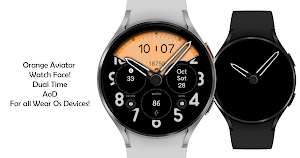
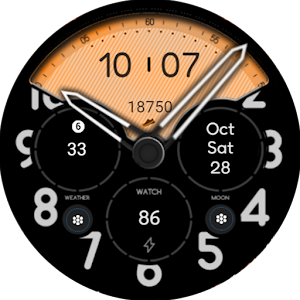
About Orange Aviator Watch Face
Try it to make sense.
Supported devices : All Watches which have Wear OS
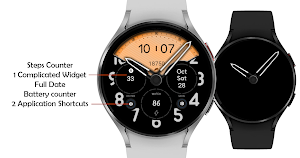
Complicated Widgets and Shortcuts
You can find me at telegram :
https://t.me/TRWatchfaces
Watch face installation notes on smart watch:
Phone app serves only as a placeholder to make it easier to install & find the watch face on your Wear OS watch. You have to select your watch device from the install dropdown menu.
If you download the helper directly with the phone , you need to open application and touch on the display or the download button. -> will start to install on the watch.
A wear os watch need to be connected.
If not working in that way , you can copy that link into your phone chrome browser and click on arrow down from right , and you choose the watchface to install.
If you have problems , please contact me on [email protected]
Features :
Battery friendly
Simple and cool design
Battery indicator
Date
Big Clock Dual Clock
Complicated Widgets and Shortcuts
Steps Counter up to 20000 steps.
AoD
Try to see others designs on my channel :
https://www.instagram.com/turcuraduwatchfaces/
Or in my google profile.
Similar Apps
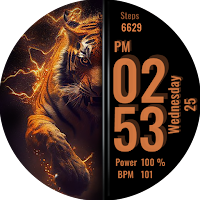
Tiger Fire Watch Face
Try it to make sense.Supported devices : All Watches which have...
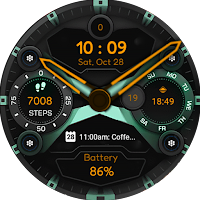
Fresh Green Watch Face
Try it to make sense.Supported devices : All Watches which have...
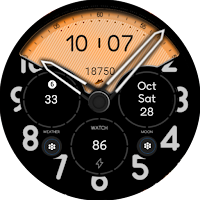
Orange Aviator Watch Face
Try it to make sense.Supported devices : All Watches which have...
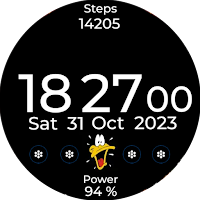
Duck Watch Face Wear Os
Try it to make sense.Supported devices : All Watches which have...
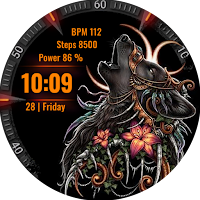
Tribal Wolf Wear Os Watchface
Try it to make sense.Supported devices : All Watches which have...
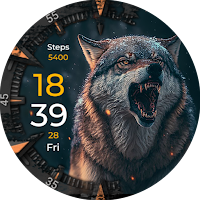
Wolf Luxury Wear Os Watchface
Try it to make sense.Supported devices : All Watches which have...
