Sensor Test: Device & Hardware
Test phone sensors and check hardware before buying a second hand phone.
About Sensor Test: Device & Hardware
Sensor Test: Device & Hardware helps you check your phone’s built-in sensors and selected hardware features using live readings and guided functional tests. It is useful when inspecting a used phone before buying, preparing a device for sale, checking a phone after a drop or repair, or investigating a feature that does not seem to work correctly.
Test phone sensors and hardware
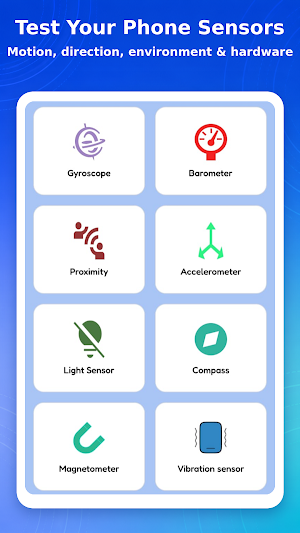
Choose a test from the dashboard and follow the on-screen instructions. Available tests depend on the sensors and hardware included by your phone manufacturer.
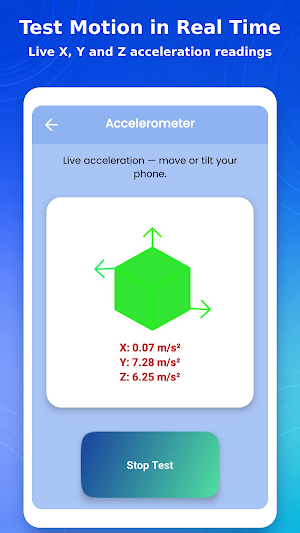
• Accelerometer
View live X, Y and Z acceleration values while moving or tilting your phone.
• Gyroscope
Check live rotational movement around the X, Y and Z axes.
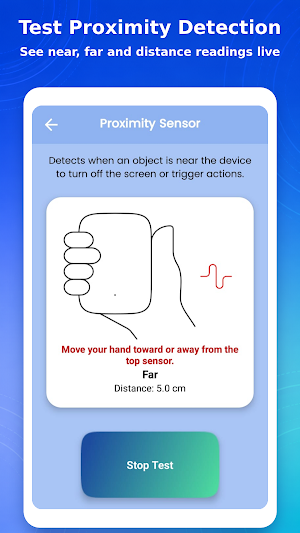
• Proximity sensor
See Near or Far status and the detected distance from the top sensor.
• Light sensor
View ambient-light readings in lux and check how the sensor responds near a light source.
• Compass
View the current heading in degrees and its cardinal direction.
• Magnetometer
Check magnetic-field readings used by compass and orientation features.
• Barometer
View atmospheric-pressure readings when a pressure sensor is available.
• Rotation vector
Check orientation changes reported by your device’s rotation sensor.
• Vibration
Start and stop the phone’s vibration motor to confirm that it responds.
• Microphone
Record and play back a short audio sample to check basic microphone input.
• Camera
Open a live camera test to confirm basic camera access and response.
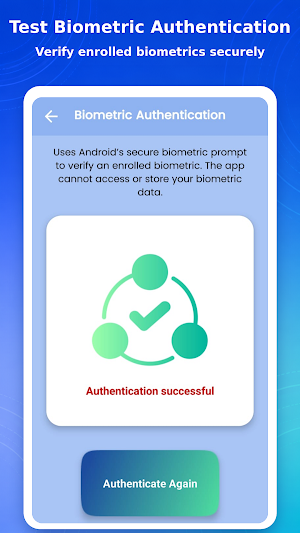
• Biometric authentication
Use Android’s secure biometric prompt to verify an enrolled fingerprint or other supported biometric. The app cannot access or store your biometric data.
• Battery information
View the current battery percentage and charging status.
Why use Sensor Test?
• Inspect a used or second-hand phone before buying
• Check a device before selling or handing it over
• Investigate possible sensor problems after a drop
• Recheck hardware after a screen or component repair
• Test a new phone for basic hardware issues
• Understand which sensors are available on your device
How to use sensor test app
Open Sensor Test: Device & Hardware.
Choose a sensor or hardware test from the dashboard.
Start the test and follow the on-screen instructions.
Move, rotate, cover, illuminate, record, or authenticate as requested.
Review the live reading or functional response.
Sensor availability and results
Phone models contain different combinations of sensors. If a sensor is not included in your device, the app reports it as unavailable instead of presenting a false reading.
Values and accuracy depend on the hardware, calibration, Android version, and manufacturer implementation. The app reads data provided by your device and does not change system settings. Results are intended as practical functional checks and are not a replacement for professional repair diagnostics.
Use Sensor Test: Device & Hardware to check phone sensors, inspect basic hardware functions, and better understand how your device responds.
Similar Apps

Building Tools
Tools™ helps prevent costly mistakes and maximise efficiency

Ajax PRO: Tool For Engineers
App for professional Ajax system installation, configuration, and maintenance

PDK Access by ProdataKey
Mobile access, trusted security—unlock doors with your phone.

Simpro Mobile
Connect the field to the office with Simpro Mobile and enhance team efficiency.

CPU Monitor - temperature
Monitor the CPU temperature and frequency real time

Castro Premium - system info
Learn the vast amount of system information about device and monitor it's state


