MirrorCast for android to TV - Screen Mirroring
Screen Casting app make your smartphone able to Display on the big widescreen
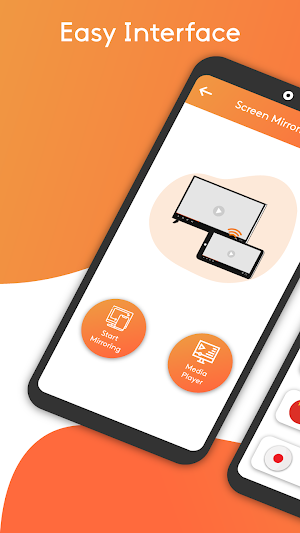
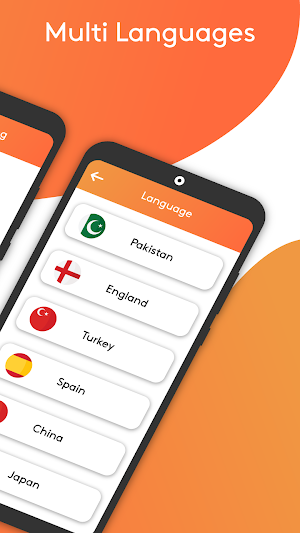
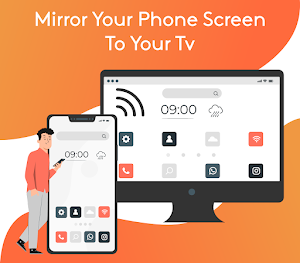
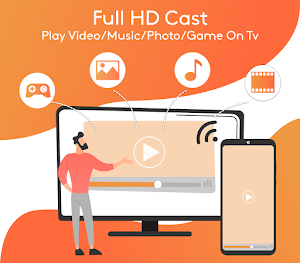
About MirrorCast for android to TV - Screen Mirroring
Are your eyes tired of looking at the phone screen??? Do you have a movie plan with family and the movie is on the phone??? Are you afraid of losing your sight by looking at too much phone screen???
If you are not having fun by looking at your small primary phone screen, you will get a great big-screen phone experience by connecting your phone to a TV screen with a screen mirroring app. It is difficult to see videos or movies on the small screen with family even alone too, but it is all easy to do through the screen mirror app. Here is the solution to these all tensions, Screen Mirroring App helps you to move your phone screen on the LED TV Screen. So you can enjoy movies etc on the big screen, also enjoy your phone's more content on the big screen.
Share screen from Screen Mirroring App and watch live steam matches from your android mobile on smart TV Screen.
Connect your android phone with Smart TV by the screen-sharing app, and enjoy it on a larger screen. Your Smart TV should support wireless display for using Screen mirroring highlights. Your Smart TV must be connected to the same wireless network with which your Smart Phone is connected for Screen Mirroring. You can play video on Mobile screen and share mobile screen to TV and videocast on TV.
Usage of Screen Casting App:
Images:
You can watch memorable pictures with your family and friends through the screen mirror casting app.
Videos:
Enjoy the best movements while watching a movie or other videos with family just with Share Screen App
Audios:
Listen to your favorite music audios on the big screen for clear base audio.
YouTube:
Connect your phone screen to Smart TV and watch anything on YouTube directly on the wide display.
Facebook:
Even use Facebook on the big TV screen with real screen mirroring apps.
Games:
Play Games on your mobile and get display on your smart TV by a Smart mirroring app.
Browse:
Anything you want you can browse on your wide display.
Key Features:
★ Very simple and easy to use and operate.
★ Works fast in Real-time to access the nearby devices and connect.
★ Video conferencing.
★ Simple profile-based interface - easy to enable/disable different profiles for different types of displays.
★ Browse the real Web on your TV, Show desktop sites in Chrome.
★ Slide show Presentation.
★ Control the app in Any language / Over 20 languages are added to be used.
Permissions:
Location:
This permission is required to access the nearby devices for screen mirroring.
How To Use:
Install the screen Mirroring app App and open it,
Click on the GET STARTED button,
Click on the Casting button,
Choose your Smart TV device for casting the phone screen and connect with it,
Now play your favorite videos, photos, movies, or watch Youtube, etc live.
Enjoy the mirroring amazing features.
If you like our Screen Casting application then share your good comments with us and if you want to give us the improvement suggestions then sent your valuable suggestions to [email protected]
Similar Apps
Walkie talkie Radio Intercom
The walkie-talkie is a free wi-fi calling app, with the free walkie-talkie...
Touch Disable, touch screen bl
Have you ever been in a situation where you have been irritated...

Diet Planner, Calories Counter
Are you looking for a weight loss fitness app? Home fitness for...

Fitness Planer Weight Loss
The Diet plan calories tracker is a tool for nutrition tracking, walking...
Phone Clone, Files Transfer Ap
Buy a new phone with great excitement and you do not have...
Frequently Asked Questions (FAQ)
How can I watch movies and videos on a bigger screen?
Can I share my phone screen on a Smart TV?
What are the key features of the Screen Casting App?
Do I need any permissions to use the screen mirroring feature?
How do I use the Screen Mirroring app?