Touch Disable, touch screen blocker, Toddler Lock
Toddler Lock stops your kids from messing with your phone as watching cartoon
About Touch Disable, touch screen blocker, Toddler Lock
Have you ever been in a situation where you have been irritated due to the accidental clicks when the phone is in your pocket? Do your children take wrong steps by touching different screens of your phone? Here is the key to your all problems in one place.
Touch Disable is an application for commuters, Students, Business (Men/Women), elders, and anyone who has a finger trembling disability would find it useful because it allows them to enjoy their device's display without interruption by preventing unintended operations on the touch screen and buttons.
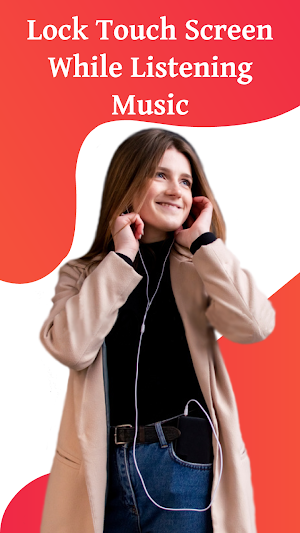
This screen locker helps you to disable your mobile touch screen while listening to music or watching videos. Touch Protector is a touch disabling app to prevent unintended operations on the touch screen.
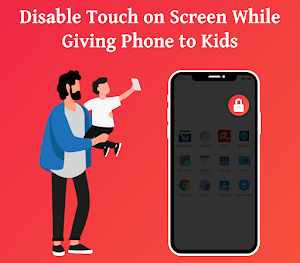
When kids are using your phone and you are worried about your phone balance or important data, so there is no need to worry anymore because the lock Screen App is here to help you.
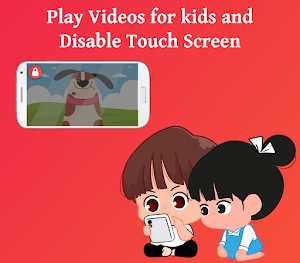
Toddler Lock will disable the screen for kids when they are watching a cartoon or a movie etc. they will not be able to back from this on-screen to disturb your important things.
Key Specialties :
● Start the app service with a single click or Stop with a double tab.
● Touch Disable app provides you best touch disable mode for children.
● Block Touch when your child is playing with your phone to prevent unwanted screen touches.
● Block Screen Touch while you're watching videos or streaming.
● Listen to music with a screen lock to save battery.
● Touch Disable Lock for android.
● Lock touch screen when your child is watching some baby video or running a toddler app.
● Automatically shows a floating lock icon over the video player, so that you can easily lock touch input.
● Also you can block the touch screen from the lock icon showing on the phone screen.
● Customize just as you need by go to the Setting.
● You can select the double, triple or quadruple Tabs option for security reasons.
● You can Also disable the floating button if you want to lock the touch just from the notification panel.
How To Use Touch Disable App :
✓ Install the Touch Disable App
✓ Open The application
✓ Click on the START button
✓ Choose the Unlock Option, Pattern/ Pin Lock/ None
✓ Press the confirm button
✓ Open Draw over other apps option and give permission
✓ Now clicks the DONE Button
After these all settings you will see a small lock on the top of your phone screen, just click that LOCK ICON to block the screen touch.
To Open the Touch Screen double tab on the UNLOCK ICON showing on the screen with dim color effect, and the touch screen will be open with the Pattern/ Pin Lock/ None.
Permissions :
Touch Disable Application requires the permission to Draw over other apps, by allowing this permission you will see a notification in the notification panel.
LIMITATIONS :
✓ Due to the Android Policy, The device's power button(lock button) cannot be blocked.
✓ To disable touching soft keys, you must enable accessibility permission first.
So enjoy this interesting Touch Blocker Application with amazing features. If you like our Kid lock app kindly gives us your valuable review.
Similar Apps
Touch Block Free - screen , to
This app is to prevent unintentional touches on devices with bezel-less screens.Places...
Touch Lock - screen lock
Touch Lock Lite is lightweight version and a popular app beloved by...
KinScreen: Screen Control
Do you find yourself poking your screen to keep it from turning...
Gravity Screen - On/Off
It turns automatically the screen off when you put your phone into...